If you find the CPU utilization is high when using MongoDB, you can troubleshoot the problem as follows:
1. Check whether your database operation is too frequent.
Log in to the TencentDB for MongoDB Console and view the QPS on the system monitoring page. If the QPS is high, you may evaluate whether the instance needs to be upgraded. If the QPS is not high, check whether there are any slow queries.
2. Check whether there are slow logs on mongod.
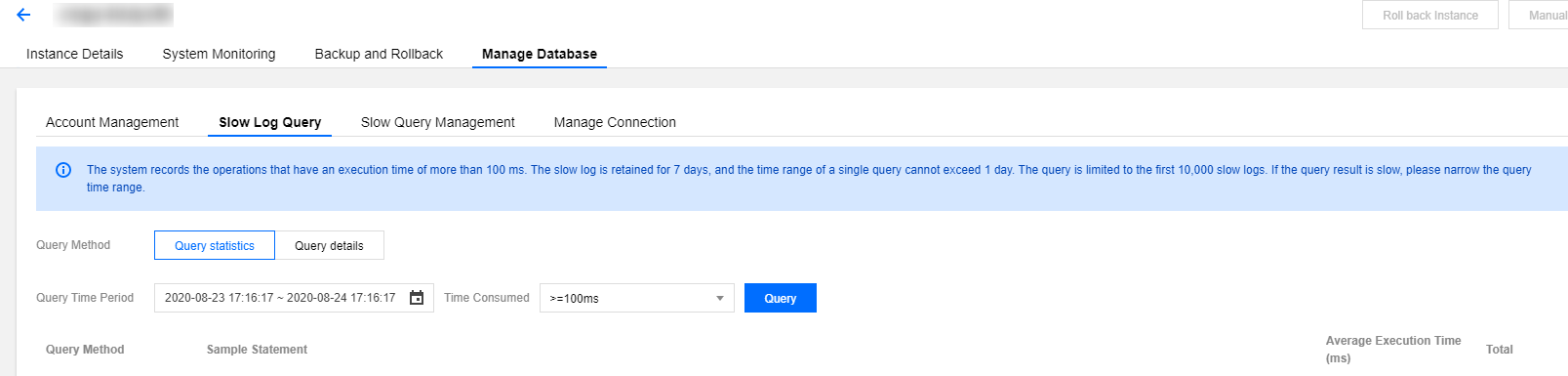
Log in to the TencentDB for MongoDB Console and view the slow logs of the instance by using "Query statistics".
Pay attention to keywords such as command, COLLSCAN, IXSCAN, keysExamined, and docsExamined. For more log descriptions, please see Log Messages.
command indicates an operation recorded in a slow log.
COLLSCAN indicates that a full-collection scan is performed. IXSCAN indicates that an index scan is performed. For descriptions of other fields, please see Explain Results.
keysExamined refers to the number of index entries scanned. docsExamined refers to the number of documents scanned. Larger keysExamined and docsExamined values indicate that no index is created or the created index is less distinctive. Please check the fields for which an index is created.