This document describes how to quickly create a dashboard.
Overview
Dashboards provide users with a custom monitoring dashboard service, which allows them to customize basic metrics and monitoring metrics across products and instances in order to display the resources of a business or cluster in one place.
2. In the left sidebar, click Dashboard > Dashboard List.
Step 1: Create a Dashboard
On the Dashboard List page, click Create Dashboard in the upper-left corner.
Step 2: Create a Monitoring Chart
1. On the New Dashboard page, click Create Chart.
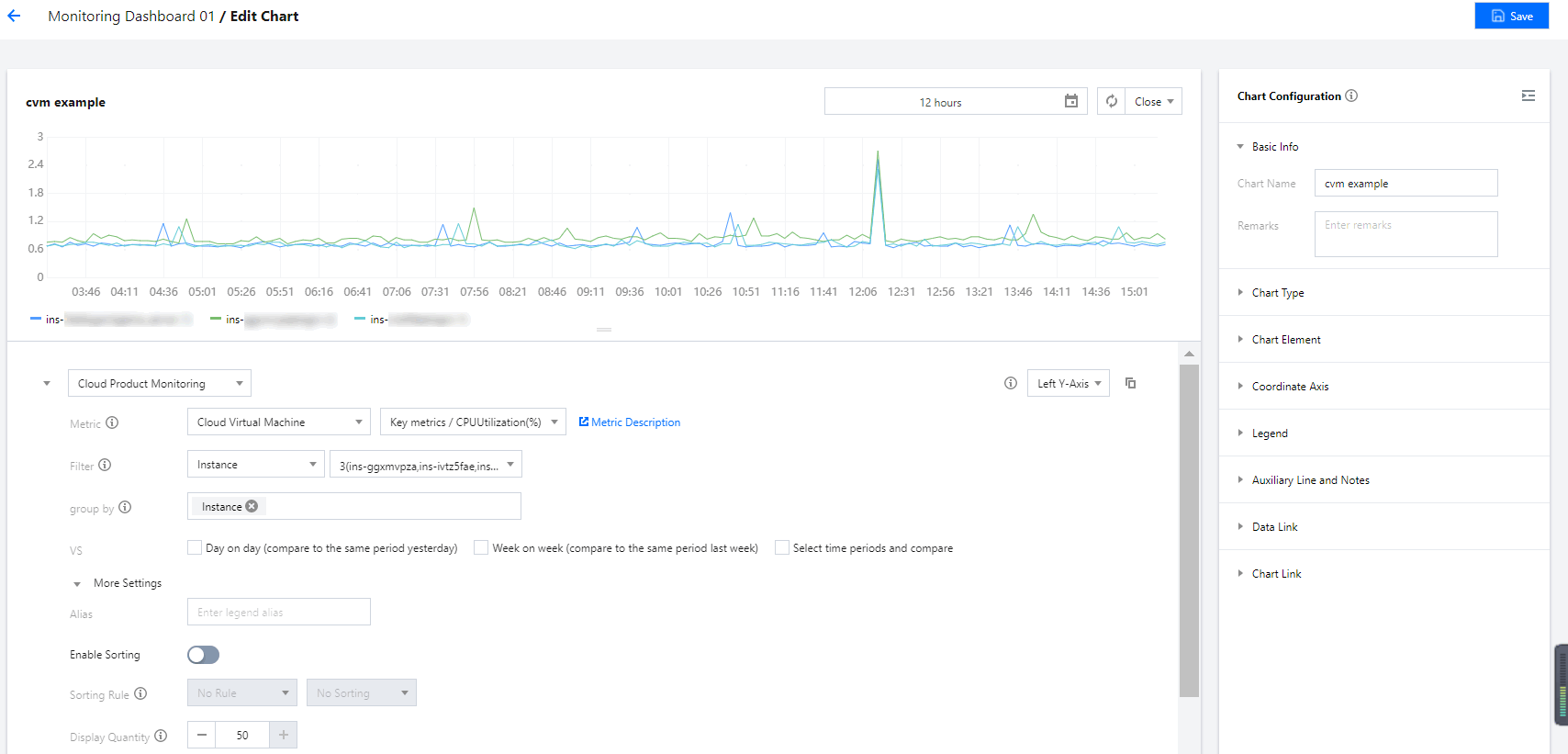
2. Set the metric information from below the chart and customize a chart name on the right of the chart. After this, click Save in the upper-right corner. For more information, please see Step 1: Create a metric.
Step 3: View the Monitoring Chart
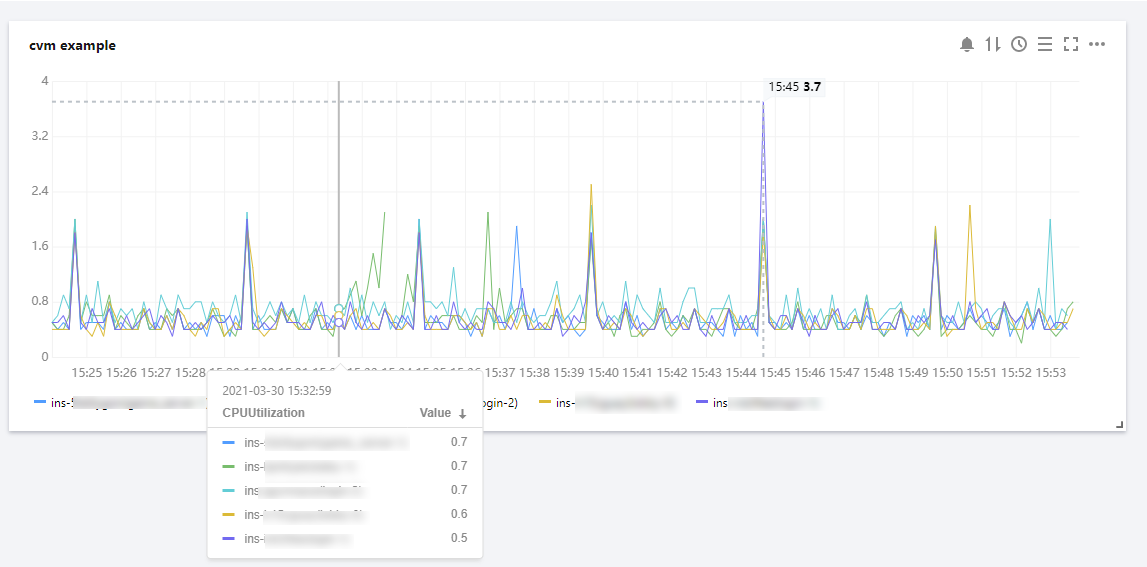
After creating the monitoring chart, you can view it on the dashboard management page.
Note:
For more information about dashboard settings, please see Dashboard in the operation guide.