1. Log in to the Auto Scaling console and click Scaling group in the left sidebar.
2. Click the ID/Name of the scaling group to be modified to enter its details page, as shown in the figure below:
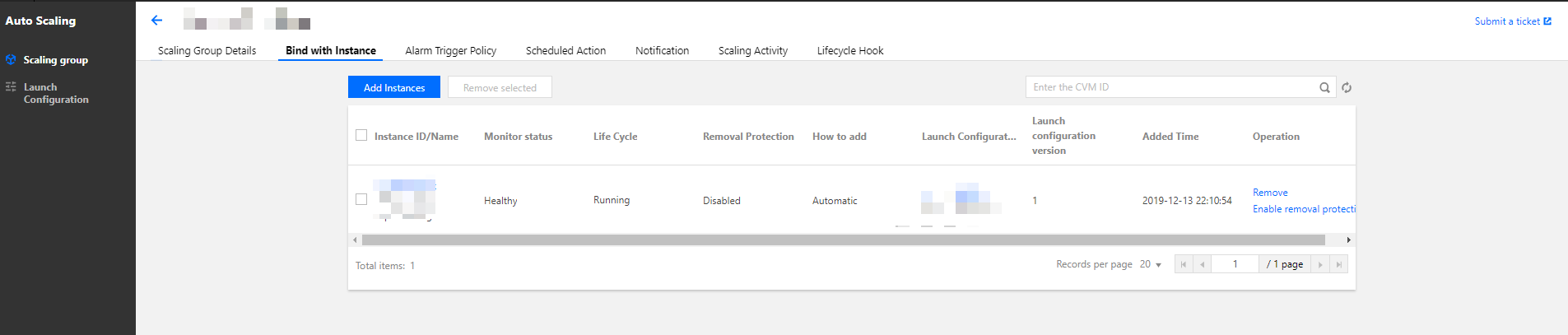
3. Select the Bind with Instance tab where you can view the list of CVMs that are bound to the scaling group, as shown in the figure below:
To manually add CVM instances to the scaling group, click Add Instances, select the instance to be added (hold the Shift key to select multiple instances) and click OK.
To unbind a specific CVM, click Remove under its Operation column.
Note:
CVMs that are automatically created in scale-out event will be terminated when they’re removed from the scaling group.
CVMs that are manually added will not be terminated upon removal. They will only be removed from the scaling group, and the Cloud Load Balancer will be unbound.