Collection and Configuration FAQs
Download
포커스 모드
폰트 크기
How to Collect Complete Log Content Using Full Regular Expression Configuration?
In the raw log, the complete log format is as follows:
2019/11/18 03:32:31 [error] 20803#0: *492368812 FastCGI sent in stderr: "Primary script unknown" while reading response header from upstream, client: 191.12.201.78, server: run.sports.qq.com, request: "GET /999tst999?g_tk=1514204808&p_tk=OpWB6XOF96f2rlAApXgJE50ziHV596xlQ99lEenfZyY_ HTTP/1.1", upstream: "fastcgi://127.0.0.1:10000", host: "run.sports.qq.com", referrer: "\\N"
You can extract the corresponding fields using the following regular expression:
([^\\[]+)\\s([^,]+),\\sclient:\\s([^,]+),\\sserver:\\s([^,]+),\\srequest:\\s([^,]+),\\supstream:\\s([^,]+),\\shost:\\s([^,]+),\\sreferrer:\\s([^,]+)
The fields in the formatted raw log are as follows (it is recommended to use regex to build a custom regular expression):
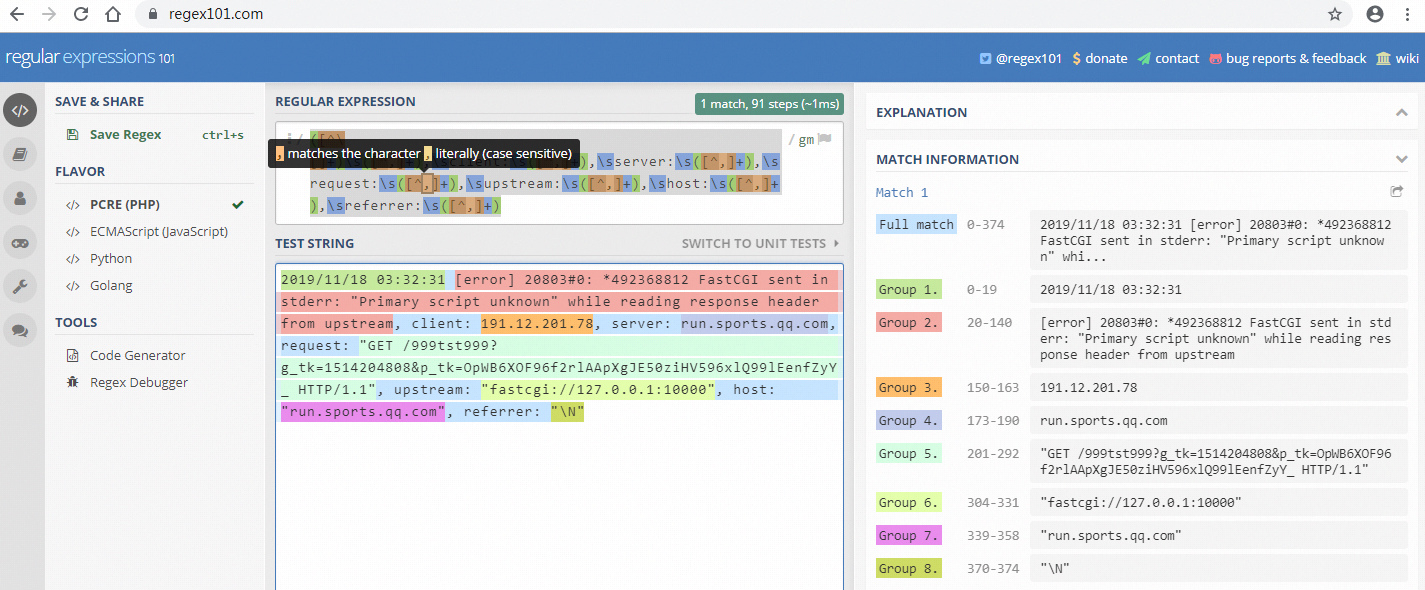
Name the fields in the following order: log_time, content, client, server, request, upstream, host, referrer.
How to Collect Logs When Some Fields Are Missing?
In some cases, the upstream or referrer fields may be missing in the log.
For example, log with no upstream but with referrer:
2019/11/18 04:02:38 [error] 20802#0: *492391323 access forbidden by rule, client: 45.71.63.206, server: admin.sports.qq.com, request: "GET /index HTTP/1.1", host: "admin.sports.qq.com", referrer: "http://admin.sports.qq.com/index"
Or log with no upstream and no referrer:
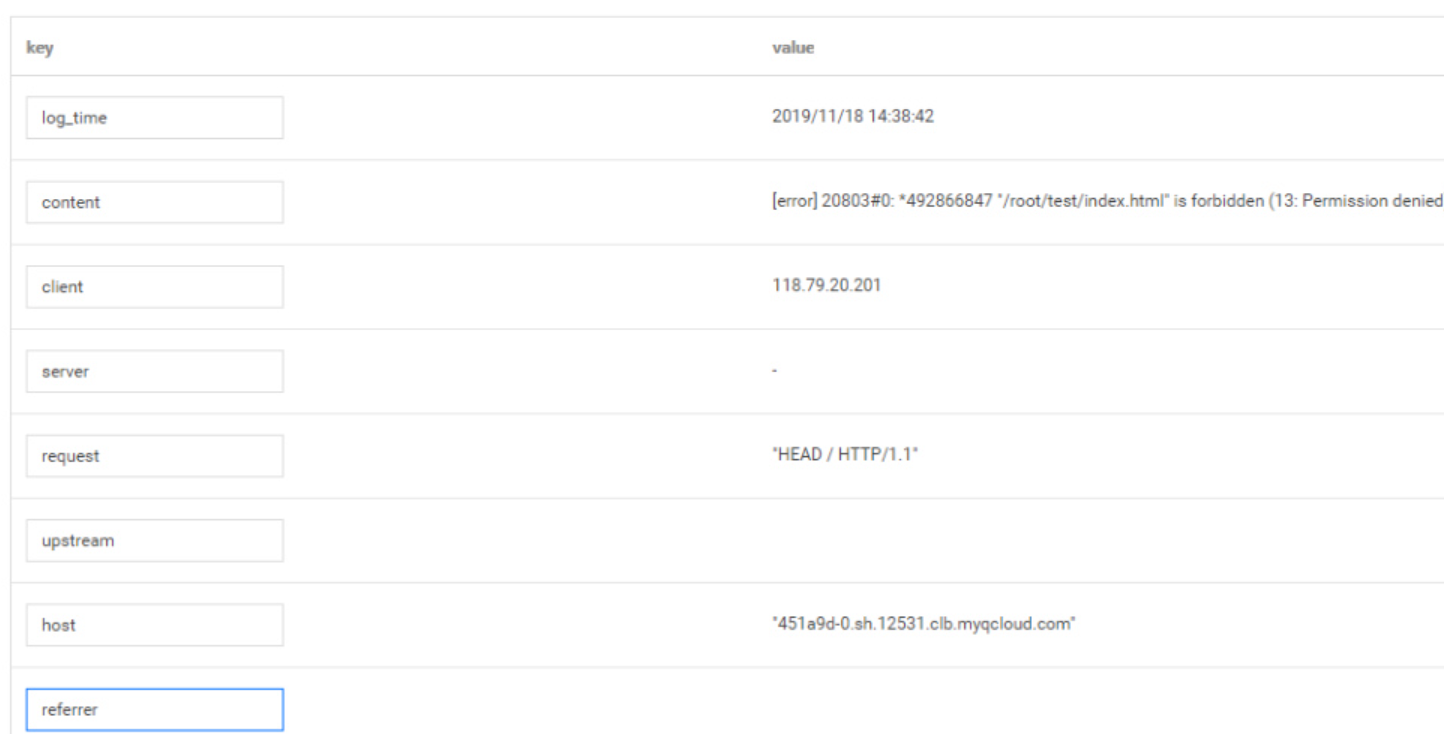
2019/11/18 14:38:42 [error] 20803#0: *492866847 "/root/test/index.html" is forbidden (13: Permission denied), client: 118.79.20.201, server: -, request: "HEAD / HTTP/1.1", host: "451a9d-0.sh.12531.clb.myqcloud.com"
In such cases, the previously mentioned regular expression will not apply.
By using the combination of
non-capturing group syntax (?:x) and zero-or-one quantifier syntax (?) in the regular expression, you can handle scenarios where the upstream and referrer fields are missing, while still ensuring that the capturing group extraction sequence remains consistent.The complete regular expression is as follows:
([^\\[]+)\\s([^,]+),\\sclient:\\s([^,]+),\\sserver:\\s([^,]+),\\srequest:\\s([^,]+)(?:,\\supstream:\\s([^,]+))?,\\shost:\\s([^,]+)(?:,\\sreferrer:\\s([^,]+))?
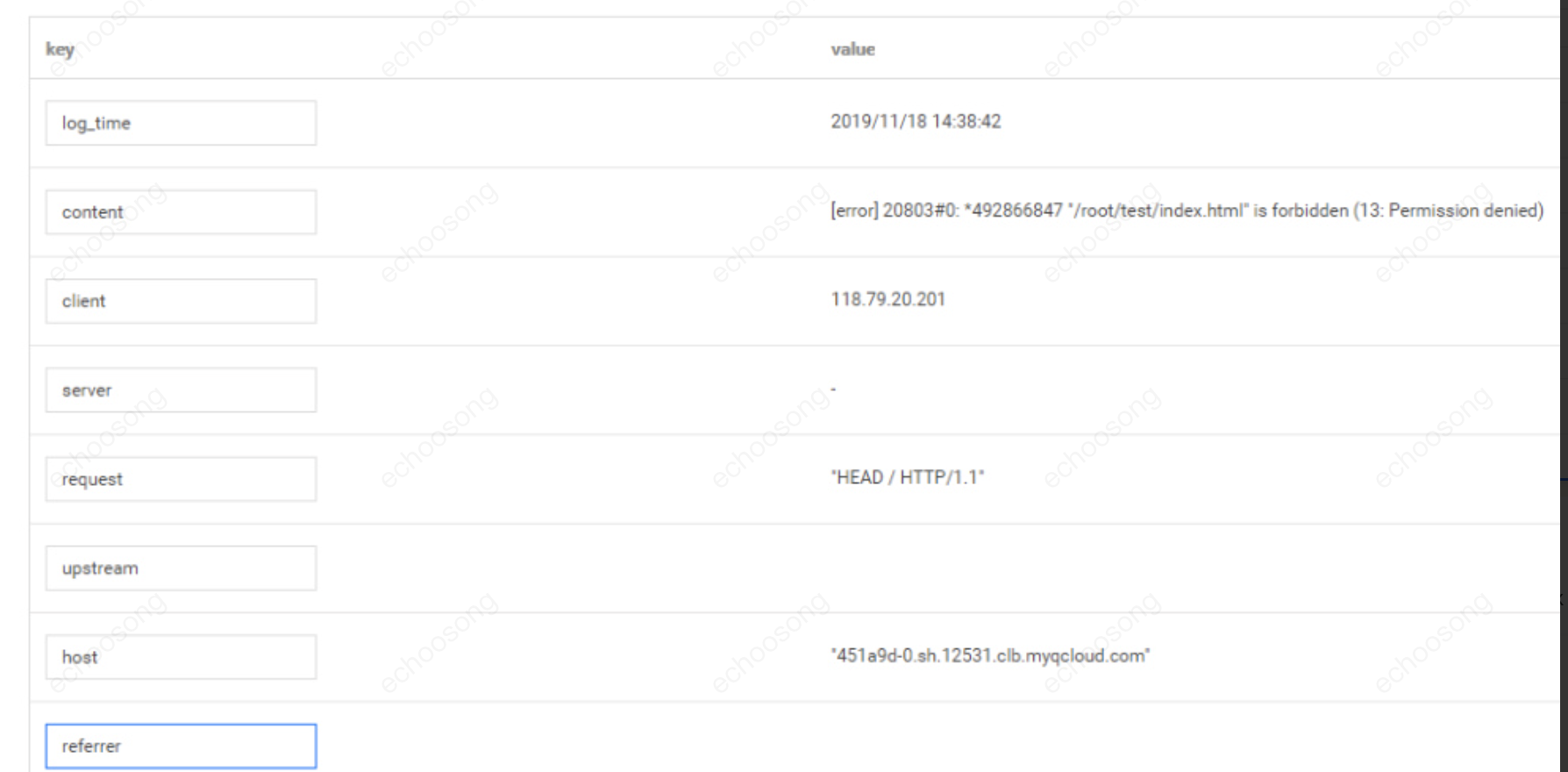
To test logs that lack upstream and referrer fields, the extraction screenshot on the CLS collection page is shown below:
How to Configure Index?
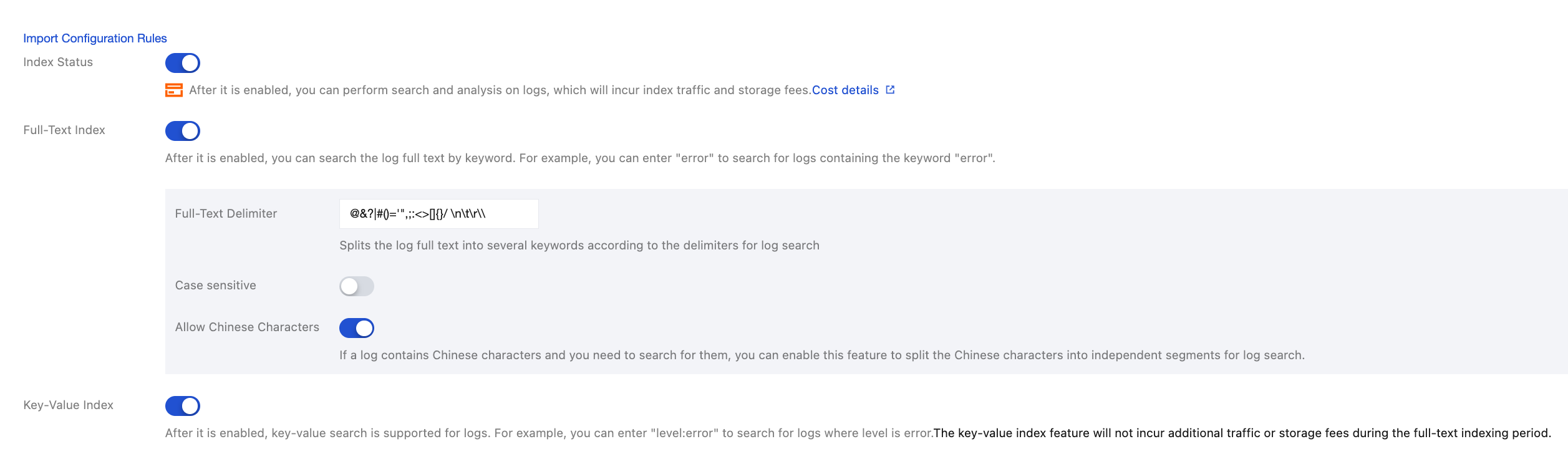
Enable index and configure both full-text index and key-value index.
How to Search Logs?
Search for logs in the CLS console, as shown below.
Search keyword: 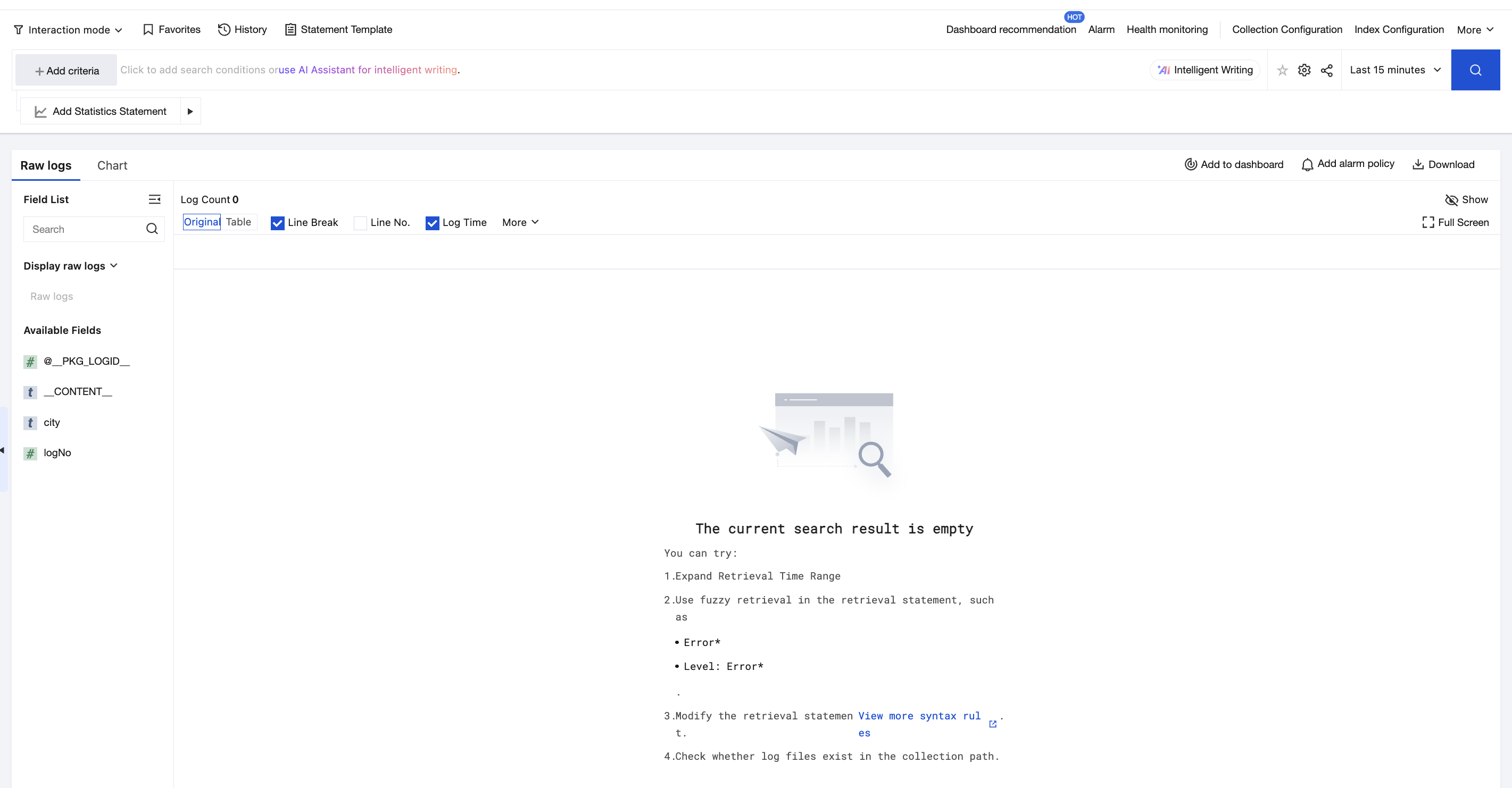
referrer:admin*피드백