2. Select the target cluster in Data Management. Then, click an Index name in the index list to enter the Basic Information page of the index.
Basic Information
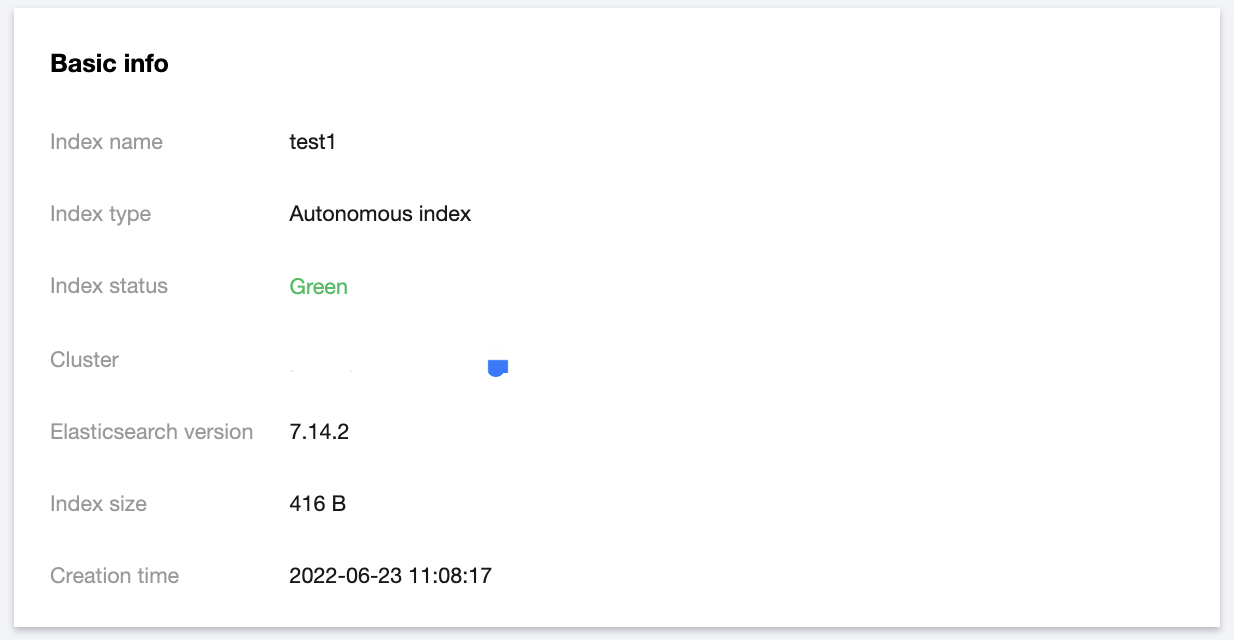
Basic information
The basic information module displays information such as index name, index status, index type, cluster, Elasticsearch version, index size, and creation time. The index size is obtained by adding the size of all backing indices in the index.
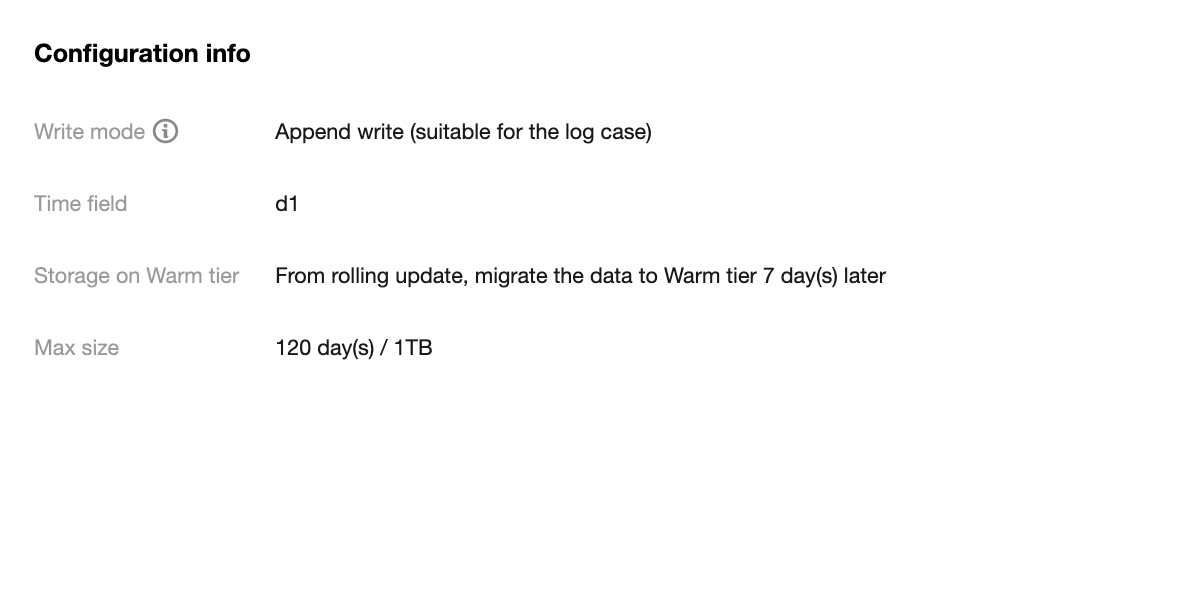
Configuration information
The configuration information module displays information such as write mode, time field, and index lifecycle settings.
Backing index management
You generally don't need to care about backing index, as it is the underlying implementation logic of autonomous index. If you want to pay more attention to and manipulate backup index, see the following:
The backing index management module allows you to view the information of backing indices, including index name, index status, index size, current lifecycle phase, and creation time, as well as delete backing indices.
Note:
The latest backing index in an autonomous index and the backing index being written cannot be deleted.
A rolling update will create a new backing index for the autonomous index. Currently, two rolling update methods are supported:
Automatic rolling update: It is implemented through the built-in feature of the autonomous index. When the rollover cycle condition configured for the autonomous index is met, or when the node of the backing index currently providing the write service fails, the new backing index will be rolled over automatically.
Manual rolling update: It is implemented through the rollover API.