
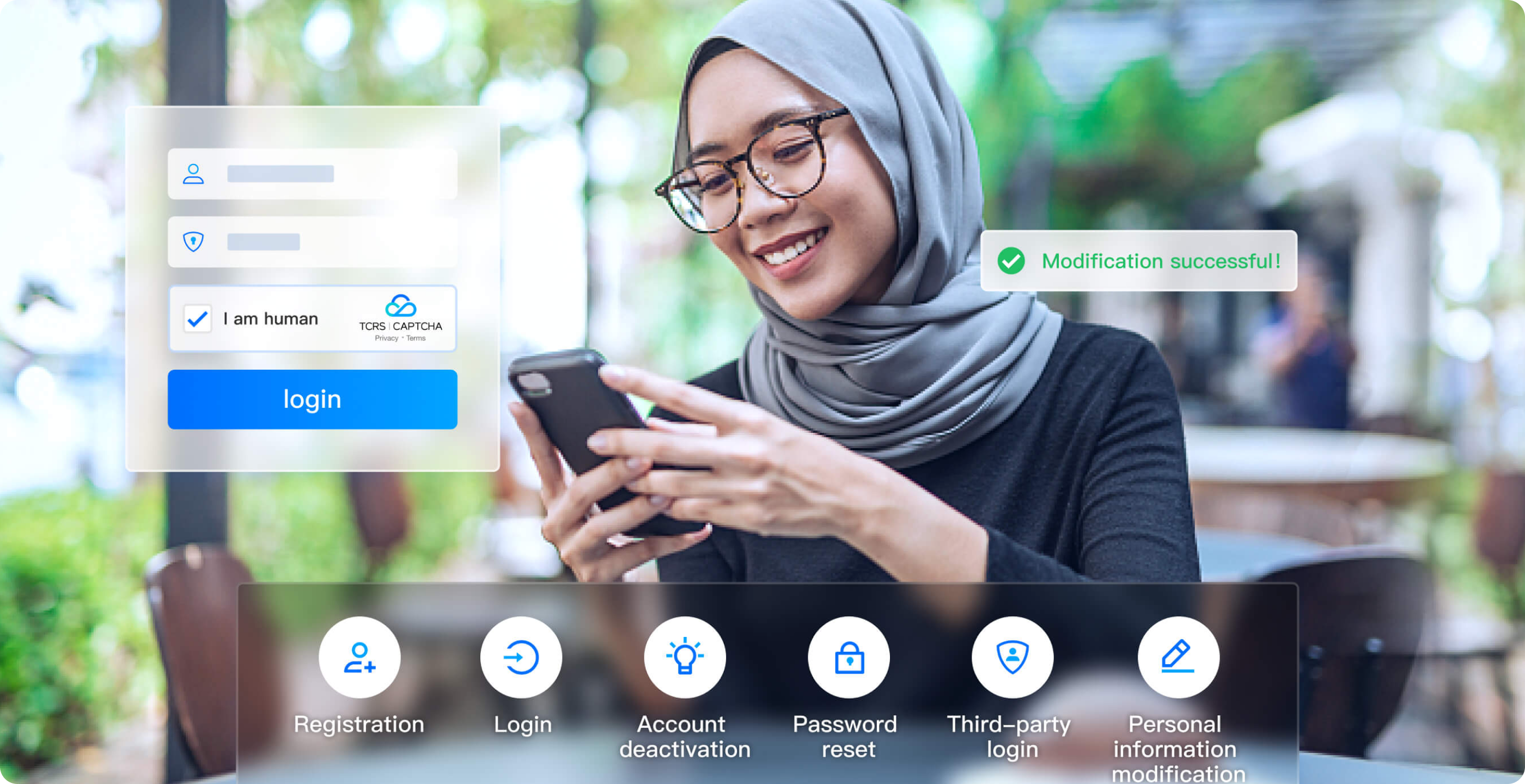
- Registration
- Login
- Account deactivation
- Personal information modification
- Third-party login
- Password reset
- Limited-time discounts
- Coupon retrieval
- Pre-sale events
- Online lucky draw
- Limited stock items
- New user gifts

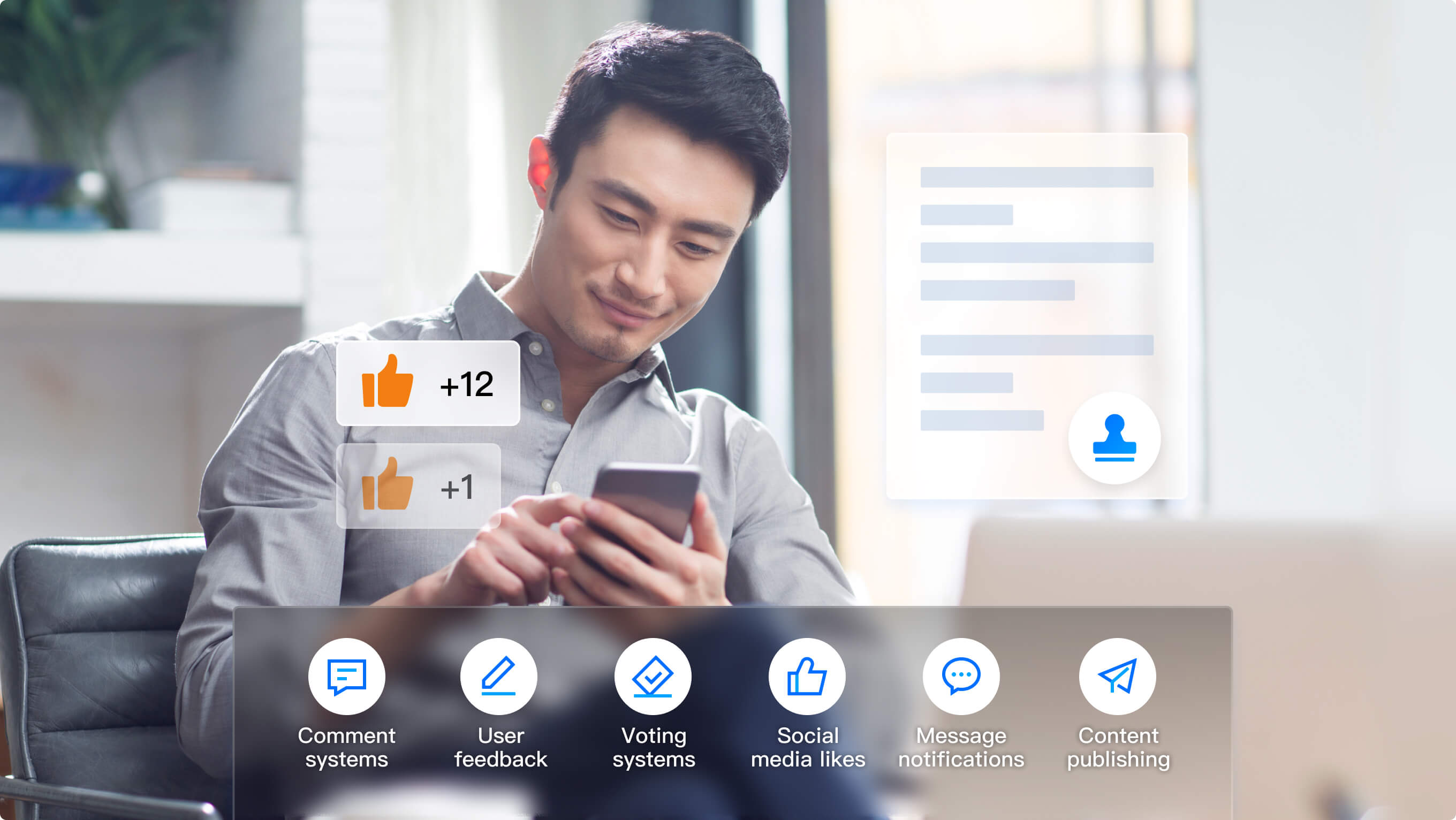
- Comment systems
- User feedback
- Voting systems
- Social media likes
- Message push notifications
- Content publishing
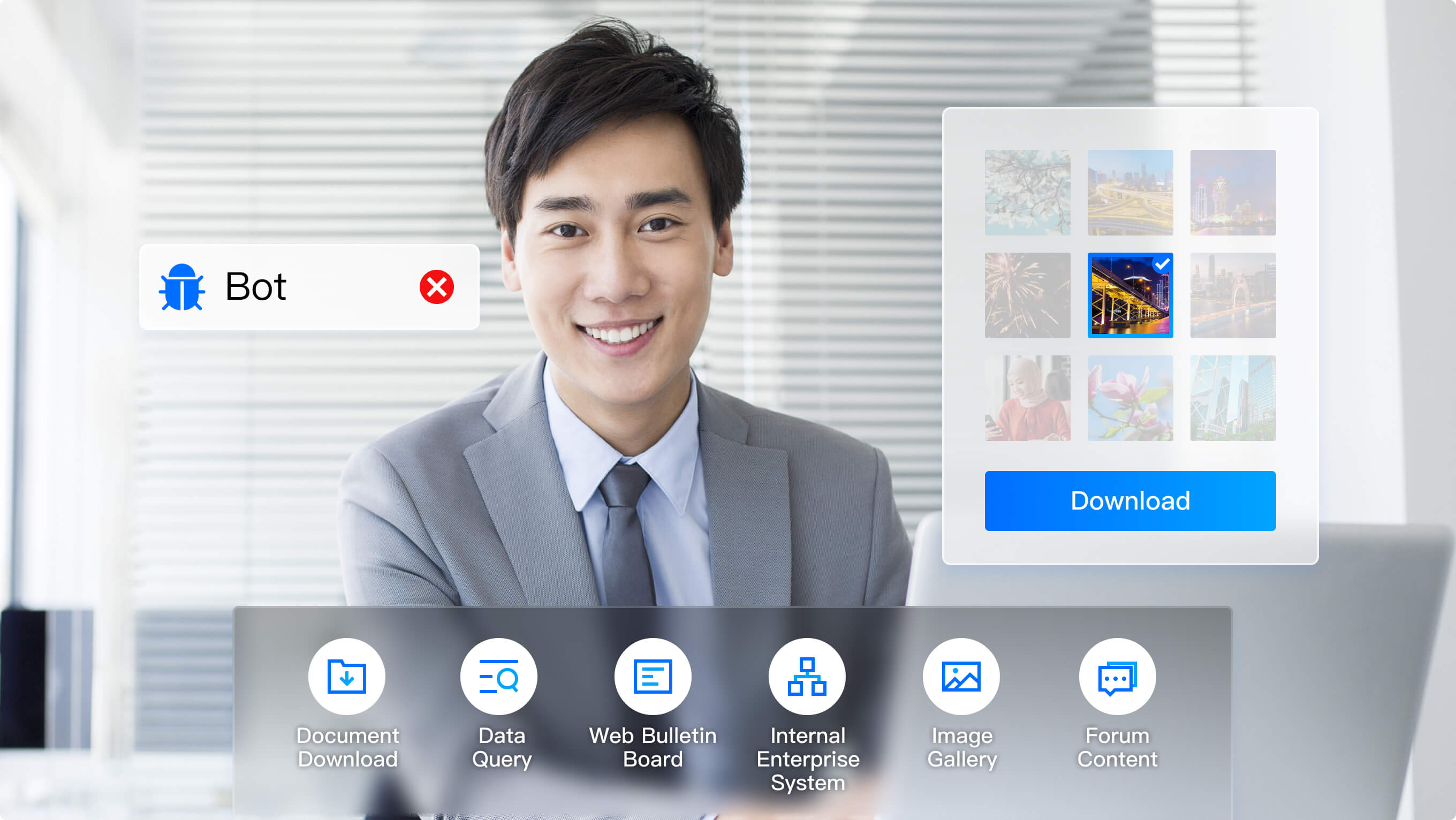
- Document downloads
- Data query
- Web bulletin boards
- Internal enterprise systems
- Image libraries
- Forum content














Frequently Asked
Questions
This is because the CAPTCHA service blocks suspected malicious users. You may have frequently and intensively accessed the CAPTCHA service of the same scenario in the same network environment, resulting in small-scale risk control blocking. Solutions:
1.Perform the test again after 10-20 minutes.
2.Change the IP or device and try again.
3.Log in to the CAPTCHA console, go to the Security Configuration page of the verification, and adjust the malicious request blocking level to Loose.
CAPTCHAs are displayed in the center based on the width and height of the container. CAPTCHAs may be truncated if the width of the container is too wide, causing the incomplete display of the CAPTCHAs. In this case, you need to adjust the pop-up window. In addition, random loading of other webviews may also cause truncation.
1. Integration method: The client integrates to CAPTCHA, but the server does not.
2. Security risks: If ticket verification is not integrated, the black market can easily forge verification results, which defeats the purpose of human verification via CAPTCHAs.
3. Solution: Integrate the server to ticket verification. For more information, please see Integration to Ticket Verification (Web and App).
1. Integration method: When the CAPTCHA on Web/App clients is integrated, dynamic loading of JavaScript is not used. Instead, alternative methods are employed to skip the loading process.
2. Security risks: If the above methods are used, CAPTCHAs cannot be updated and consequently some legitimate requests rather than malicious requests might be blocked, and errors might be reported in the frontend.
3. Solution: Dynamically introduce the CAPTCHA JS. For more information, please see Web Integration.
1. Queries Per Second (QPS) is limited to 1,000 for ticket verification.
2. When QPS exceeds 1,000 for the ticket verification API calls, an error is returned (RequestLimitExceeded).
3. To change the limit, submit a ticket or contact us.
During the verification, ten security protection mechanisms are used to defend against malicious activities of the black market. For more information, please see "Multi-dimensional defense" in Overview.
If you are troubled by black industry attacks and wish to intercept more abnormal requests, it is recommended to log in to the CAPTCHA Console, select the verification to configure, click CAPTCHA Details, go to the Configuration tab, and set the risk control level to: security first. After adjustment, the CAPTCHA service will intercept verification requests with stricter risk control strategies.
CAPTCHA supports 23 languages. Configure the relevant parameters when integrating the client. For details, see Web Integration.
CAPTCHA does not support private deployment.
1. Both the client and server sides have completed the necessary code integration. The earlier version of the CAPTCHA will be billed based on the number of server-side ticket verifications. The new version , 202412 -(TJNCAPTCHA-global.js), will be billed based on the number of verifications initiated after users respond to a verification query. To view verification frequency trends or the number of ticket verifications, log in to the CAPTCHA console, and in the left sidebar, choose CAPTCHA > CAPTCHA Statistics .
2. Log in to the console and go to Cost Center -> Bills -> Bill Details to view the details of the generated bills.
Please check whether the client and server have integrated to the CAPTCHA service as required. After CAPTCHA is integrated into the business client, the business server needs to verify the CAPTCHA ticket. For more information, please see Integration to Ticket Verification (Web and App).
Frequently Asked
Questions
This is because the CAPTCHA service blocks suspected malicious users. You may have frequently and intensively accessed the CAPTCHA service of the same scenario in the same network environment, resulting in small-scale risk control blocking. Solutions:
1.Perform the test again after 10-20 minutes.
2.Change the IP or device and try again.
3.Log in to the CAPTCHA console, go to the Security Configuration page of the verification, and adjust the malicious request blocking level to Loose.
CAPTCHAs are displayed in the center based on the width and height of the container. CAPTCHAs may be truncated if the width of the container is too wide, causing the incomplete display of the CAPTCHAs. In this case, you need to adjust the pop-up window. In addition, random loading of other webviews may also cause truncation.
1. Integration method: The client integrates to CAPTCHA, but the server does not.
2. Security risks: If ticket verification is not integrated, the black market can easily forge verification results, which defeats the purpose of human verification via CAPTCHAs.
3. Solution: Integrate the server to ticket verification. For more information, please see Integration to Ticket Verification (Web and App).
1. Integration method: When the CAPTCHA on Web/App clients is integrated, dynamic loading of JavaScript is not used. Instead, alternative methods are employed to skip the loading process.
2. Security risks: If the above methods are used, CAPTCHAs cannot be updated and consequently some legitimate requests rather than malicious requests might be blocked, and errors might be reported in the frontend.
3. Solution: Dynamically introduce the CAPTCHA JS. For more information, please see Web Integration.
1. Queries Per Second (QPS) is limited to 1,000 for ticket verification.
2. When QPS exceeds 1,000 for the ticket verification API calls, an error is returned (RequestLimitExceeded).
3. To change the limit, submit a ticket or contact us.
During the verification, ten security protection mechanisms are used to defend against malicious activities of the black market. For more information, please see "Multi-dimensional defense" in Overview.
If you are troubled by black industry attacks and wish to intercept more abnormal requests, it is recommended to log in to the CAPTCHA Console, select the verification to configure, click CAPTCHA Details, go to the Configuration tab, and set the risk control level to: security first. After adjustment, the CAPTCHA service will intercept verification requests with stricter risk control strategies.
CAPTCHA supports 23 languages. Configure the relevant parameters when integrating the client. For details, see Web Integration.
CAPTCHA does not support private deployment.
1. Both the client and server sides have completed the necessary code integration. The earlier version of the CAPTCHA will be billed based on the number of server-side ticket verifications. The new version , 202412 -(TJNCAPTCHA-global.js), will be billed based on the number of verifications initiated after users respond to a verification query. To view verification frequency trends or the number of ticket verifications, log in to the CAPTCHA console, and in the left sidebar, choose CAPTCHA > CAPTCHA Statistics .
2. Log in to the console and go to Cost Center -> Bills -> Bill Details to view the details of the generated bills.
Please check whether the client and server have integrated to the CAPTCHA service as required. After CAPTCHA is integrated into the business client, the business server needs to verify the CAPTCHA ticket. For more information, please see Integration to Ticket Verification (Web and App).