Renaming Database Instance
Baixar
Modo Foco
Tamanho da Fonte
Note:
Renaming an instance does not change the private IP of the database or affect database connections.
After the instance is renamed, its project and network remain unchanged.
If an instance is in another task flow (such as upgrade or initialization), it cannot be renamed.
Directions
1. Log in to the TDSQL console, locate an instance in the instance list, and click the 

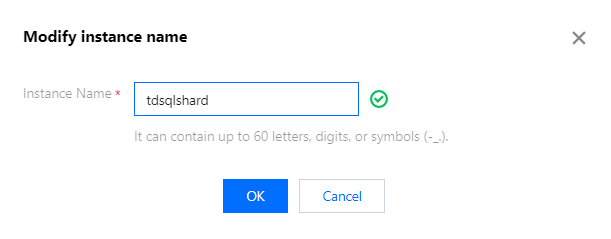
2. In the pop-up window, modify the instance name and click OK.
Note:
An instance cannot be renamed to an existing database instance name.
Ajuda e Suporte
Esta página foi útil?
Você também pode entrar em contato com a Equipe de vendas ou Enviar um tíquete em caso de ajuda.
comentários