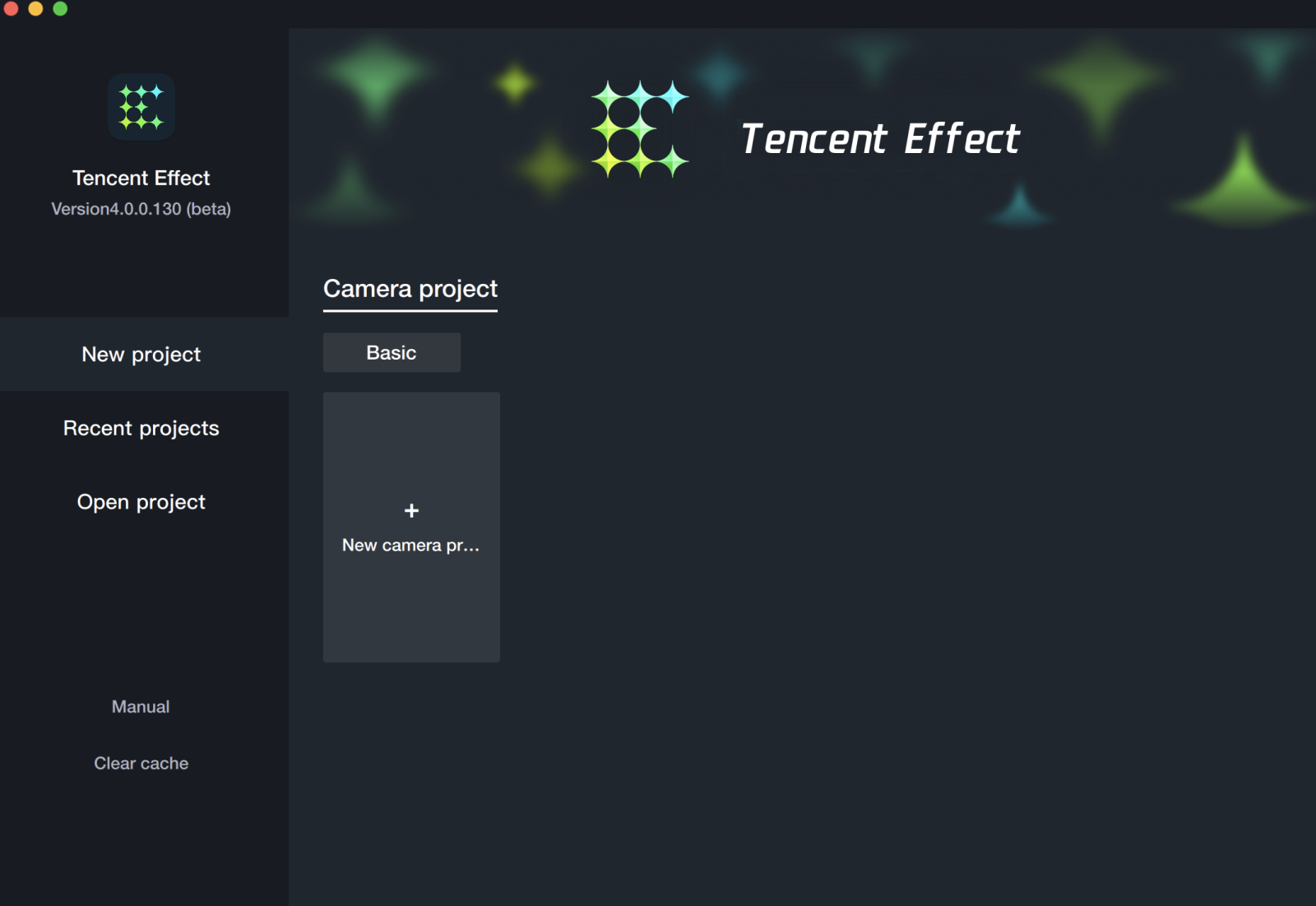
Open project: Open the locally saved engineering files.
Material Import
Output according to specifications for material standby.
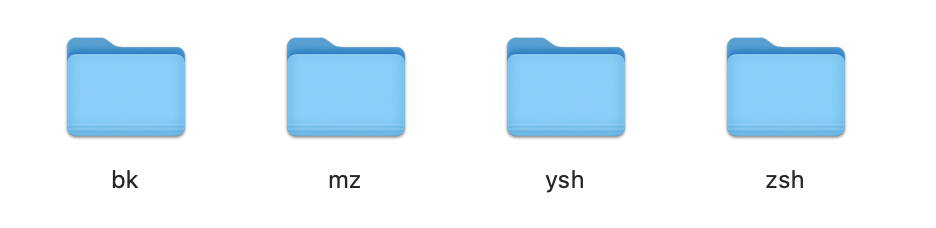
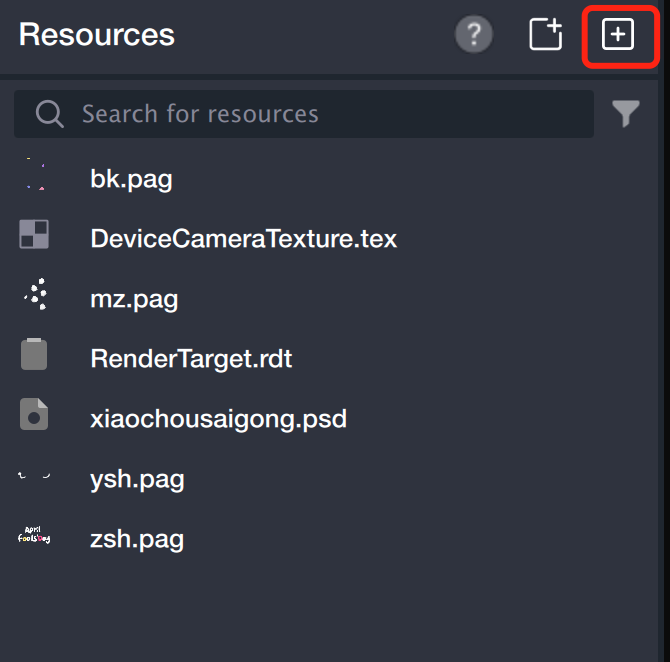
Sequence frame: Drag directly to the resource panel or click the add button to add, TE will automatically convert the sequence frame folder into pag. (The sequence frame folder is named according to the output specification, with no special symbols.)
Pag: Direct dragging to the Resource Panel or click add button to add.
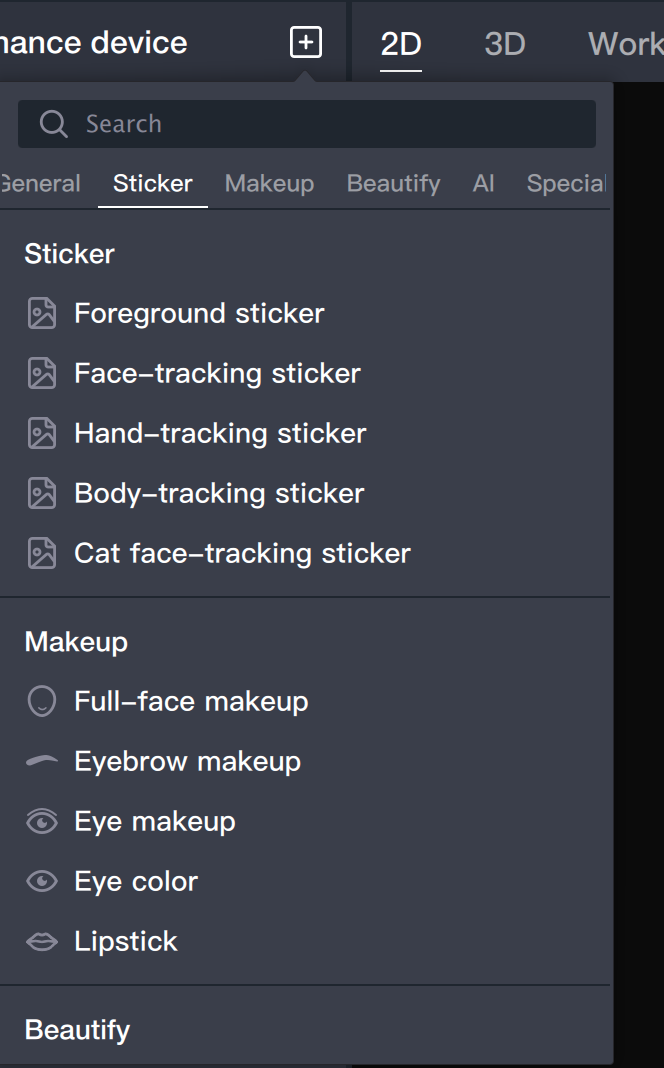
Add Object
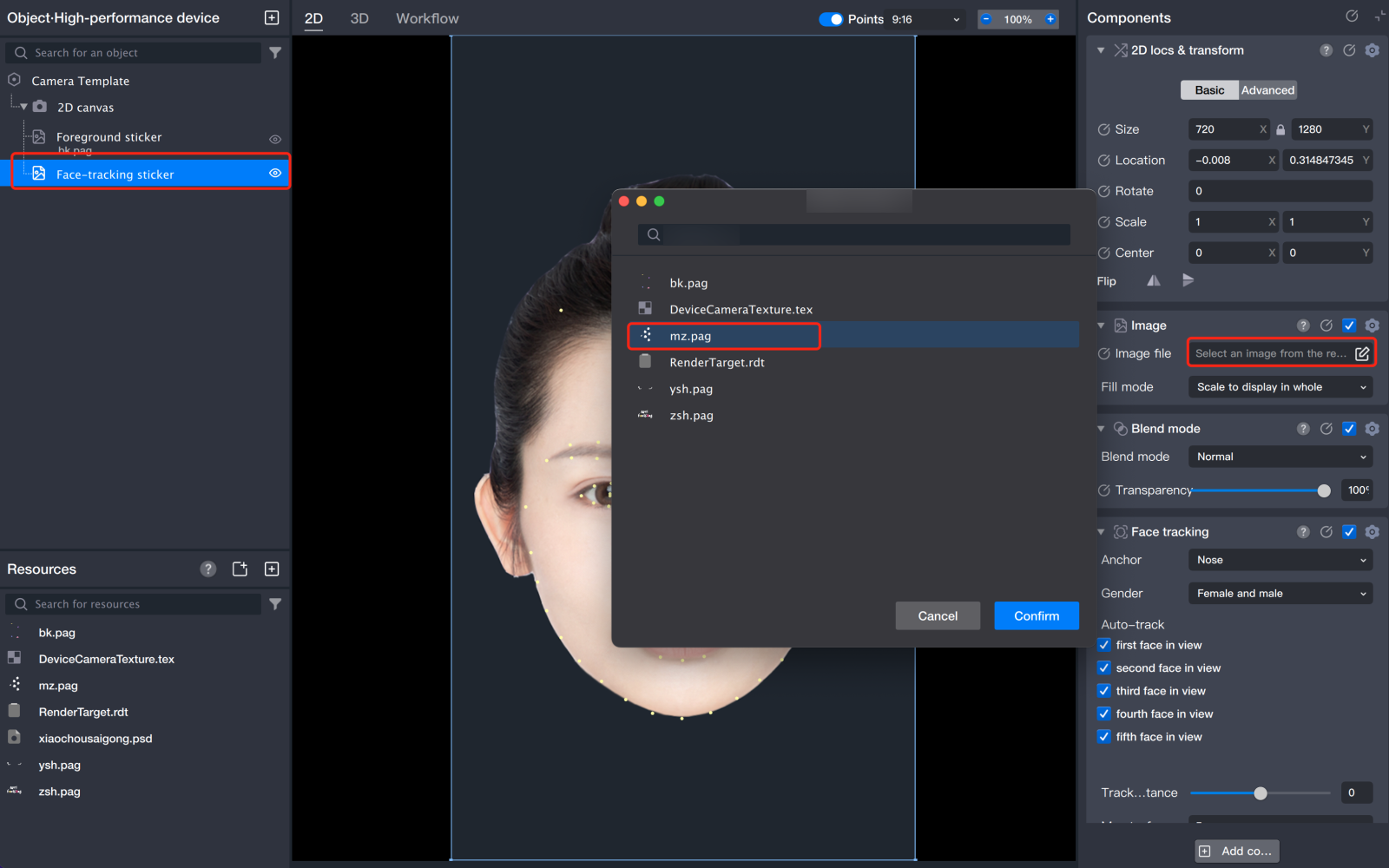
Face tracking sticker: Follows the movement of the face.
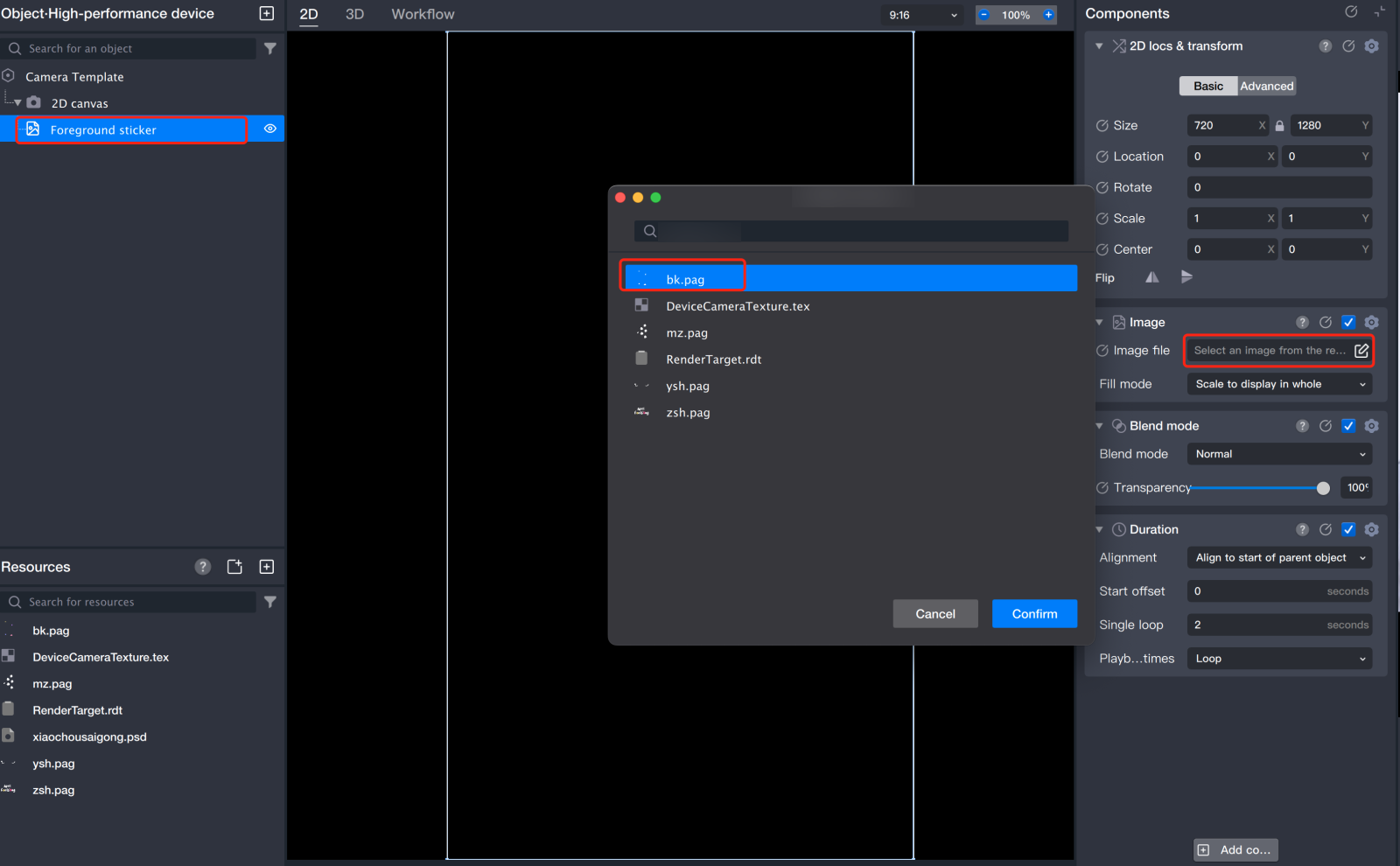
Foreground sticker: Fixed position, does not follow the movement of the face.
Material Configuration
Foreground Sticker - Border
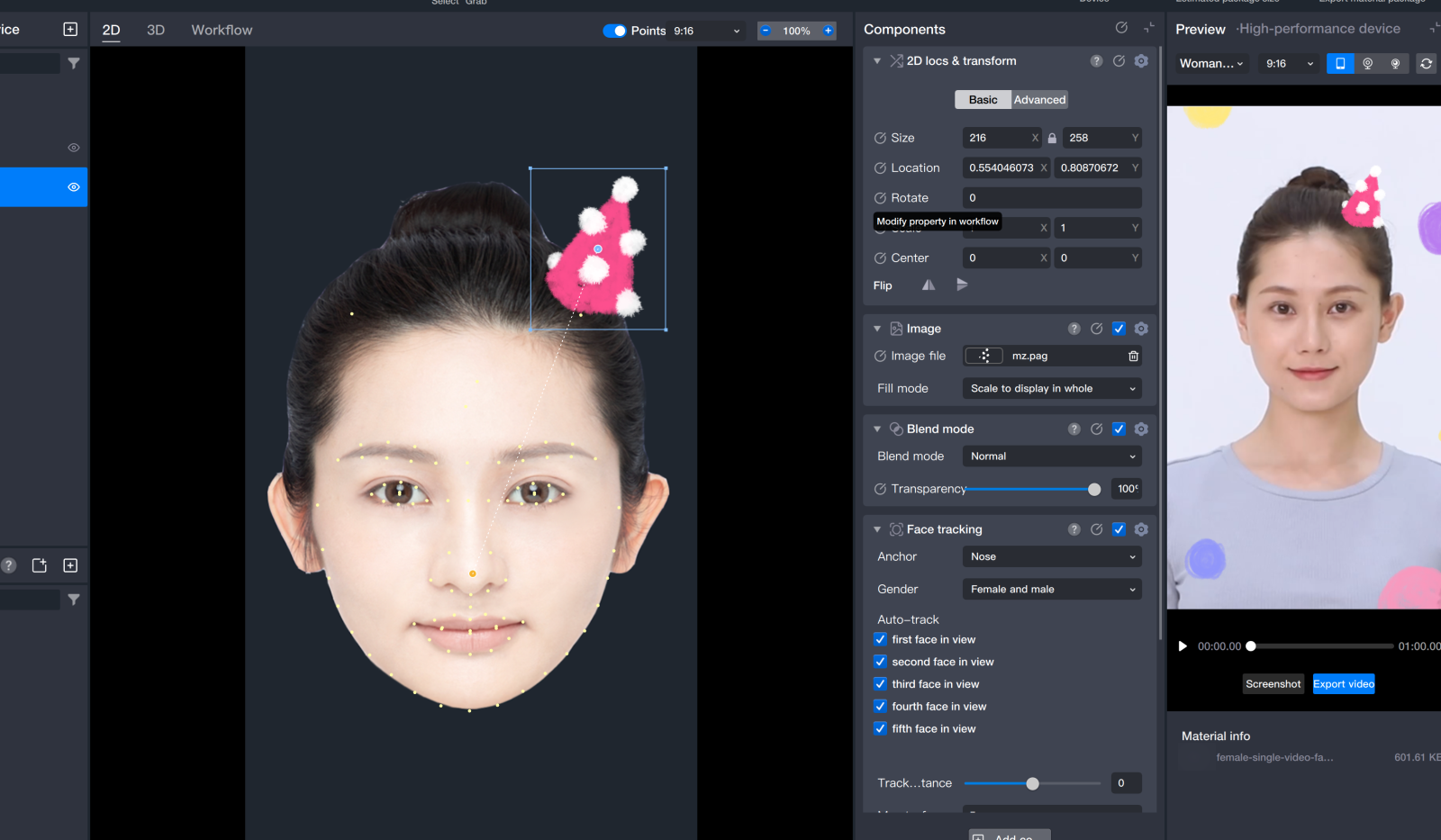
Face Tracking Sticker - Hat
You can adjust the size, position, and rotation angle by dragging.
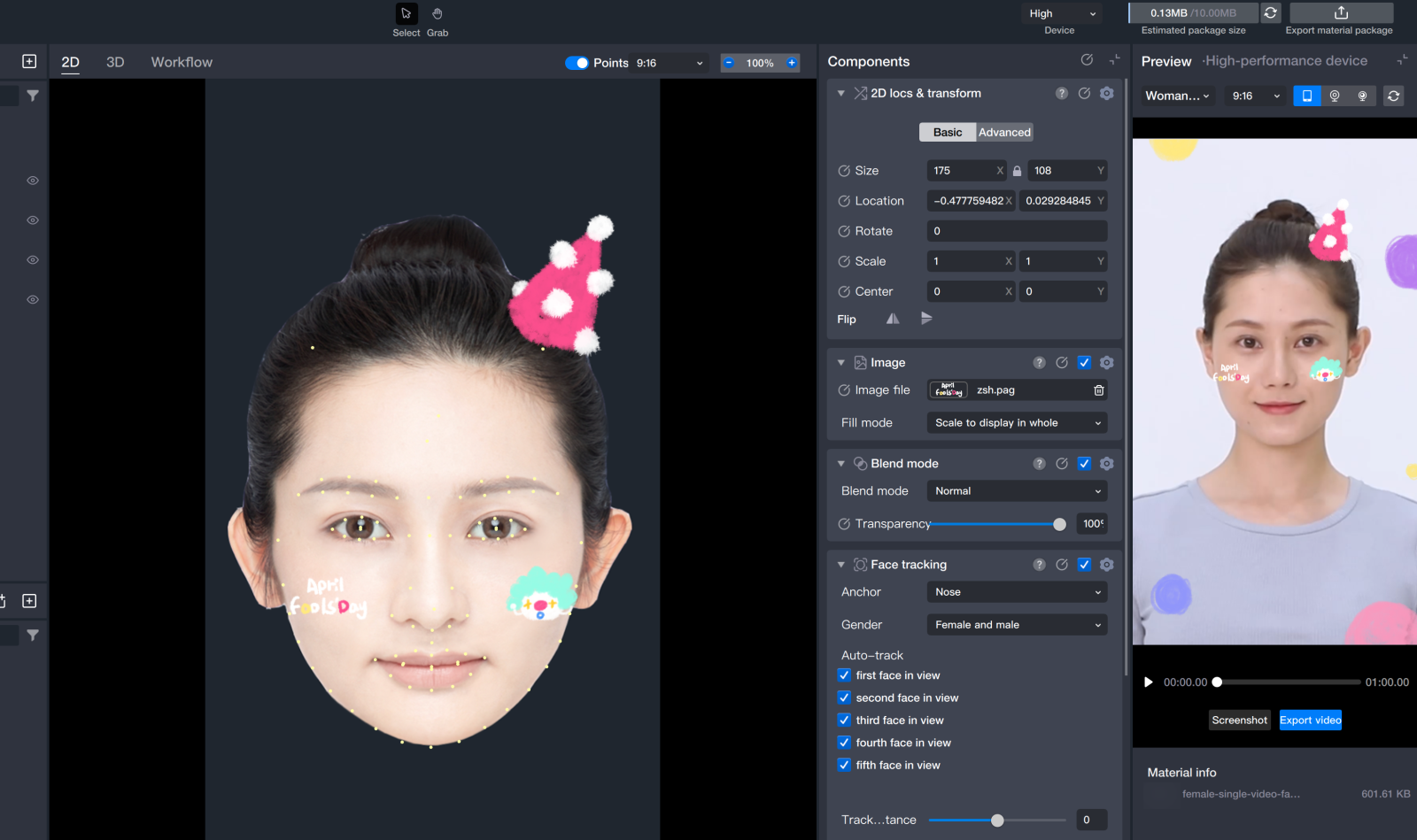
The configuration of other face materials is the same as that of the hat.