tencent cloud

Deleting File System
Last updated:2022-03-30 09:30:26
Deleting File System
Last updated: 2022-03-30 09:30:26
This document describes how to delete a file system in the CHDFS console.
Note:
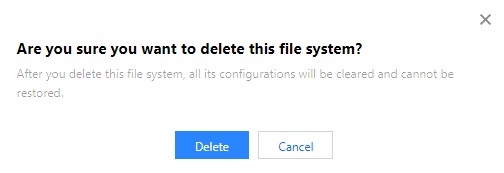
After a file system is deleted, all the configuration under it will be cleared and cannot be restored; therefore, please do so with caution.

Directions

1. Log in to the CHDFS console.
2. On the left sidebar, click File Systems.
3. On the file system page, select the region of the target file system, such as Guangzhou.

4. Find the file system to be deleted in the file system list and click Delete on the right.

5. In the pop-up window, click Delete.

Was this page helpful?
You can also Contact Sales or Submit a Ticket for help.
Yes
No

Feedback