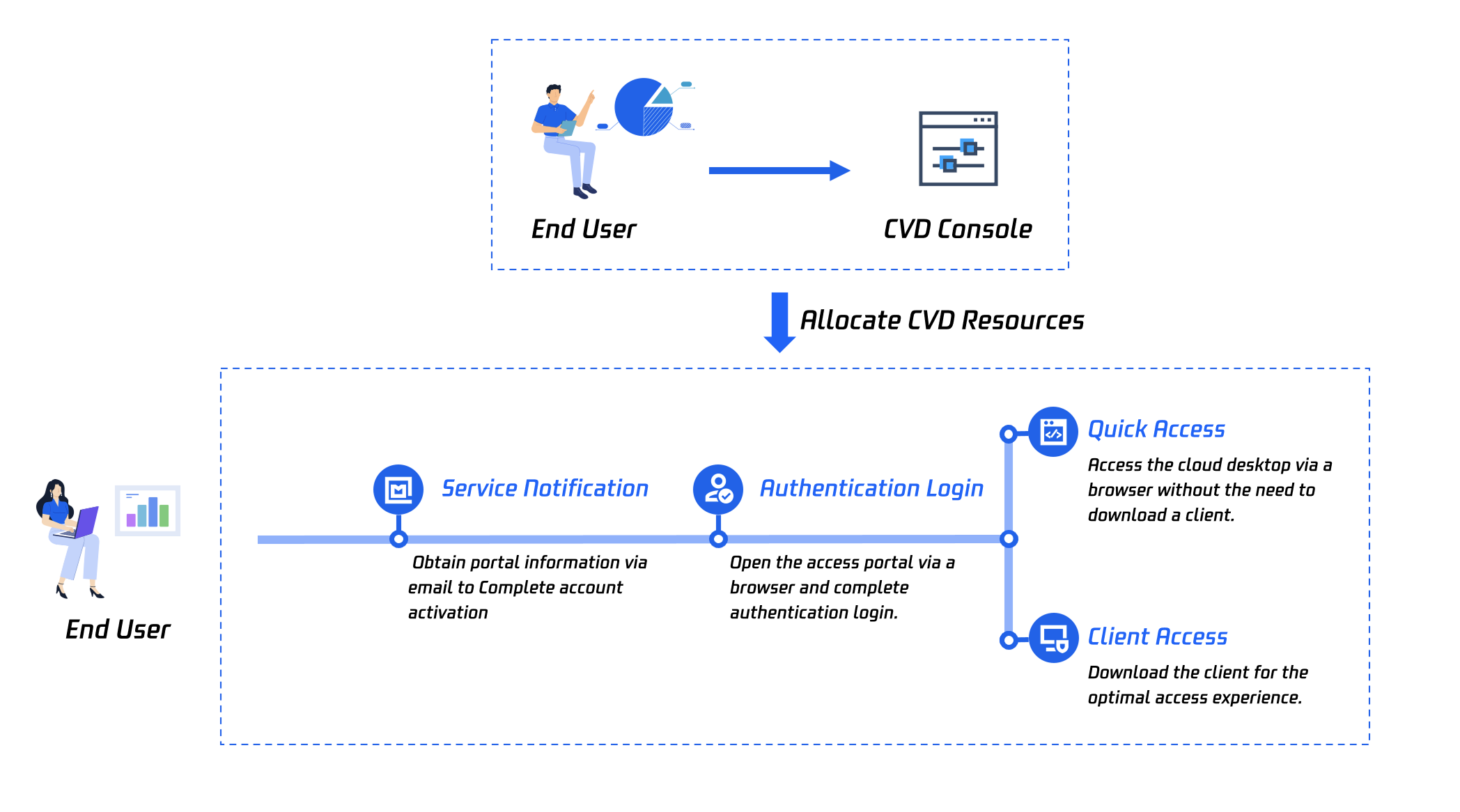
This document describes the process for using Cloud Virtual Desktop (CVD) as an end user. This helps you quickly understand the related process.
Process Description
1. As an end user, you will receive an email or Short Message Service (SMS) notification. Follow the prompts to activate your account. For detailed operations, see Activating a CVD Account.
2. You need to access the CVD portal. After logging in to the CVD portal, you will be able to access CVD resources. For detailed operations, see Logging In to the CVD Portal.
3. After obtaining the desktop list, you can select the method for accessing CVD based on your requirements. For detailed operations, see Accessing the CVD System.