Granting Resource-Level Permissions to Sub-accounts
Unduh
Mode fokus
Ukuran font
Terakhir diperbarui: 2026-05-07 18:12:23
Diterjemahkan oleh AI
Scenarios
This task guides you to grant resource-level permissions to a sub-account using your root account. The authorized sub-account gains control over specific resources.
Prerequisites
You have a Tencent Cloud root account and have activated the Tencent Cloud CAM service.
You can authorize TSE resources owned by the root account to a sub-account through the policy feature in the CAM console. The detailed procedure for Authorizing TSE Resources to a Sub-account is as follows.
Step 1: Obtaining the TSE Engine Instance ID
1. Log in to the Microservices Engine console using your root account, select an existing engine instance, and click to go to its details page.
2. In the Basic Information section, the ID field is the instance ID of the current TSE engine.
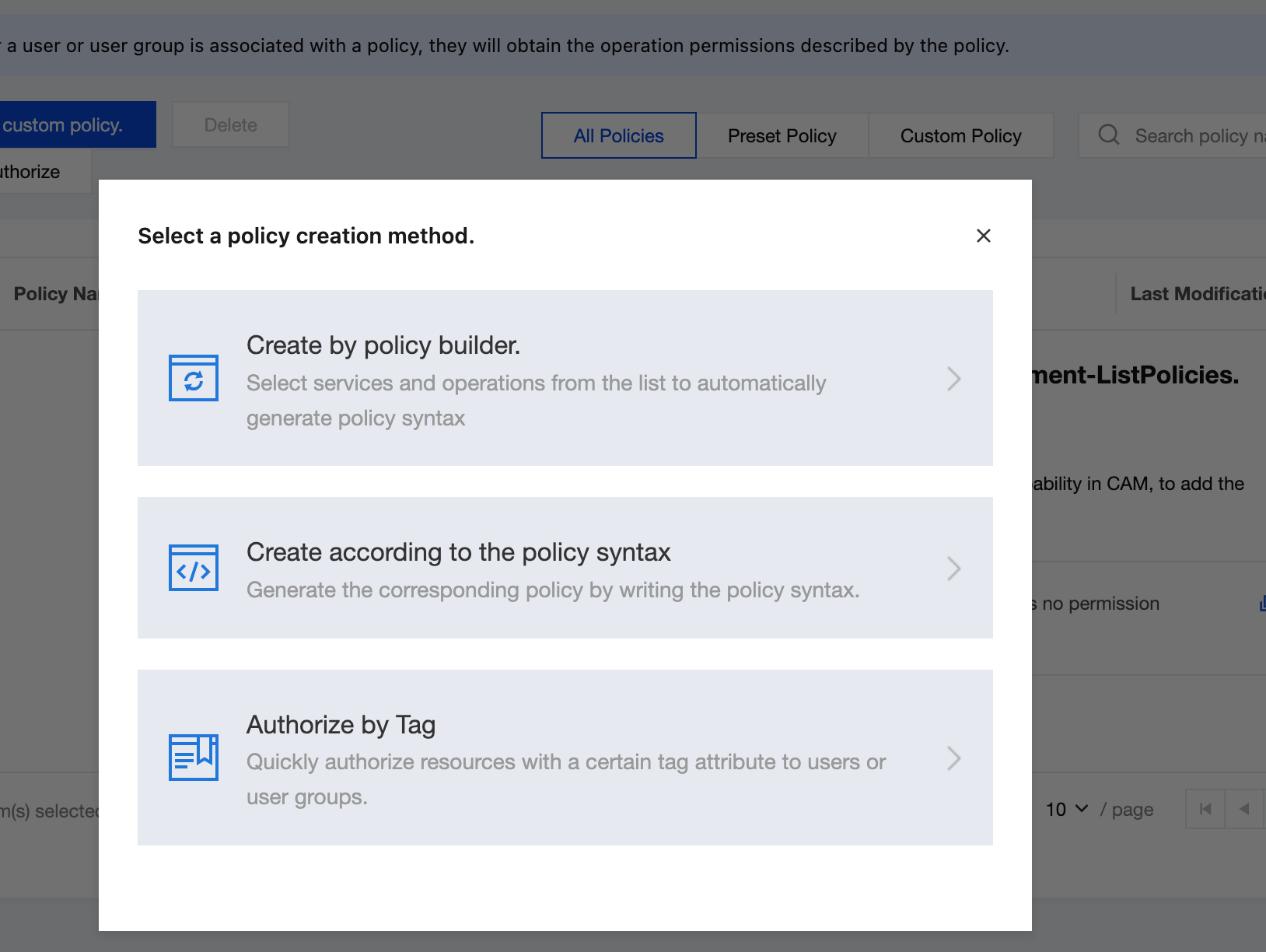
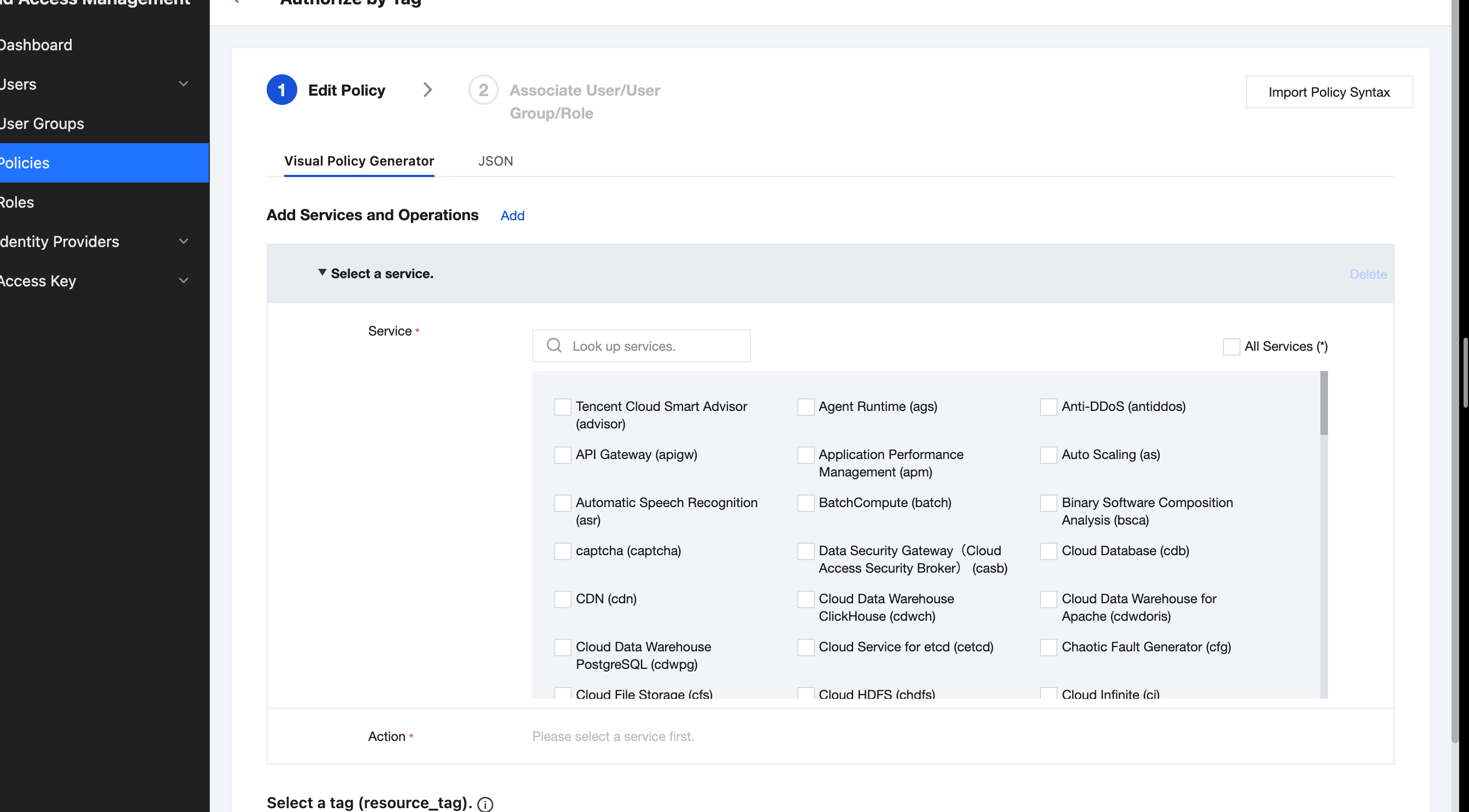
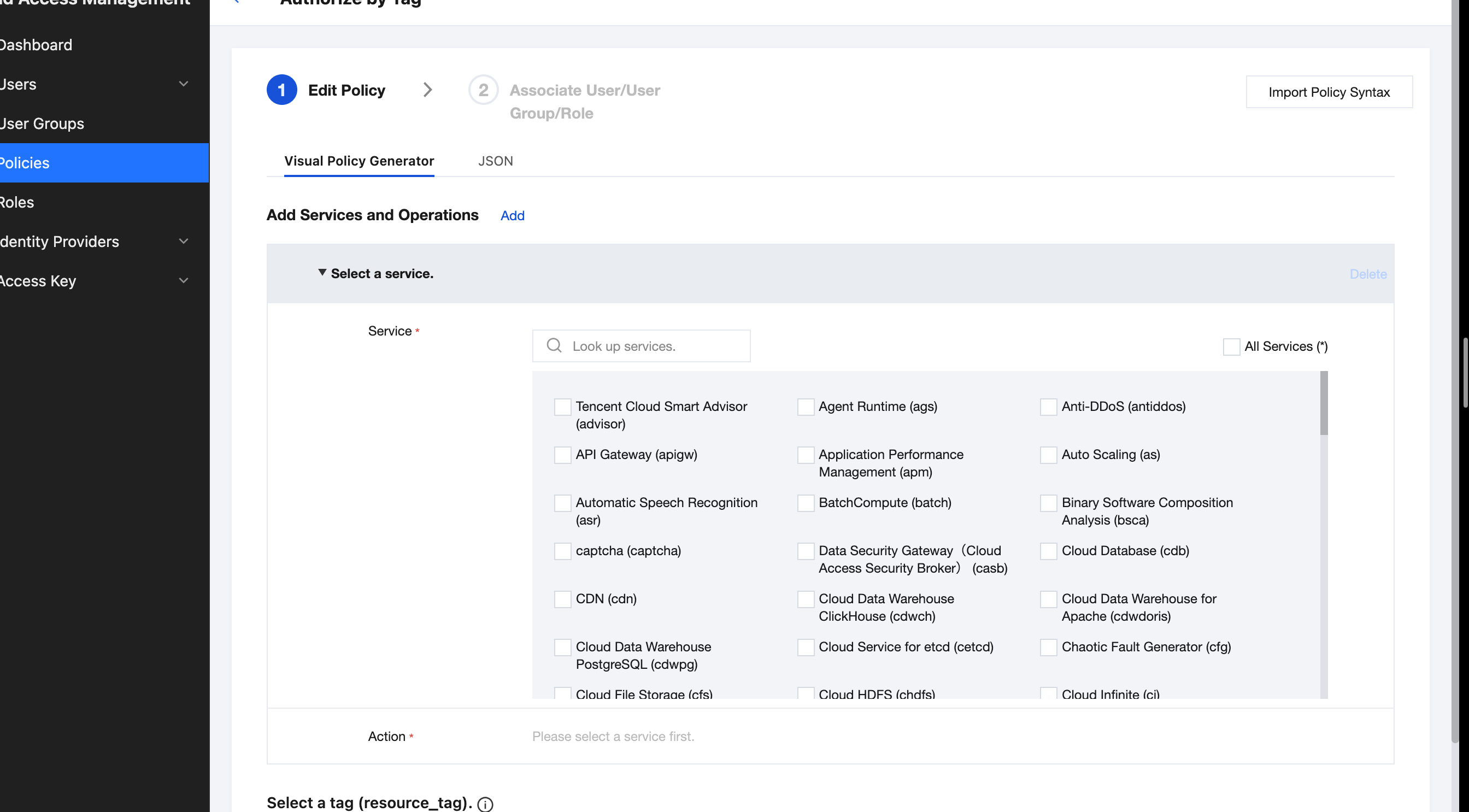
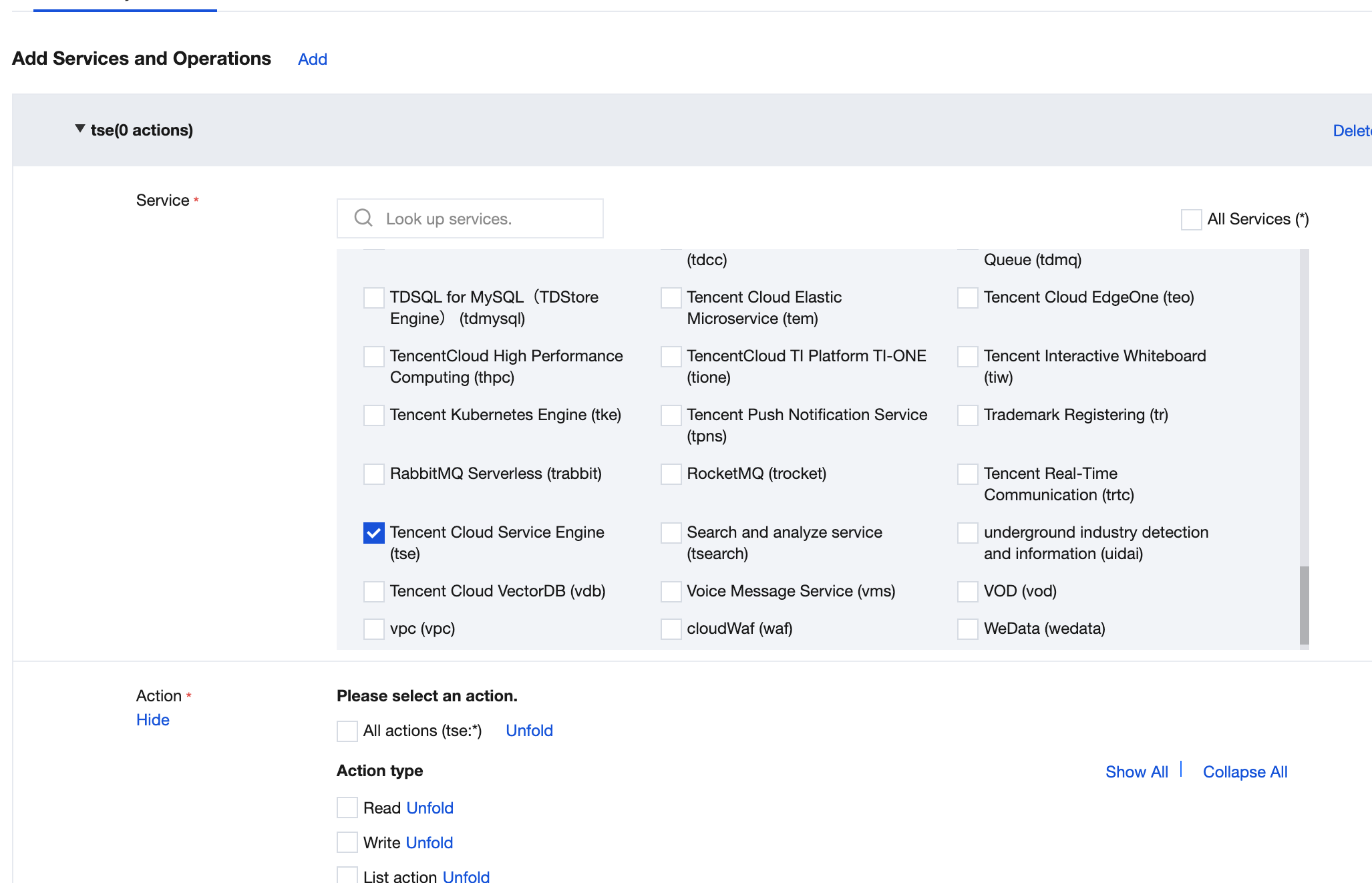
4. In the visual policy generator, keep Effect as Allow. Enter TSE in Service to filter, and select Tencent Cloud Microservices Engine (TSE) from the results.
5. Select All Operations in Operation. You can also select the operation type based on your needs.
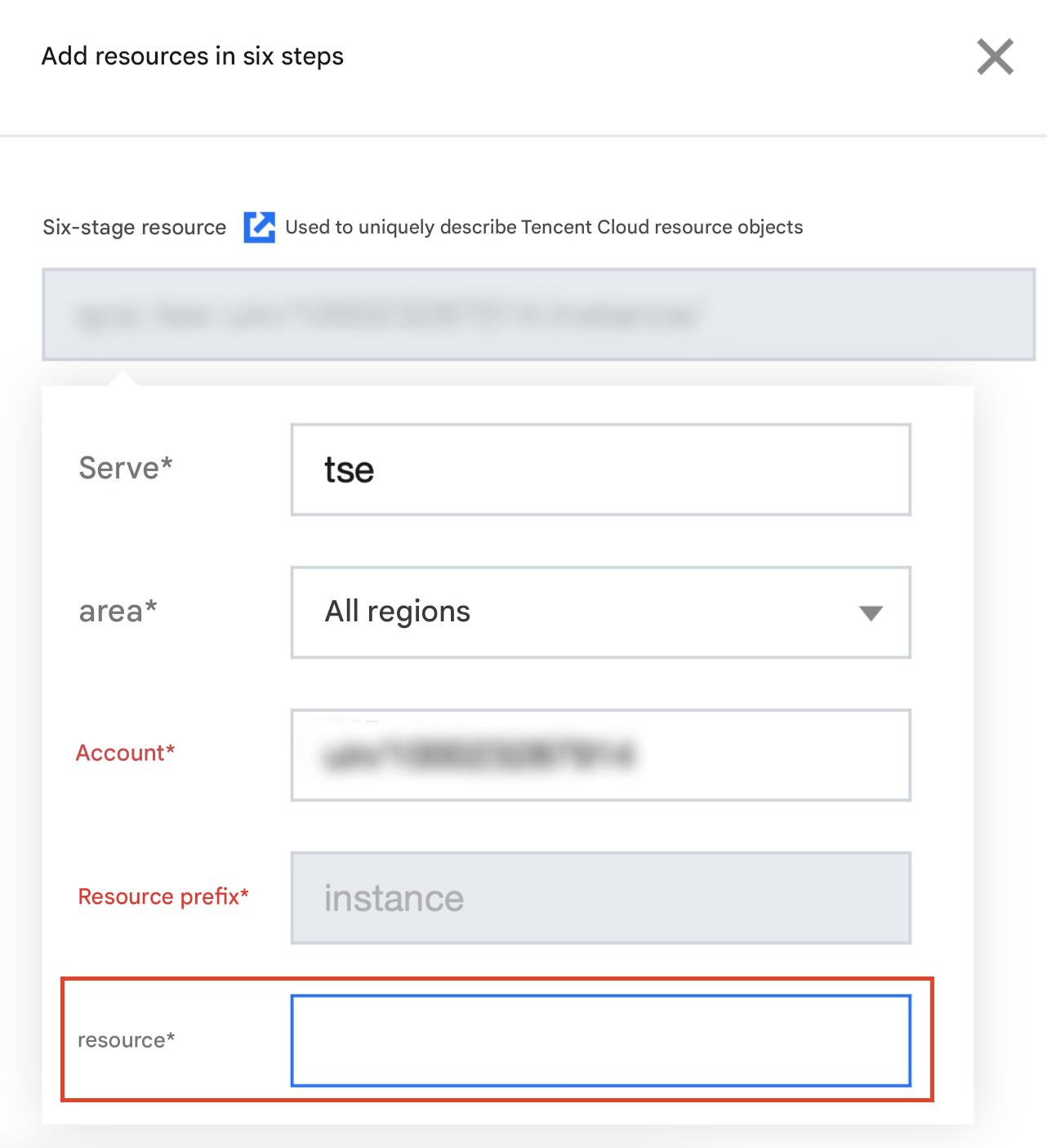
6. Select Specific Resource in Resource, and click Add Resource Six-Segment.
7. Enter the TSE engine instance ID in the Resource field of the pop-up side dialog. For the procedure to obtain the ID, see Step 1.
8. Click Next and enter a policy name as needed.
9. Click Select User or Select User Group to select the user or user group to grant resource permissions.
10. Click Complete. The sub-account granted resource permissions can access relevant resources.