tencent cloud

Service Registry and Governance

Granting Operation-Level Permissions to Sub-accounts

PDF
Mode fokus
Ukuran font
Terakhir diperbarui: 2026-05-07 18:12:23

Scenarios

This document describes how to use a Tencent Cloud root account to grant operation-level permissions to its sub-accounts. You may grant different read/write permissions to sub-accounts as required.

Operation Steps

Granting Full Read/Write Permissions

Note
After a sub-account is granted full read/write permissions, the sub-account will have full read/write capabilities for all resources under the root account.

1. Log in to the Cloud Access Management (CAM) console with a root account.
2. In the left sidebar, click Policy to go to the Policy Management List page.
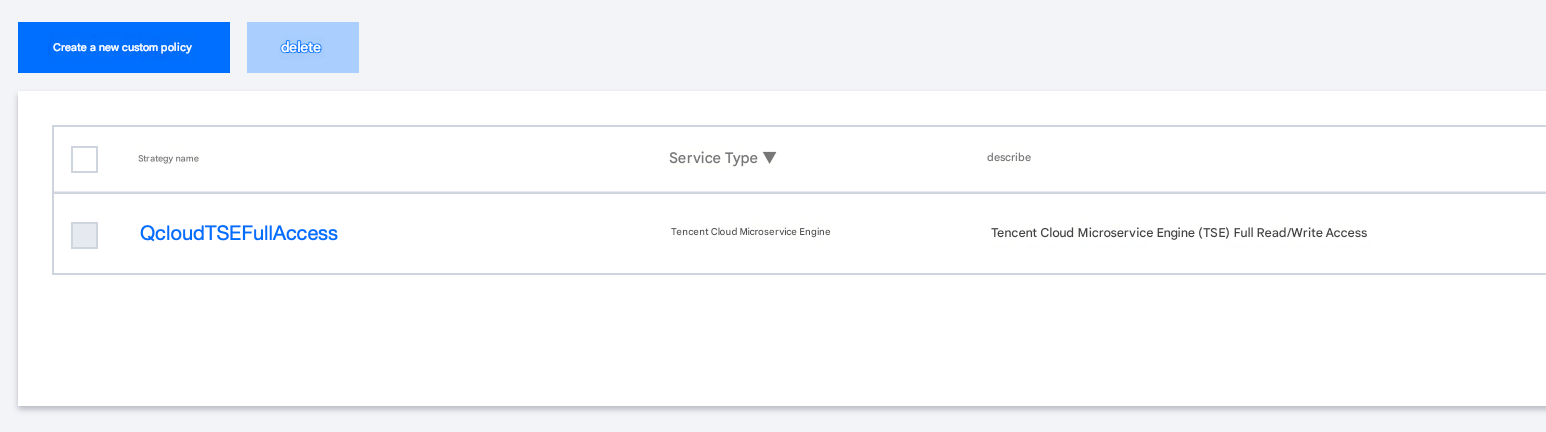
3. In the search bar on the right, enter QcloudTSEFullAccess to search.


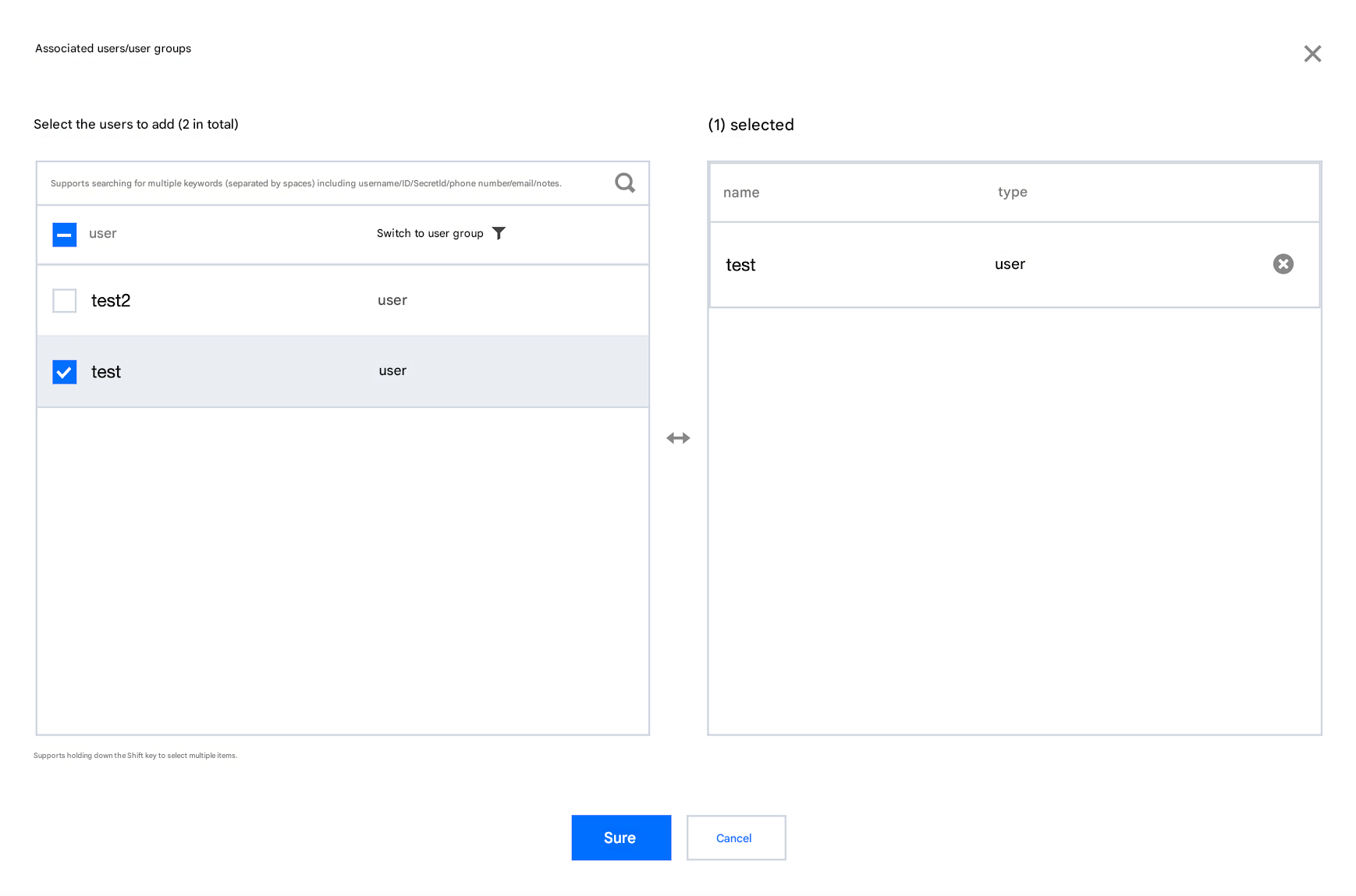
4. In the search results, click Associated Users/Groups for QcloudTSEFullAccess, and select the sub-account to be authorized.


5. Click OK to complete the authorization. The policy will be displayed in the user's policy list.


Granting a Read-Only Permission

Note
After being granted the read-only permission, the sub-accounts will have the read-only capability for all resources under the root account.
1. Log in to the Cloud Access Management (CAM) console with a root account.
2. In the left sidebar, click Policy to go to the Policy Management List page.
3. In the search bar on the right, enter QcloudTSEReadOnlyAccess to search.


4. In the search results, click Associated Users/Groups for QcloudTSEReadOnlyAccess, and select the sub-account to be authorized.


5. Click OK to complete the authorization. The policy will be displayed in the user's policy list.


Other Authorization Methods

Bantuan dan Dukungan

Apakah halaman ini membantu?

masukan