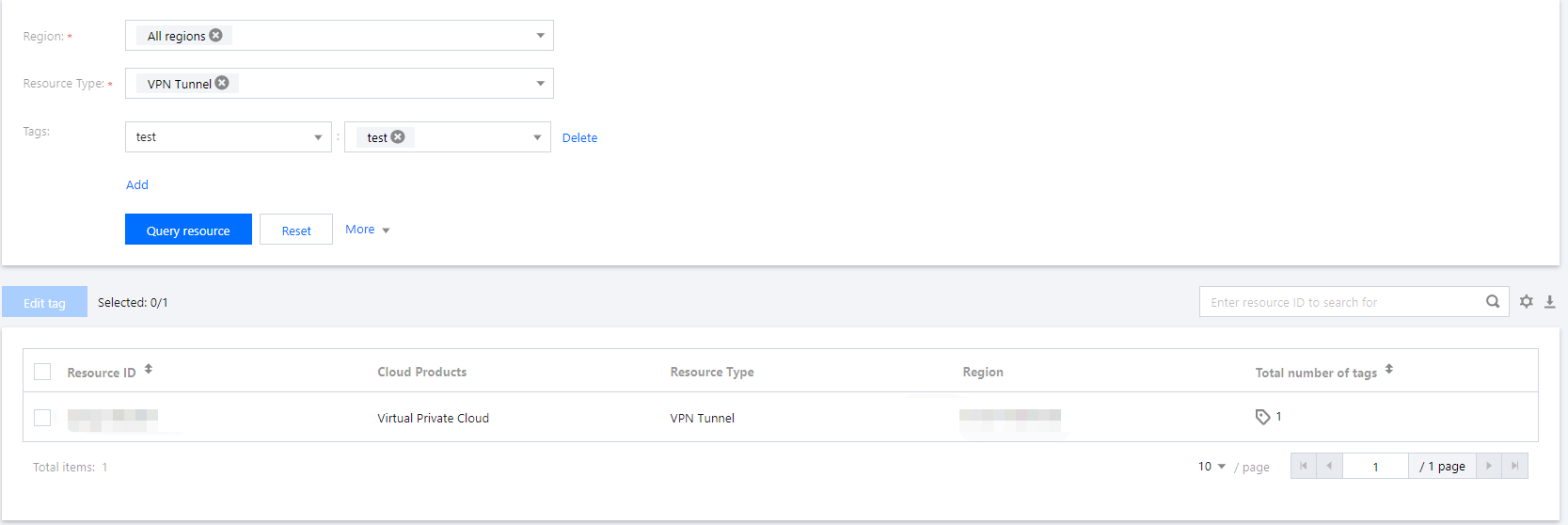
Region: Choose the region of the resources to query.
Resource Type: Choose the type of the resources to query. You can query only the resources of tagging-enabled services.
Tag: Select the tag key-value pair whose resources you want to query. This field can be left empty. You can also query the resources of multiple tags by clicking Add to select multiple key-value pairs.
Project: Click More to show the project filter criterion and select a project. This criterion is available for only services that support project management.
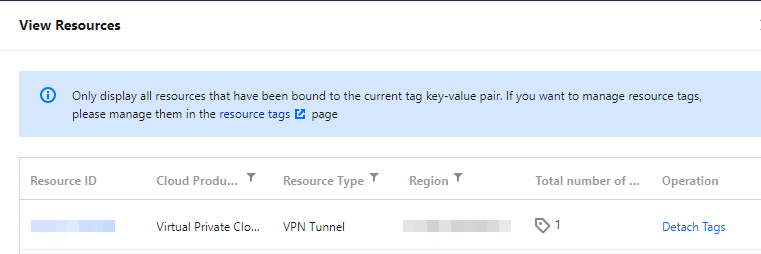
4. Click Query resource, and the resources will be listed as below.
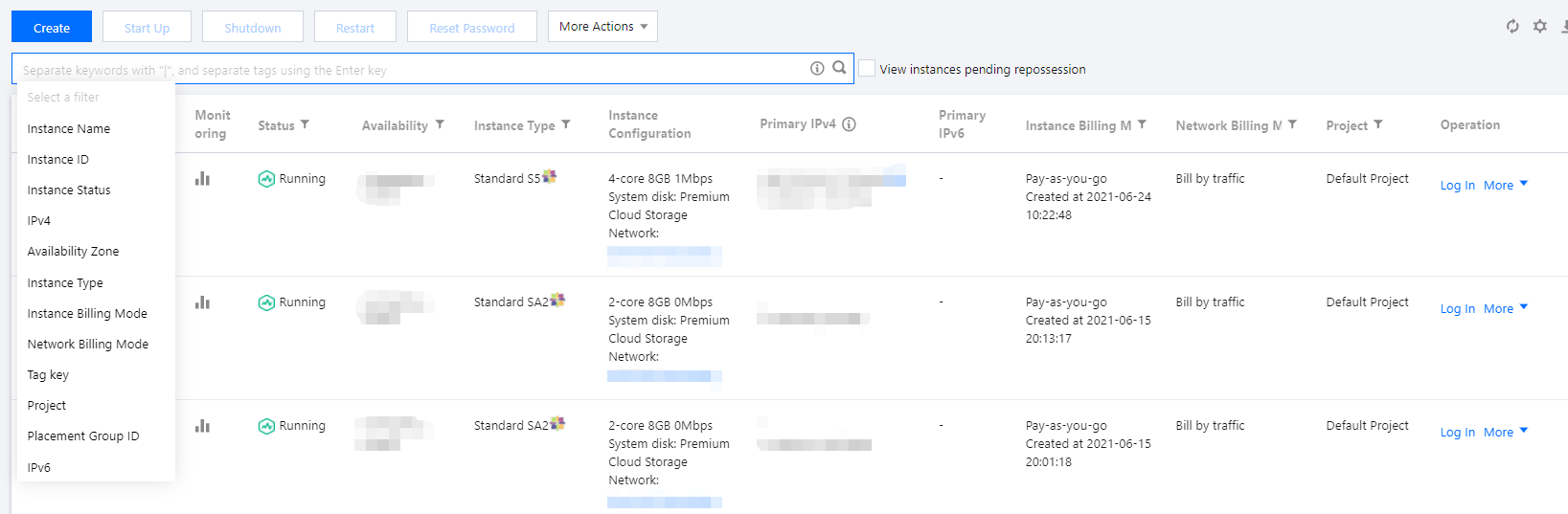
You can log in to the console of a Tencent Cloud service that supports tagging and query resources under the service by tag.