Shutting Down, Restarting, and Renaming a CVD Instance
ダウンロード
フォーカスモード
フォントサイズ
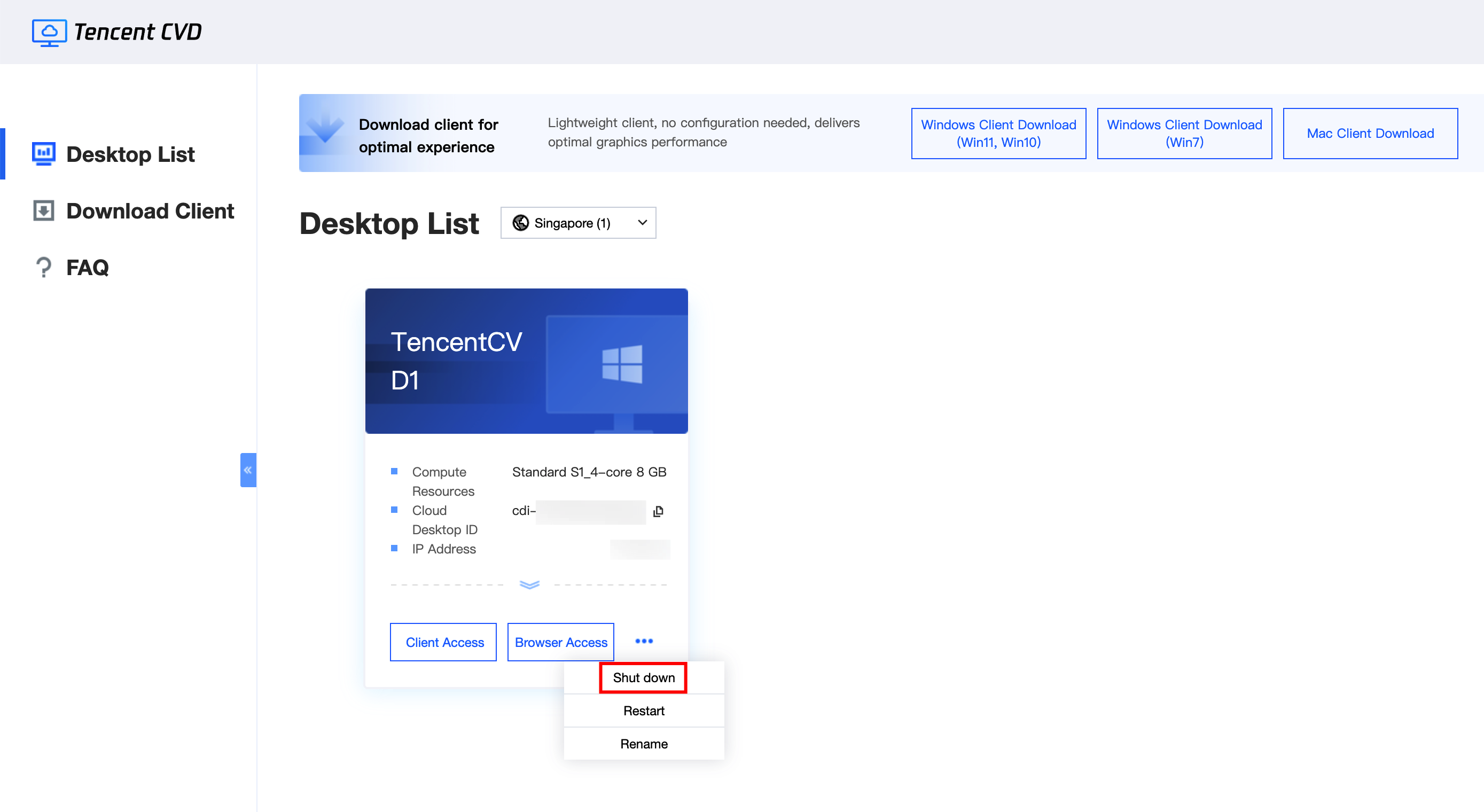
Shutting Down a CVD Instance
Perform the shutdown operation in the Cloud Virtual Desktop (CVD) portal. Click 
Note:
Shutting down may cause data loss for any unsaved work on the CVD instance. Ensure that all data within the CVD instance is saved.
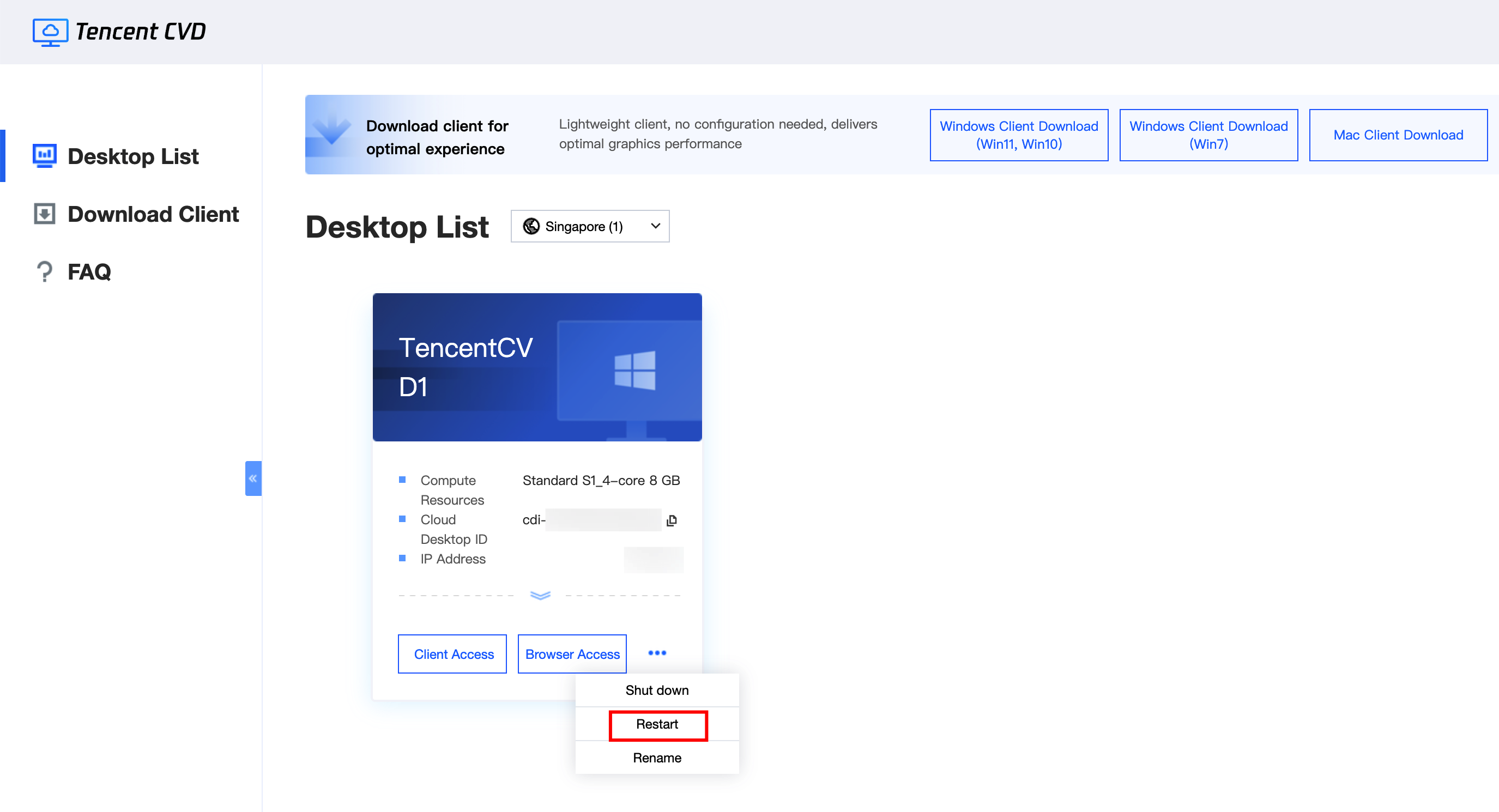
Restarting a CVD Instance
Perform the restart operation in the CVD portal. Click 
Note:
Restarting may cause data loss for any unsaved work on the CVD instance. Ensure that all data within the CVD instance is saved.
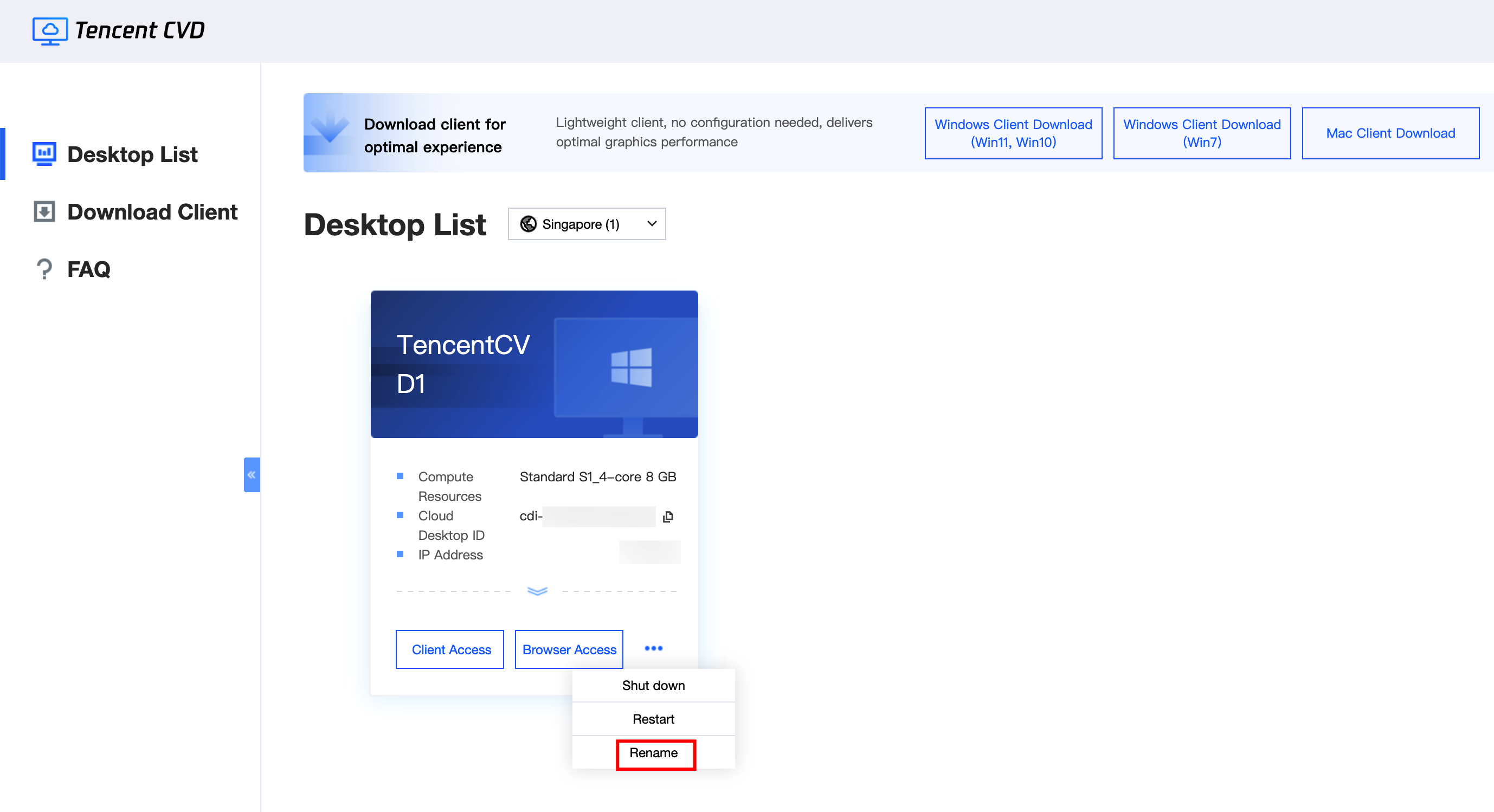
Renaming a CVD Instance
Perform the rename operation in the CVD portal. Click 
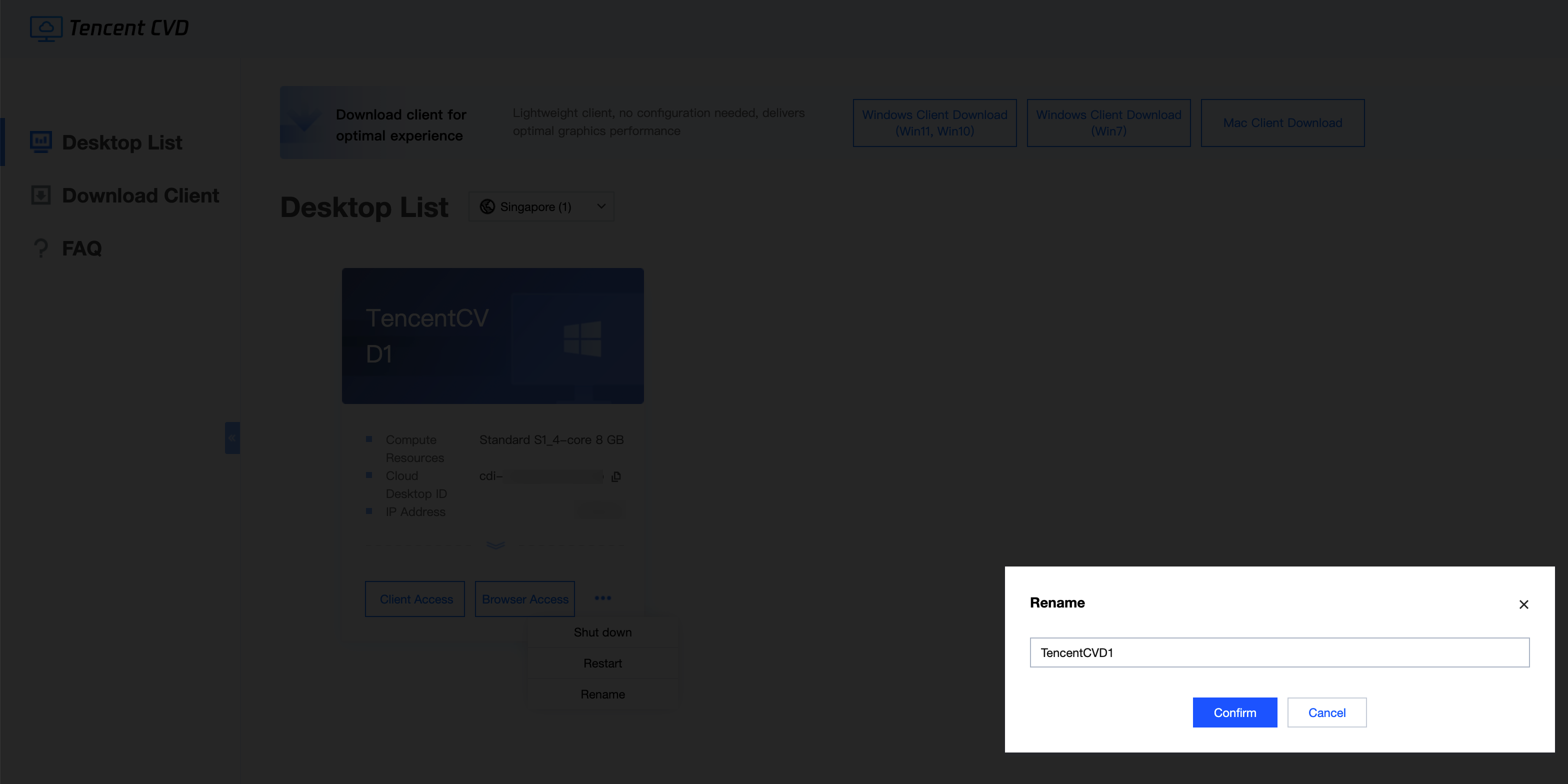
In the Rename pop-up window, enter the new CVD instance name and click OK to complete the renaming.
フィードバック