Online Course
ダウンロード
フォーカスモード
フォントサイズ
Tencent Cloud Training provides supportive online courses for certification. As one of the methods for certification exam preparation, it is advisable that you register for the corresponding certification subject's online course before participating in the certification examination.
Note:
By checking, clicking Confirm, or purchasing and using the online course service in any other way, you are deemed to have read and understood the Tencent Cloud Terms of Service and agree to be bound by the Tencent Cloud Terms of Service, which shall have legal effect between you and Tencent Cloud.
The intellectual property rights of all content in the online courses belong to Tencent Cloud or its legitimate rights holders. Otherwise, unless Tencent Cloud or the legitimate rights holders expressly agree, you have no permission to copy, disseminate, transfer, license, or provide others with the use of the aforementioned intellectual property. This statement serves as a supplement to the <Tencent Cloud Terms of Service> and has equal validity with the <Tencent Cloud Terms of Service>. In case of any conflict or inconsistency, this statement shall take precedence.
Registration Guide
Purchase Instruction
Online courses are non-refundable once sold, except for technical reasons on the platform (training and certification/Tencent Cloud official website).
Sub-accounts cannot purchase paid courses. It is advisable to switch to the personal root account to log in and make a purchase.
Online Course Registration Guide
1. Enter the overview page of Tencent Cloud Training and Certification, select the certification subject you want to participate in, and enter the certification details page.
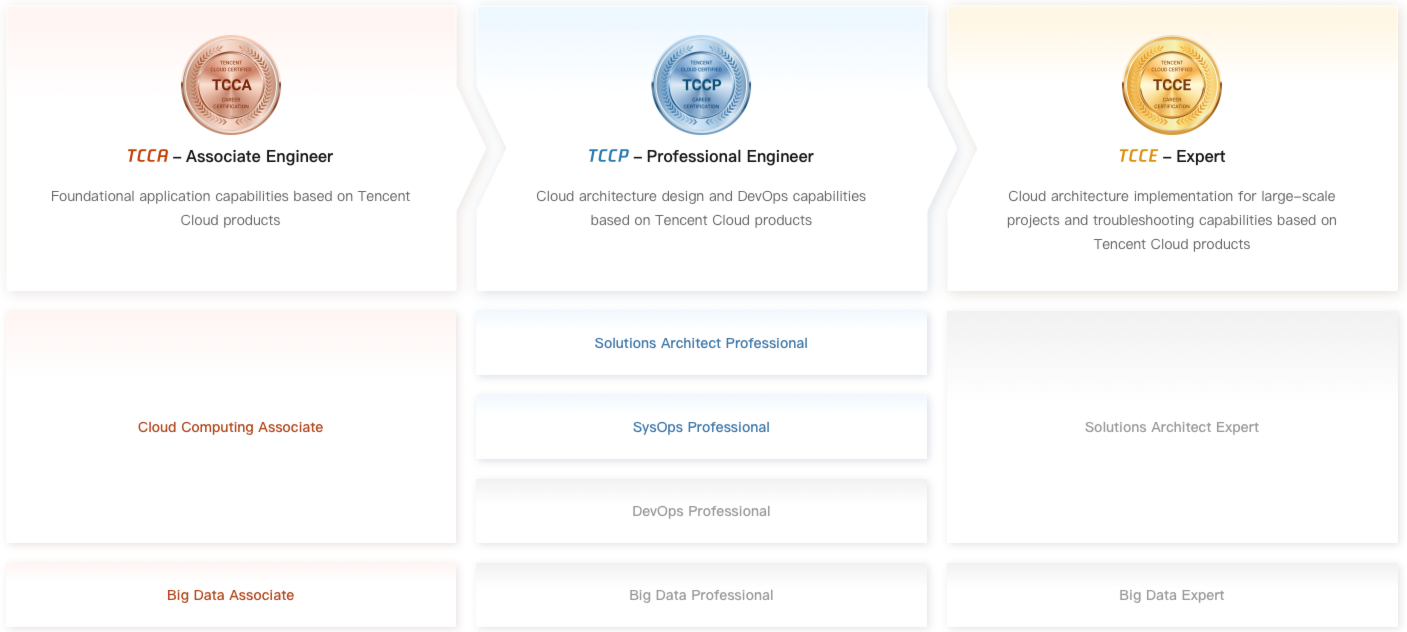
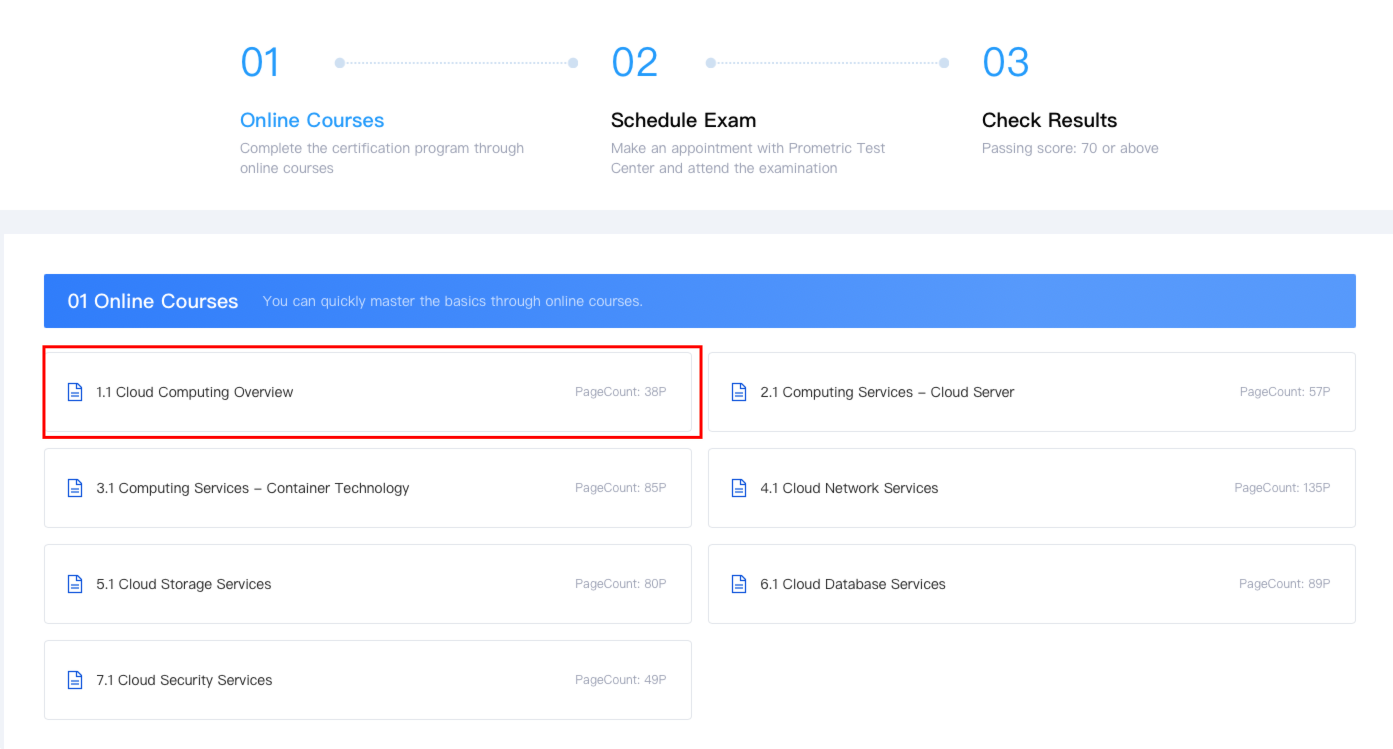
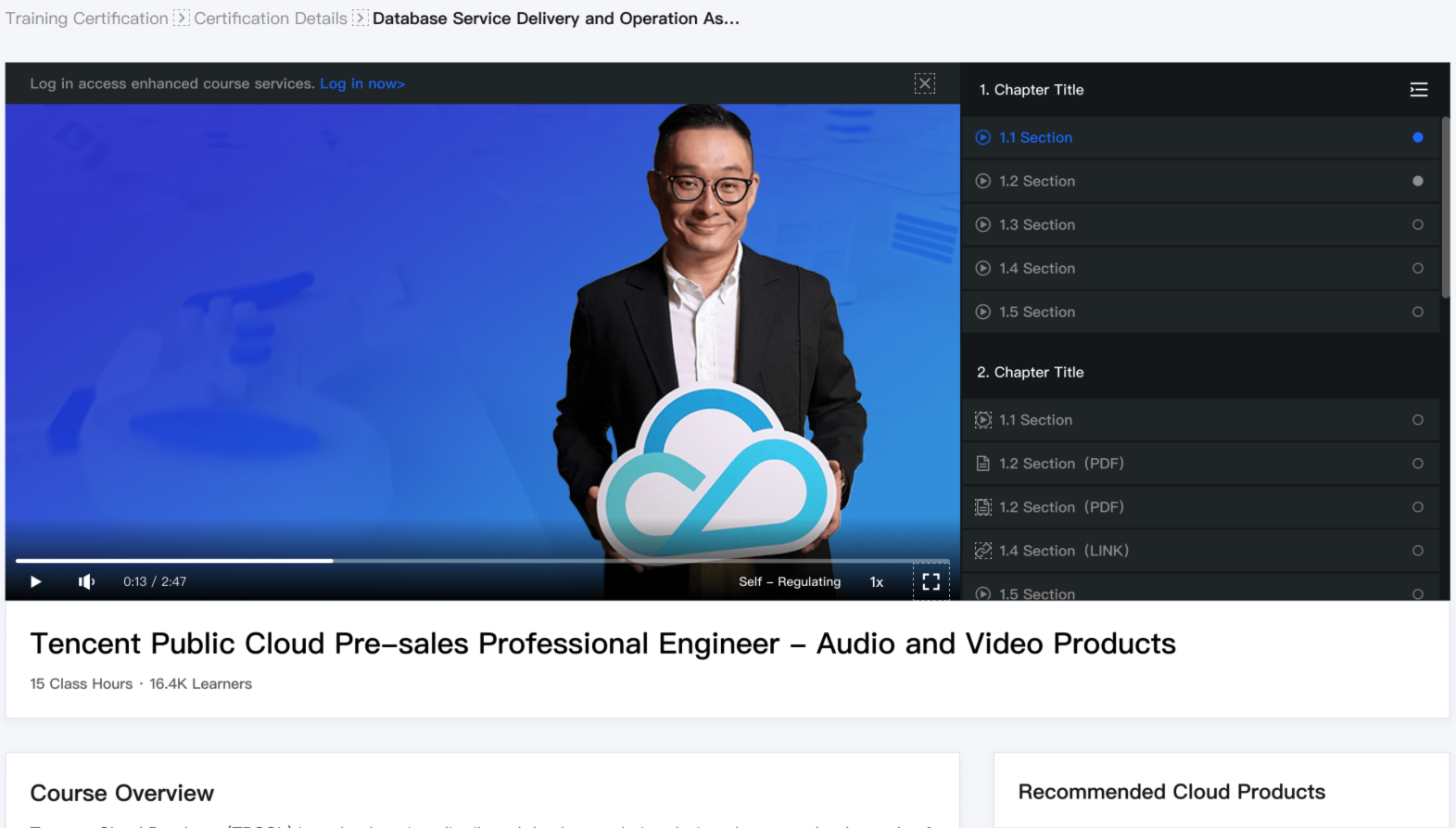
2. Click on 01 Online Courses in the certification details page, select any chapter in the online courses, and enter the video playback page of the online courses.
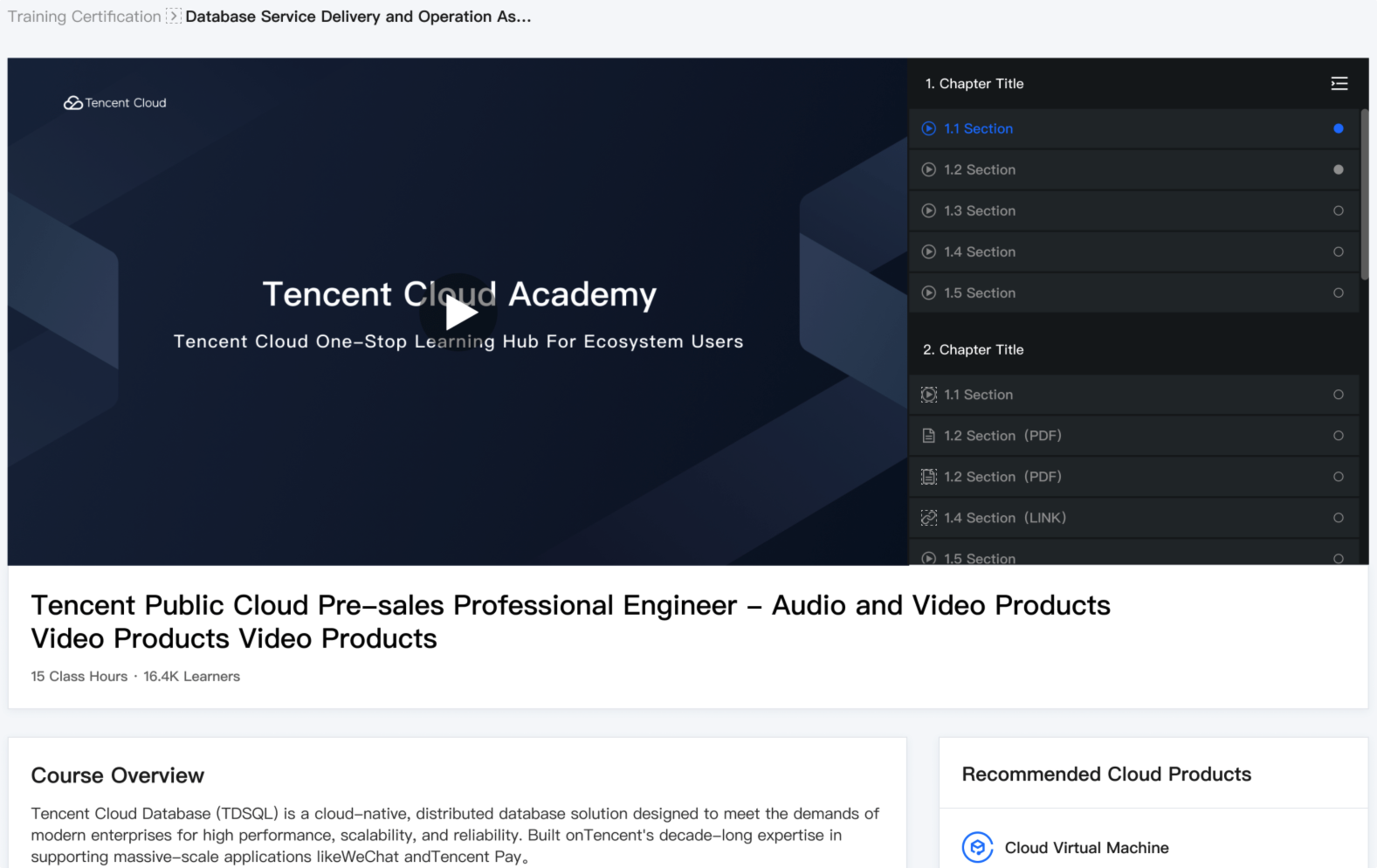
3. Purchase and play courses.
If the course is free, no purchase is required. Click the play button to directly access the page for viewing.
If the course is charged, follow the payment prompt on the video playback page, click Purchase Now, and complete the payment according to the prompts in the purchase steps.
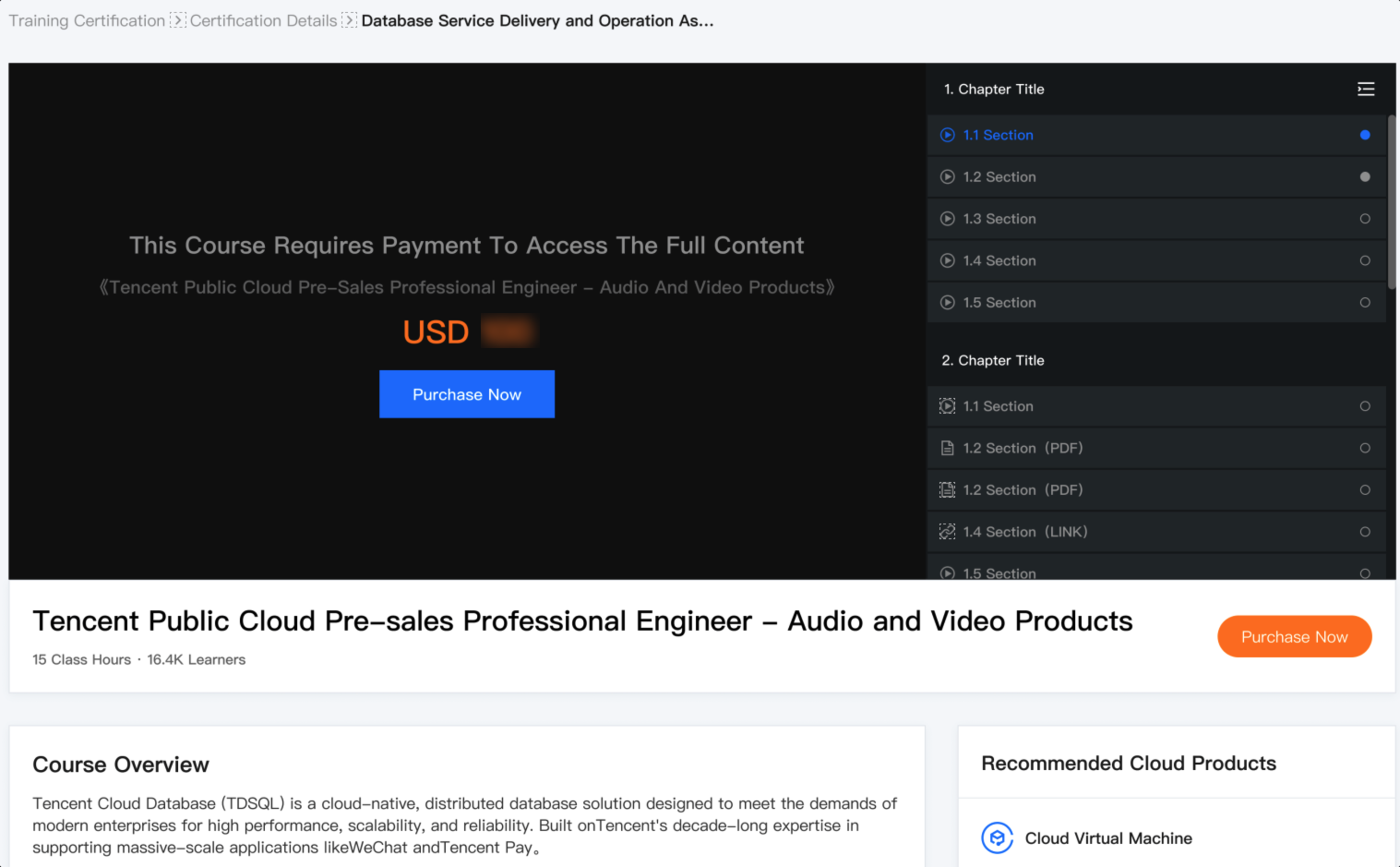
After purchase completion, return to the video playback page, click the target course chapter title, and watch the online courses.
フィードバック