Usage Statistics
다운로드
포커스 모드
폰트 크기
Introduction
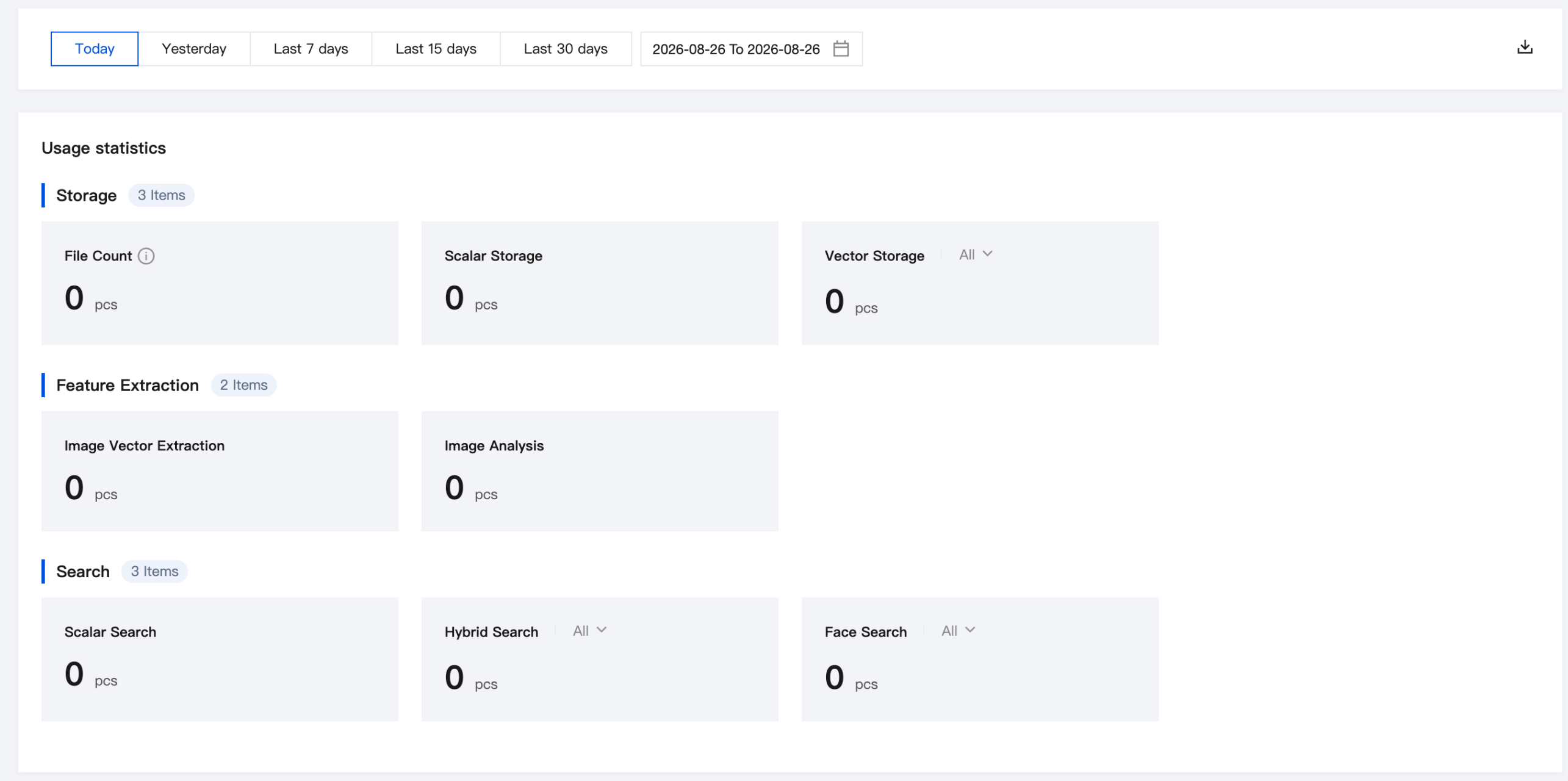
After logging in to the Cloud Infinite console, choose Intelligent Search > Usage Statistics in the left sidebar to view the current usage of Cloud Infinite Intelligent Search MetaInsight. The displayed items and their descriptions are as follows.
Storage Usage Statistics
Displayed Item | Description |
File Count | Number of files in the current dataset |
Standard Storage | Number of standard storage in the current dataset |
Vector Storage | Number of vector storage in the current dataset |
Feature Extraction Statistics
Displayed Item | Description |
Image Vector Extraction | Number of image feature indexes created |
Image Analysis | Number of image analyses |
Search Quantity Statistics
Displayed Item | Description |
Scalar Search | Number of scalar searches |
Hybrid Search | Number of Hybrid Searches |
Face Search | Number of Face Searches |
Operation Steps
After logging in to the Cloud Infinite console, choose MetaInsight > Usage Statistics in the left sidebar to view search-related usage details.
Usage Statistics Overview: You can switch the time range by Today / Yesterday / Last 7 days / Last 15 days / Last 30 days, or customize the date range via Custom Date Range. It includes Storage, Feature Extraction, and Search, presenting the overall resource consumption of the account.
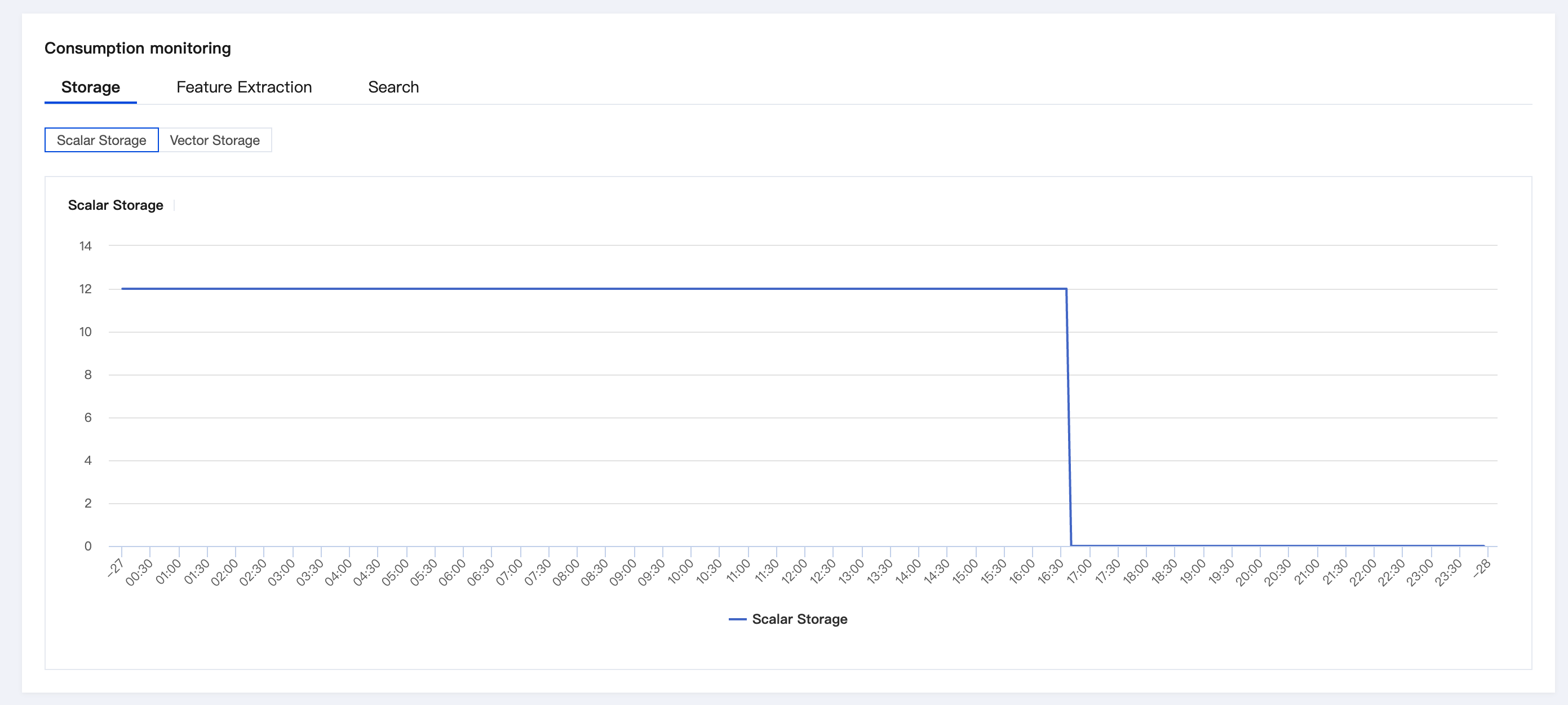
Consumption monitoring: You can view the usage of Storage, Feature Extraction, and Search at each time point.
Storage: You can switch between Scalar Storage and Vector Storage dimensions. The chart uses vector storage as an example, showing storage changes by media type for images. Hover over data points to view exact values at specific time points, helping you monitor storage resource usage in real time.
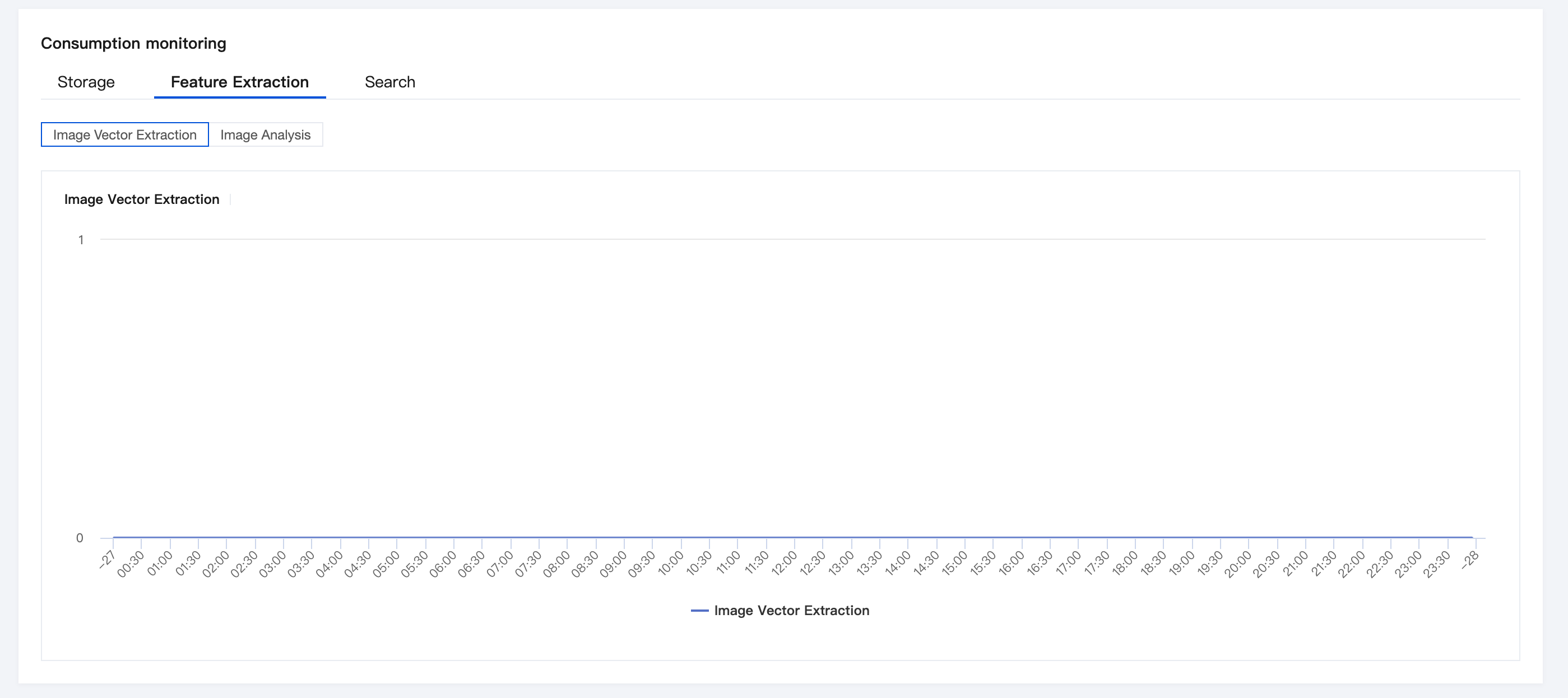
Feature Extraction: You can view the call trends of Image Vector Feature Extraction and multiple AI processing tasks. The chart uses video vector feature extraction as an example to clearly present the extraction duration distribution across time periods, helping you track usage fluctuations of Cloud Infinite (MetaInsight) feature computation.
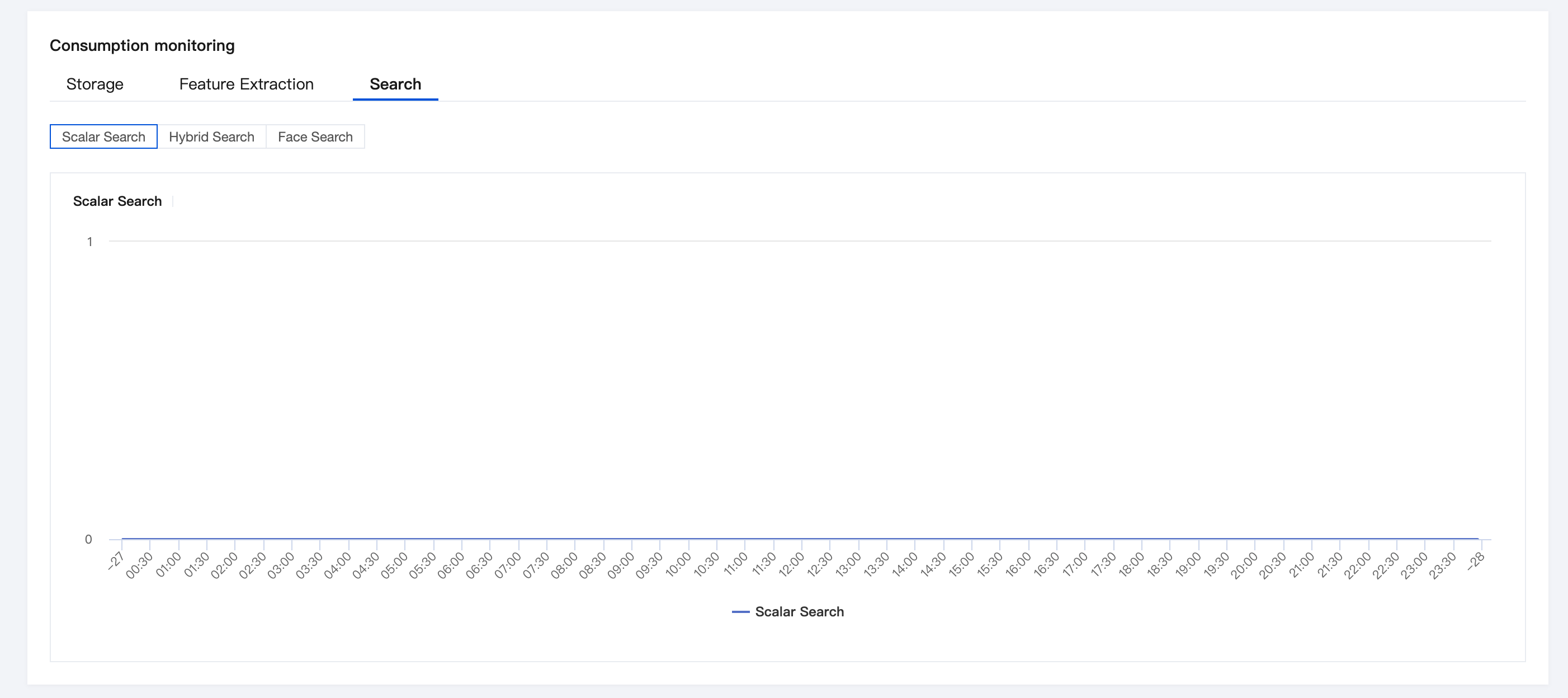
Search: Covers multiple search capabilities, including Scalar Search, Hybrid Search, and Face Search. The chart shows the call volume curves of face search and its associated operations (Face Operation Resources / Face Media Asset Search), helping you quickly identify usage peaks and patterns of the search service.
피드백