When Intelligent Search MetaInsight is used, the metadata management feature can analyze file metadata stored in COS, collect the metadata, and index it into the metadata storage engine based on your requirements, providing you with powerful file query, statistics, and management capabilities.
The file metadata supported by Intelligent Search MetaInsight includes:
Basic file information such as file size, file format, and creation time.
Rich metadata information such as tags, people, and text obtained through intelligent analysis of media files like images.
2. In the left sidebar, choose MetaInsight > Dataset Management.
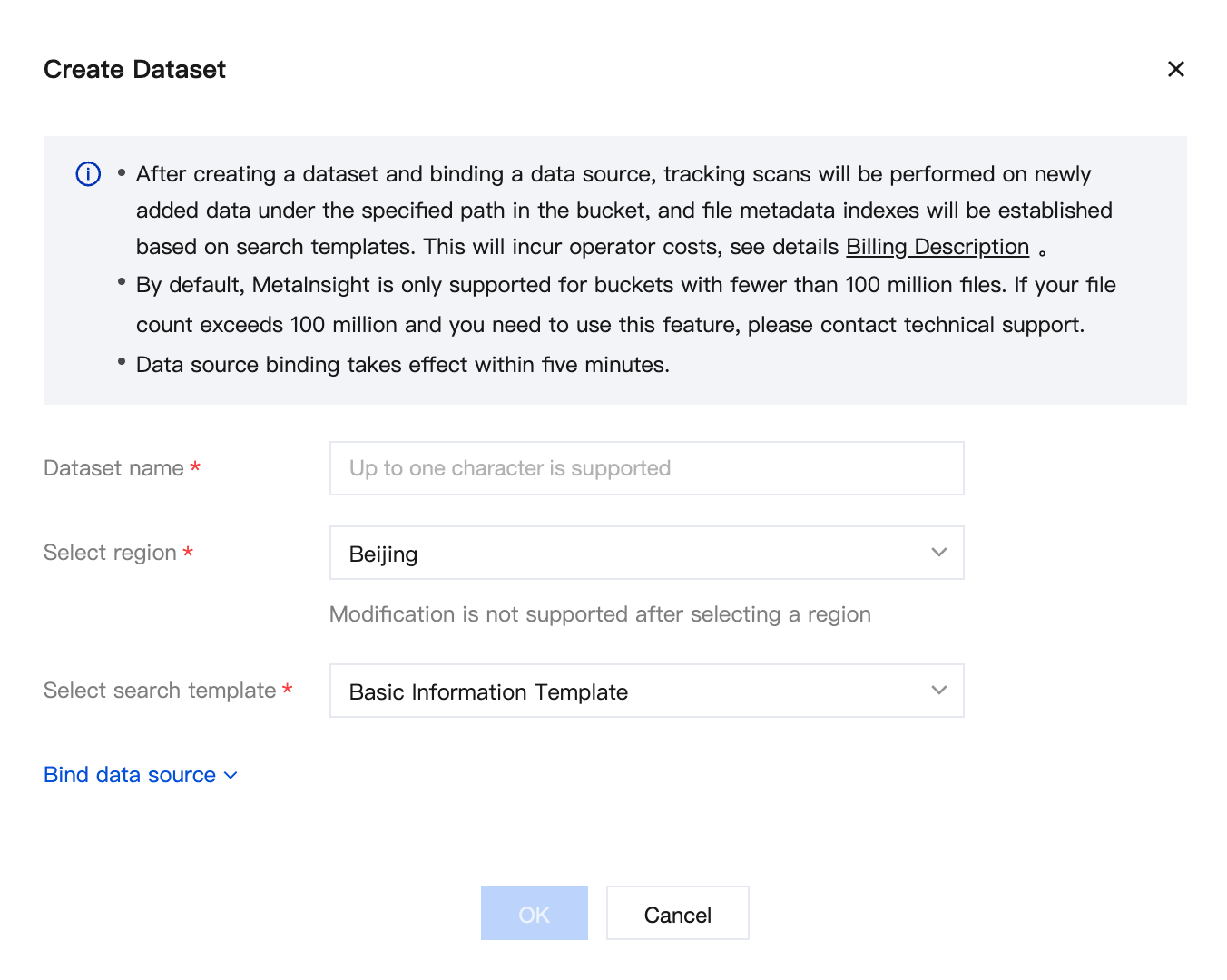
3. Click Create Dataset, configure the following items, and then click OK.
Dataset Name: Required. Enter a dataset name. The name must be unique within the same AppId.
Select Region: Required. Select the region where the dataset resides. The dataset and its bound data source must be in the same region.
Select Search Template: Required. When creating a dataset, you must specify a search template. The template defines the operators to be called when metadata indexes are built for files in this dataset. Available search templates include Basic Information Template, Image Search Template, and Face Search Template.
Business Scenario: If you select Image Search Template as the search template, you must select the corresponding business scenario based on your actual business scenario. Available business scenarios include General, E-commerce, and Travel.
Binding a Data Source
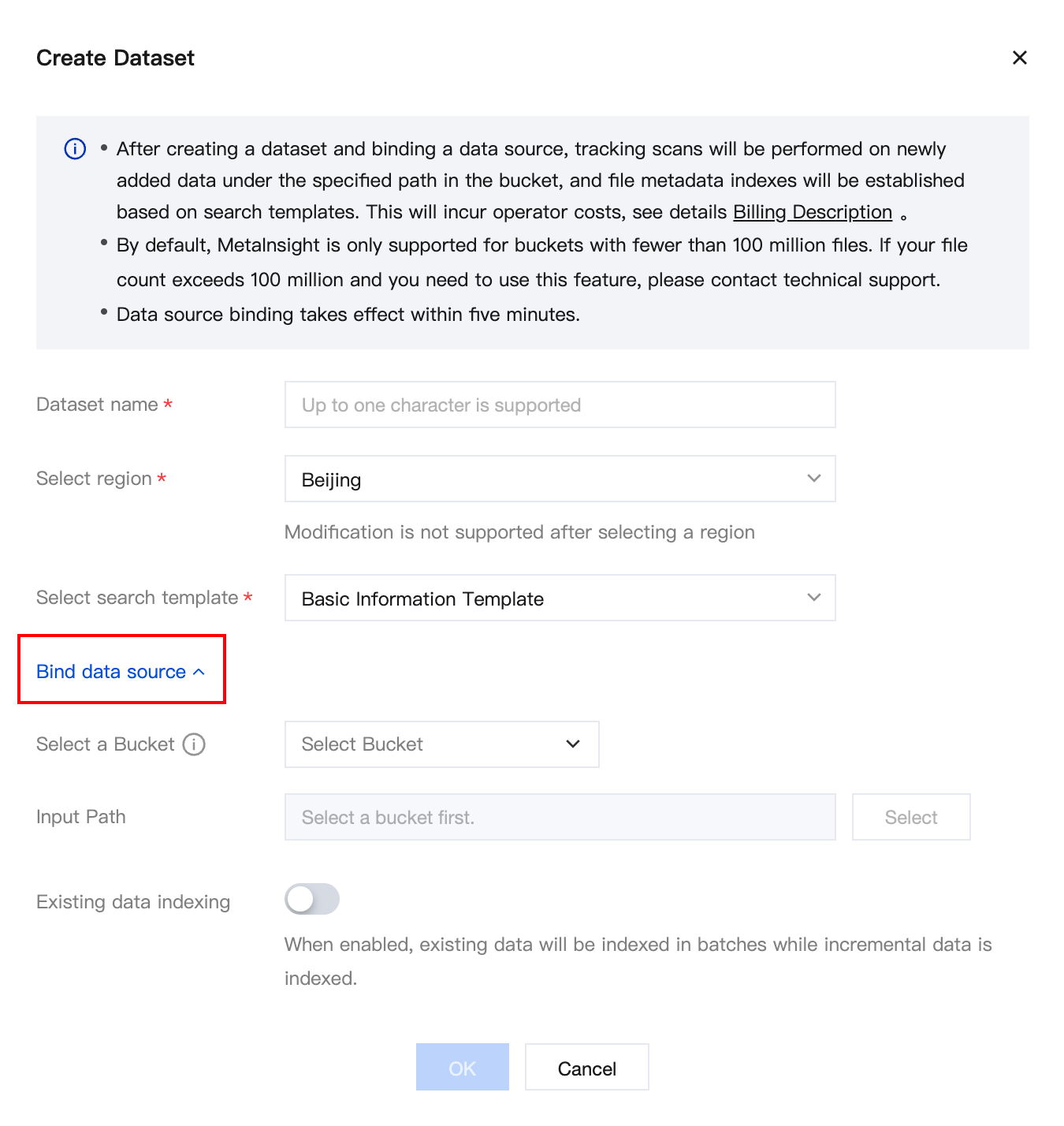
1. Click Bind Data Source.
2. In the dialog box that appears, configure the following items and then click OK.
Select a Bucket: You can bind a bucket when creating a dataset. After the bucket is bound, MetaInsight automatically builds metadata indexes for all newly uploaded files in the bound bucket.
Input Path: To build indexes for files under a specific path in the bucket, you can edit the input path.
Existing Data Indexing: After you enable existing data indexing, MetaInsight builds indexes for both existing and incremental data in the dataset at the same time.
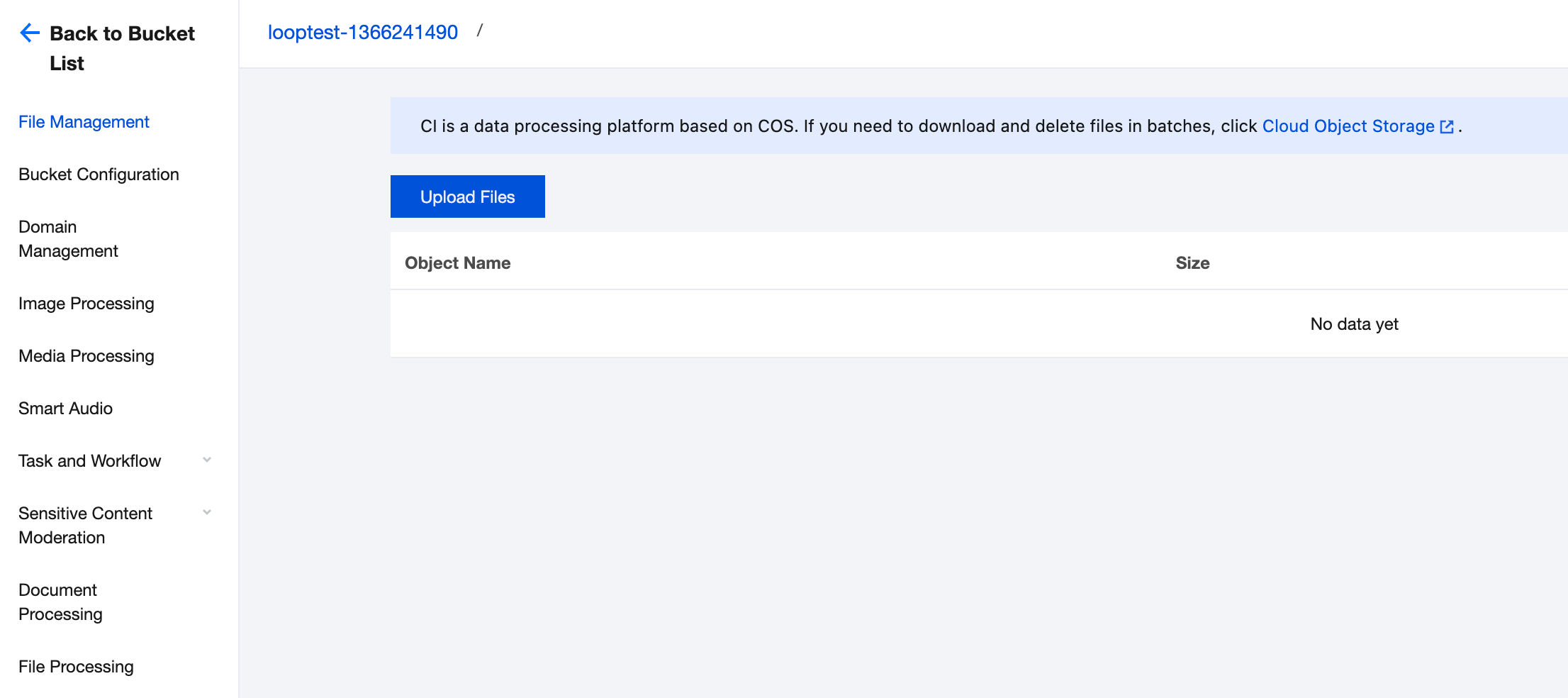
2. Select Bucket Management in the left sidebar, and then click the name of the bucket where you want to upload files to go to Bound Buckets.
3. Choose File Management > Upload Files to upload files that need to be indexed and managed.
Result Retrieval
1. After metadata indexes are established for the dataset, you can go to the Data Retrieval page to query data in the dataset. You can also click the buttons in the Operation column to search results and delete the dataset.
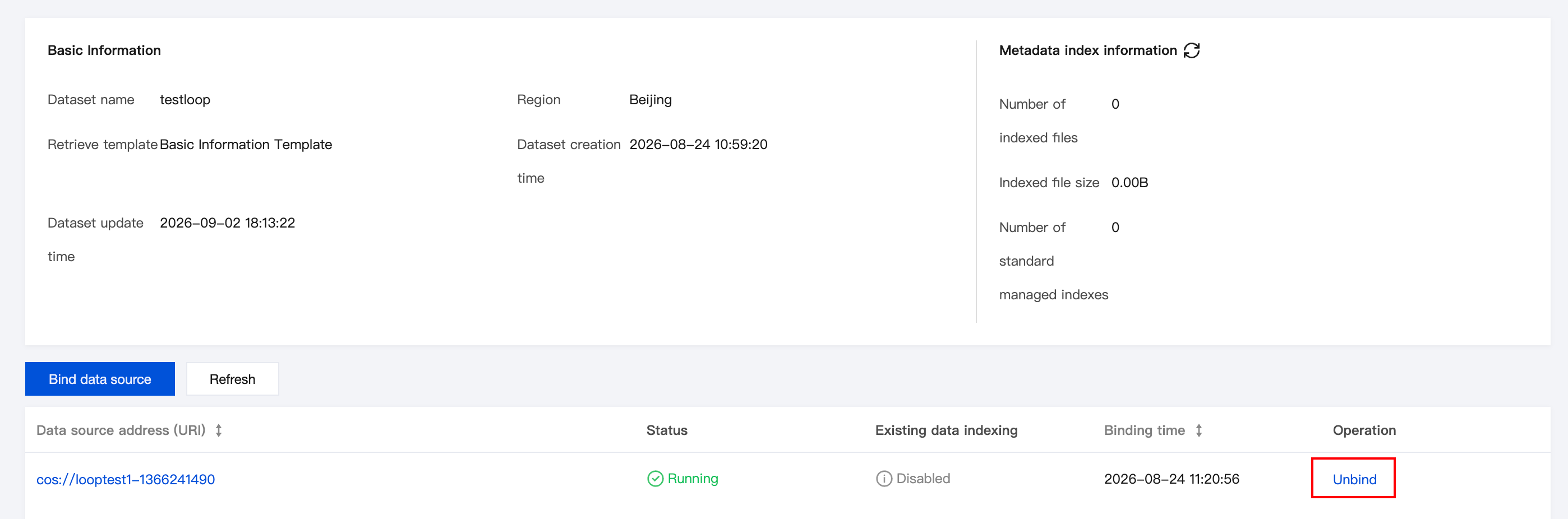
2. You can also click Manage in the operation column of a created dataset to manage it. On the management page, you can continue to bind multiple data sources or unbind them.