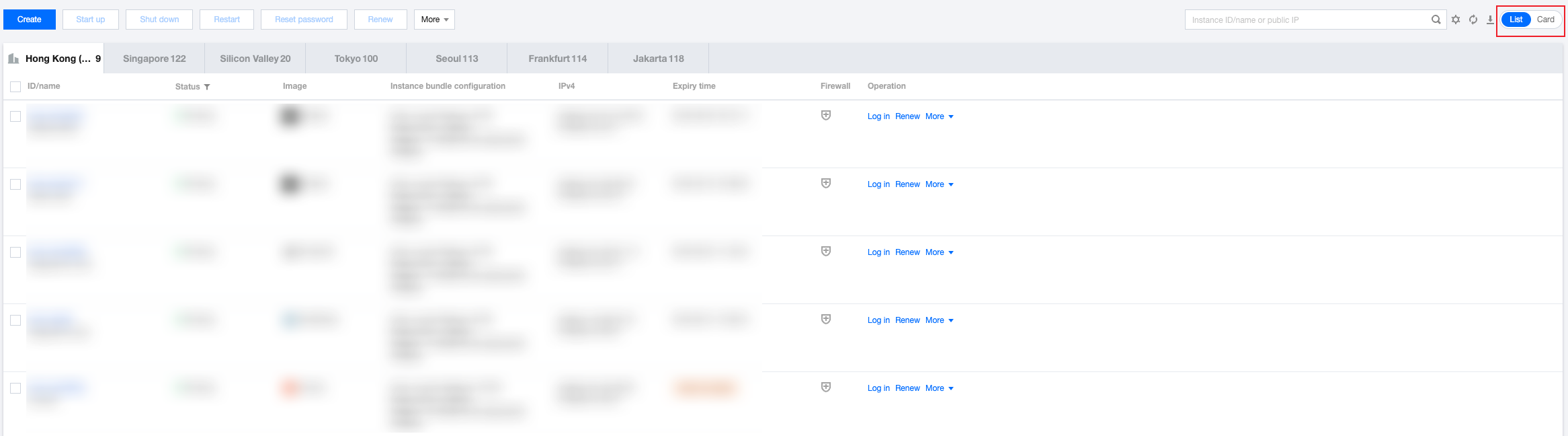
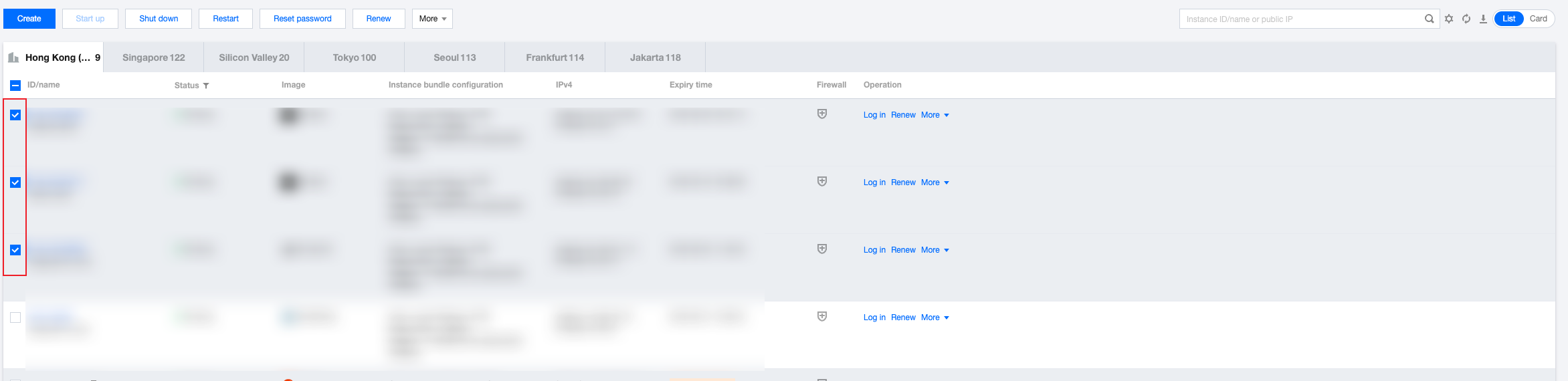
This document describes how to perform batch operations on Lighthouse instances in the same region, such as starting and shutting down instances and resetting passwords.
Notes
For a batch operation, all instances must be in the same region.
All selected instances must support the operation.
For example, Windows instances don't support SSH keys, so you cannot batch bind SSH keys when Windows and Linux instances are selected at the same time.
Directions
This document describes how to batch shut down instances.