A sub-account has no CAT permissions by default and can access CAT resources only after being granted relevant permissions by the root account.
Prerequisites
Log in to the Tencent Cloud console with the root account or a sub-account with the QcloudCamFullAccess permission and create a sub-account as instructed in Creating Sub-user.
Custom policy
1. Use the root account or a sub-account with the QcloudCamFullAccess permission to log in to the CAM console and go to the Policies page.
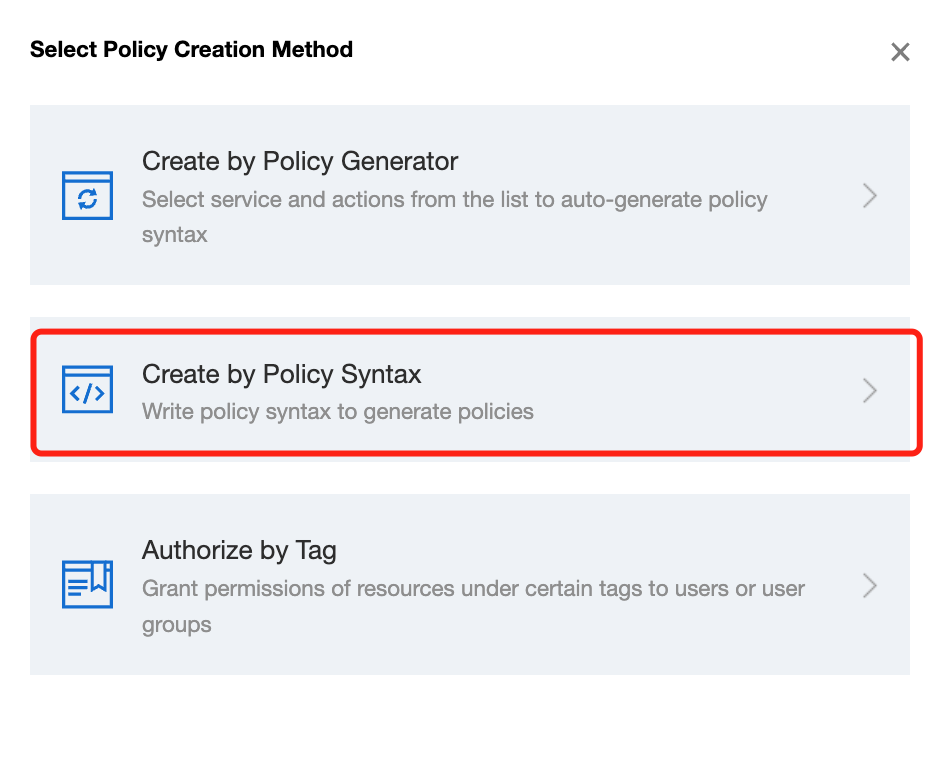
2. Click Create Custom Policy > Create by Policy Syntax and select Blank Template. Edit the policy as instructed in Policy Syntax.
Policy authorization
Note:
CAT creates default permission policies QcloudCATFullAccess (full access to CAT) and QcloudCATReadOnlyAccess (read-only access to CAT) for you. You can search for a default policy for quick authorization. You can also use a custom policy for authorization. Then, the sub-account can access the relevant resources.
1. Use the root account or a sub-account with the QcloudCamFullAccess permission to log in to the CAM console and go to the Policies page.
2. Go to the policy management page and enter a policy name in the policy search box.
3. Select QcloudRUMReadOnlyAccess or QcloudRUMFullAccess and click Associate Users/Groups in the Operation column.
4. In the pop-up window, select the target user and click OK.