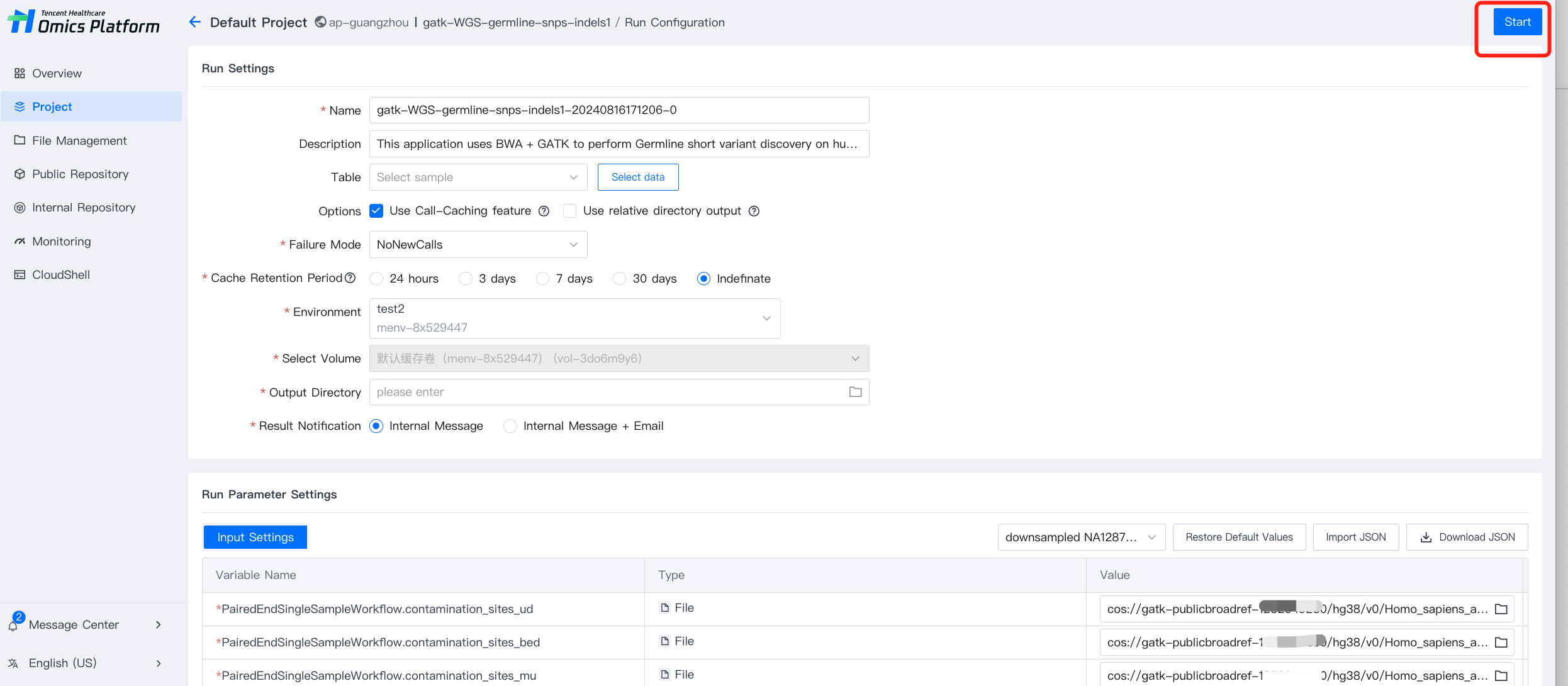
Batch running of tasks by uploading tables is supported.
Step 1: Add a New Table
For details on creating a table, see documentation: Adding a Table.
Step 2: Select Table and Data
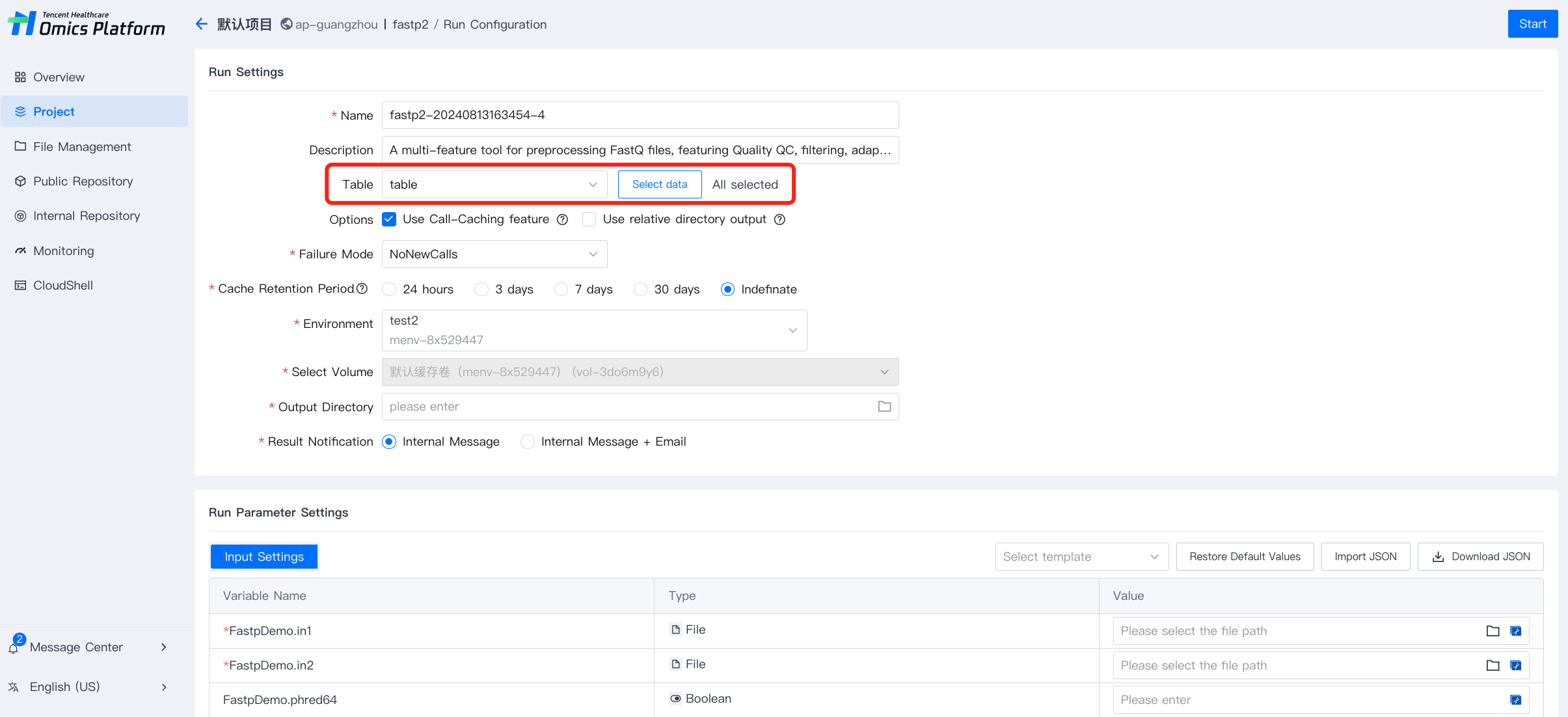
1. Select the table, all rows will be selected by default, and each row will be used to generate a run in the run group
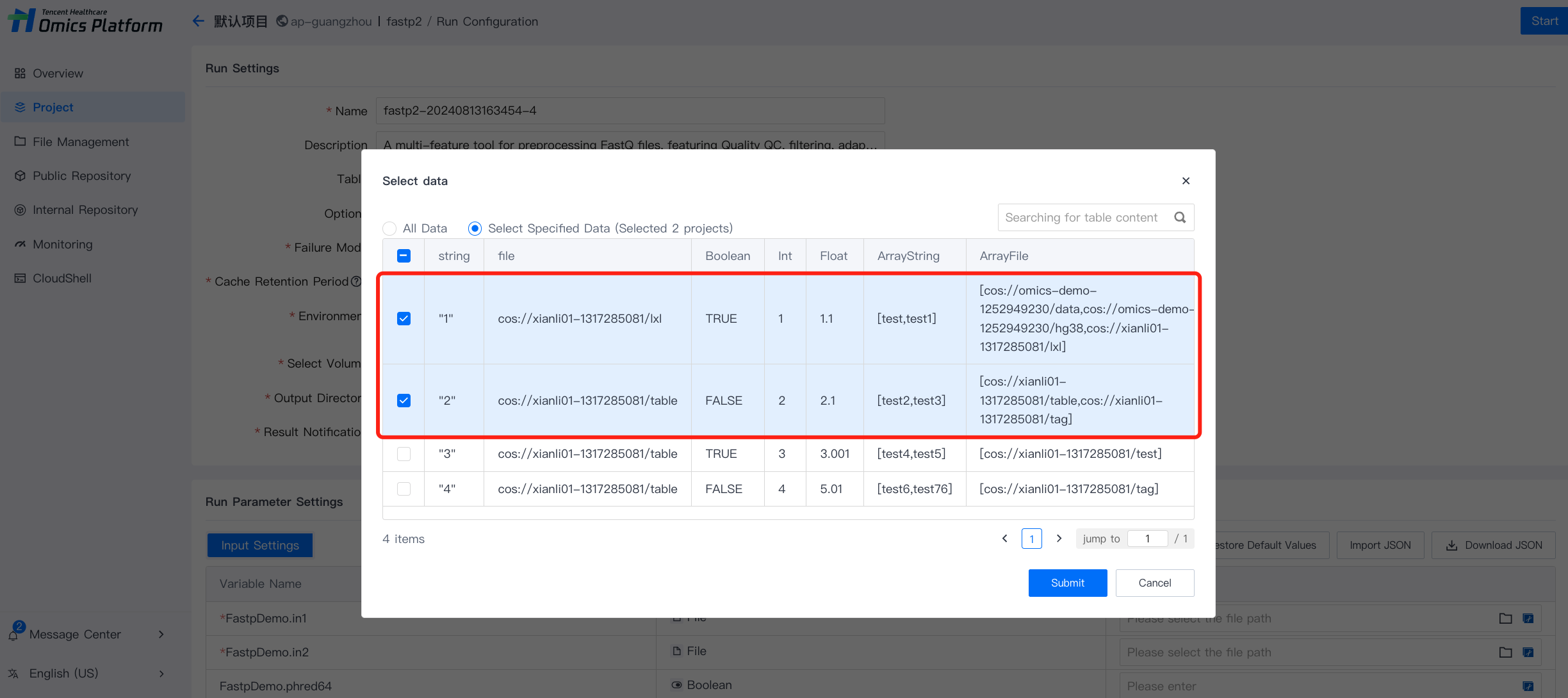
2. You can also click Select Data and further select the rows that need to be submitted. The input parameters that do not need to be specified by table can filled later.
Step 3: Set the Running Parameters
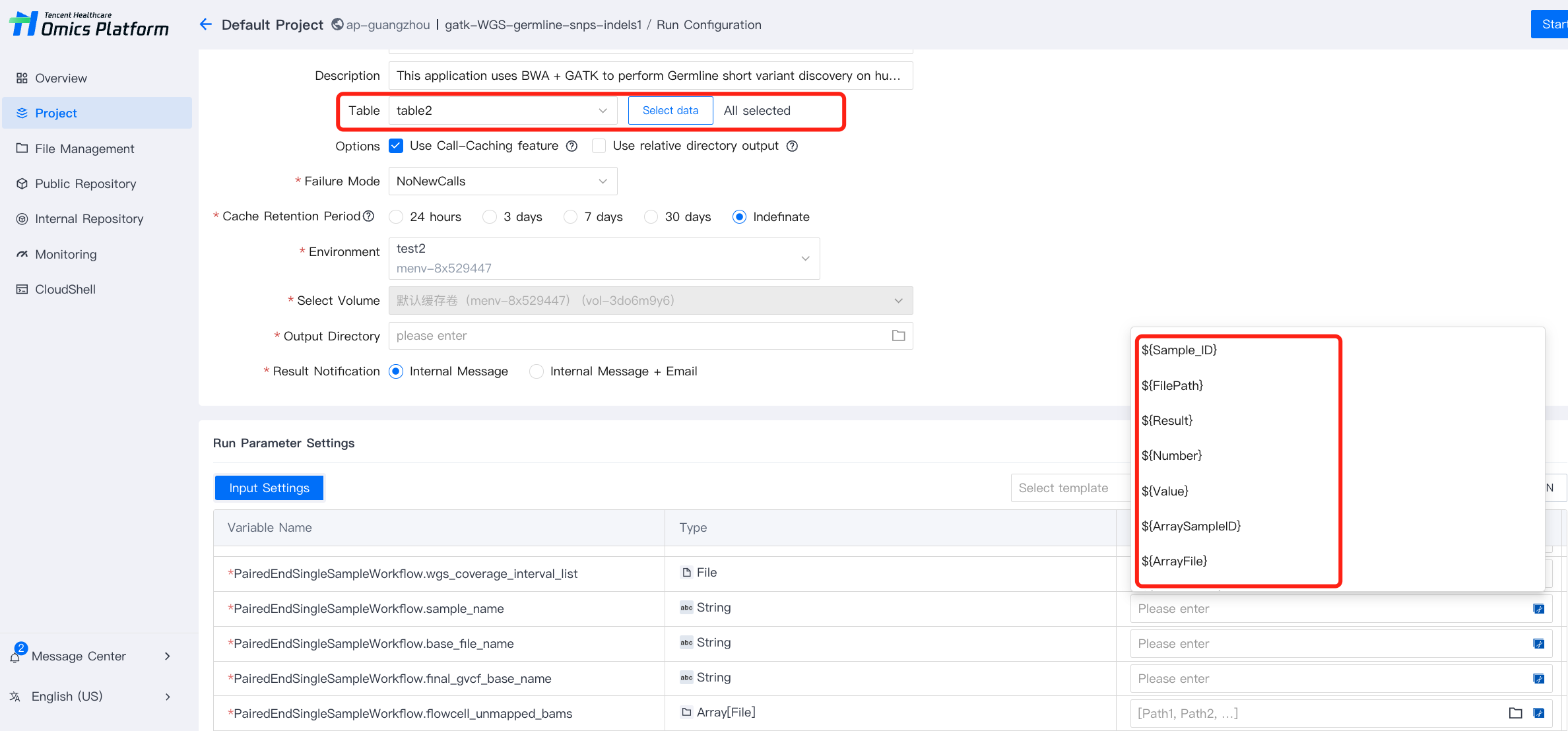
1. Select appropriate running parameters. In the running parameter settings, the value corresponding to the variable name needs to match the name of the uploaded table header.
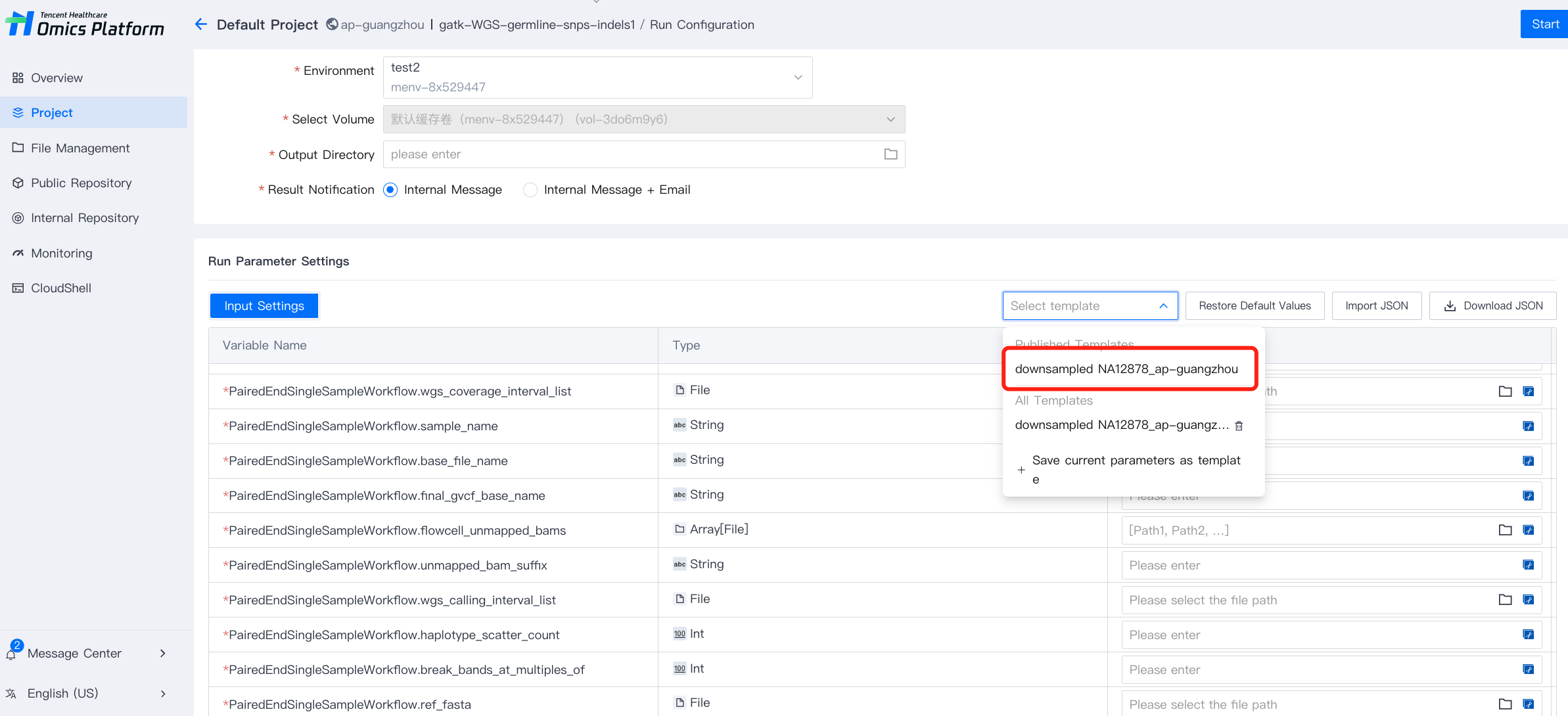
2. You can select a input template or manually fill in the running parameters.
Step 4: Run
Click Start in the upper right corner to start the analysis task.