tencent cloud

Certificate management

PDF
포커스 모드
폰트 크기
마지막 업데이트 시간: 2025-04-10 00:40:56

Overview

This document guides users to apply for and manage certs in the Hyperledger Fabric Engine network.

Prerequisites

Logged in to the TBaaS Console.

Operation Steps

Certificate Application

1. In the TBaaS Console, select Fabric > Blockchain Network in the left sidebar to enter the network card page. Click the corresponding card to enter the network details page.
2. Select the Advanced Settings > Certificate Management tab to enter the certificate list page and view the certificate information of the current organization.
3. Click Apply for a Certificate in the upper left corner of the certificate list, fill in the certificate identifier in the popup, and upload the CSR files of the user certificate and TLS certificate. As shown below:
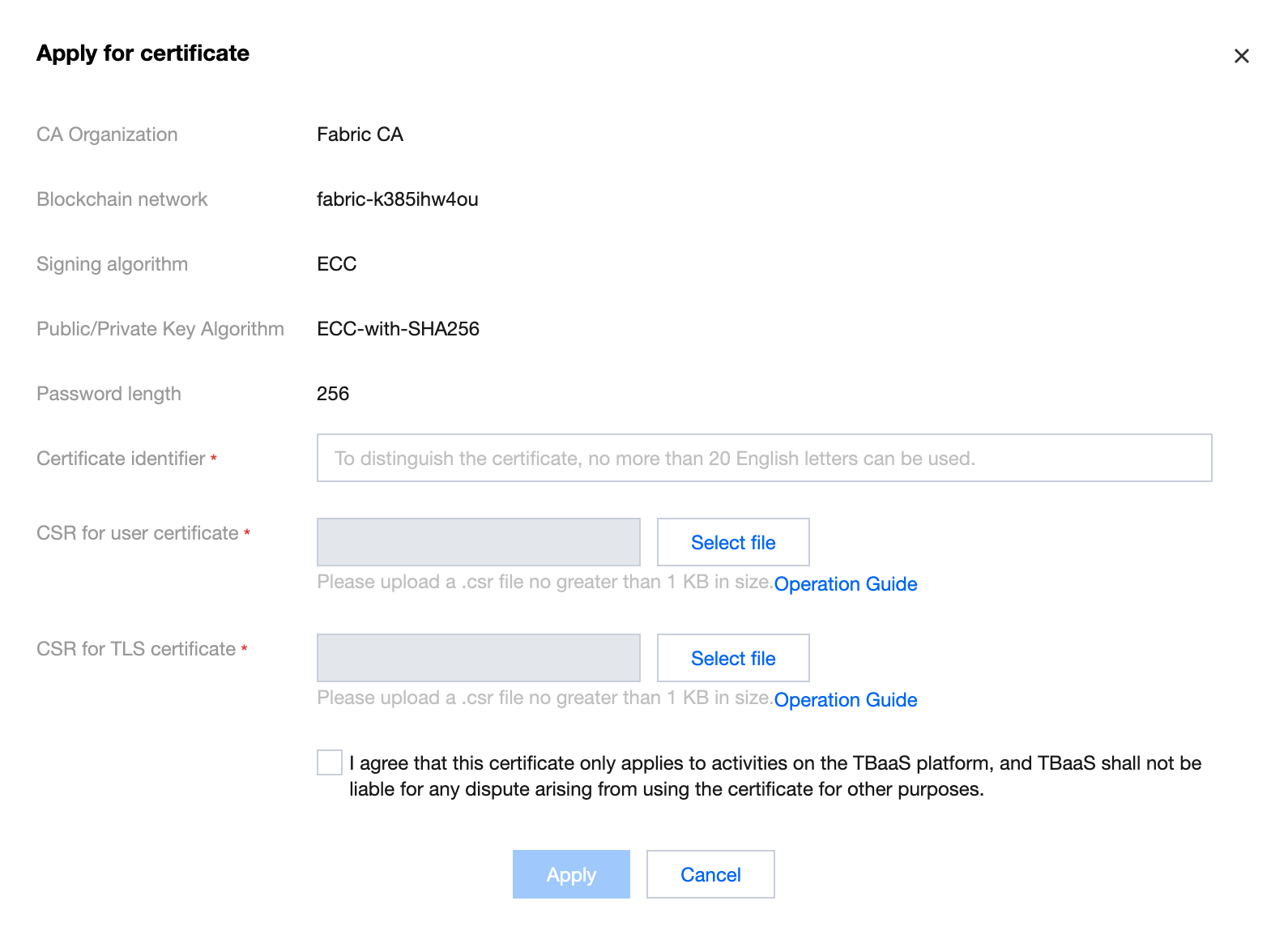

4. Click Apply to complete the generation of the certificate. For the generation method of the CSR file, please refer to Certificate Application CSR Generation Guide.

Download Certificate

After completing the application for the certificate, click Download in the certificate list to download the certificate file compression package. 
After decompression, you can obtain 4 files, which are:
ca.crt: organization root certificate to verify user certificate.
user.tls.crt: user TLS certificate for tls communication with nodes.
user.sign.crt: user certificate for transaction signature.

도움말 및 지원

문제 해결에 도움이 되었나요?

피드백