tencent cloud

TencentDB for SQL Server

Renaming Instance

PDF
포커스 모드
폰트 크기
마지막 업데이트 시간: 2025-09-04 11:25:32
TencentDB for SQL Server instances are differentiated by name, which can be renamed in the console.
This document describes how to rename an instance in the console.

Instance ID/name description

Both primary and read-only instances can be renamed.
An instance name can contain up to 60 Chinese characters, letters, digits, or underscores.
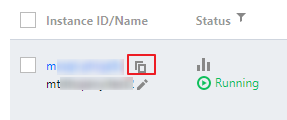
An instance ID supports quick copy.


Renaming an instance in the instance list

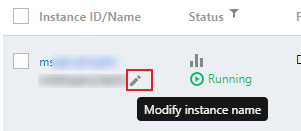
2. Select the region at the top, find the target instance, and click

after Instance Name.


3. In the pop-up window, enter a new name and click OK.

Renaming an instance on the instance details page

2. Select the region at the top, find the target instance, and click the target instance ID or Manage in the Operation column to enter the instance management page.
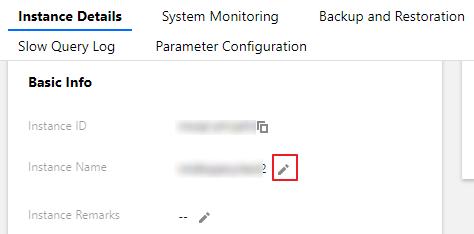
3. On the Instance Details page of the instance management page, hover the mouse over the corresponding instance name in the Instance Info on the right and then click

.

4. In the pop-up window, enter a new name and click OK.
Related APIs

API
Description
This API is used to rename an instance.

도움말 및 지원

문제 해결에 도움이 되었나요?

피드백