Step 2: Add Public Network Route
다운로드
포커스 모드
폰트 크기
Scenarios
In public network access scenarios, it is necessary to add a public network route to the instance. This article describes the steps to add a public network route to an already created instance via the CKafka console.
Prerequisites
Operation Steps
1. On the CKafka console's instance list page, click the "ID/Name" of the pre-created instance to go to the basic information page.
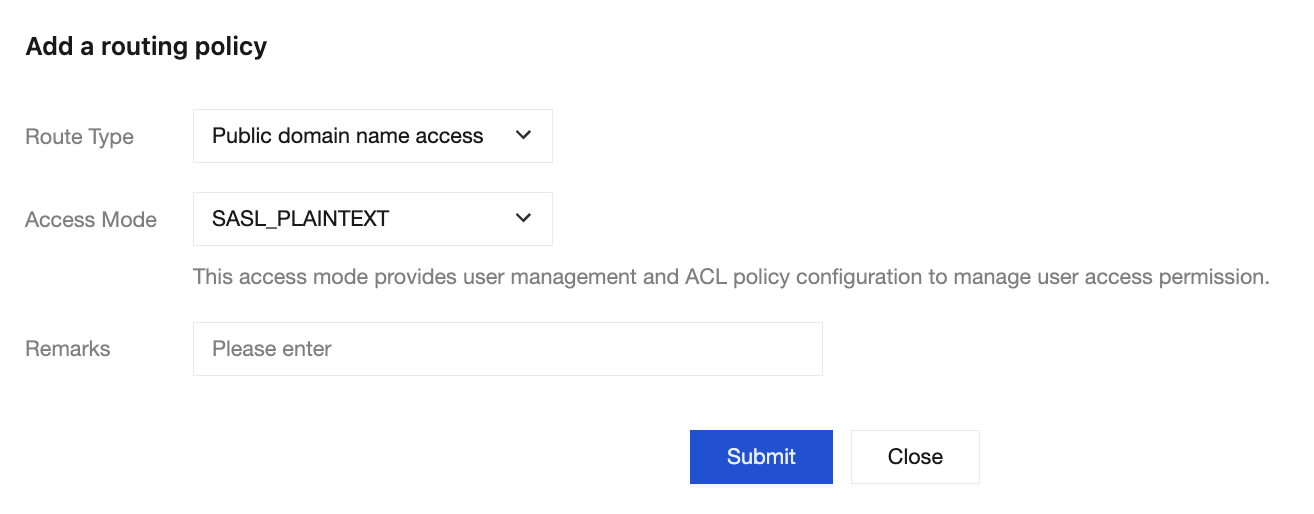
2. On the instance details page, select the Add a routing policy in the top-right corner of the Access Mode module to add a new public network route.
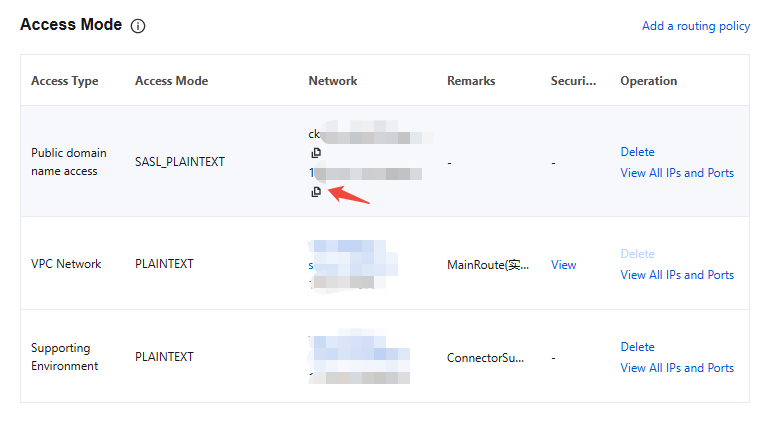
3. After adding, you will obtain the domain name and port for public network access.
피드백