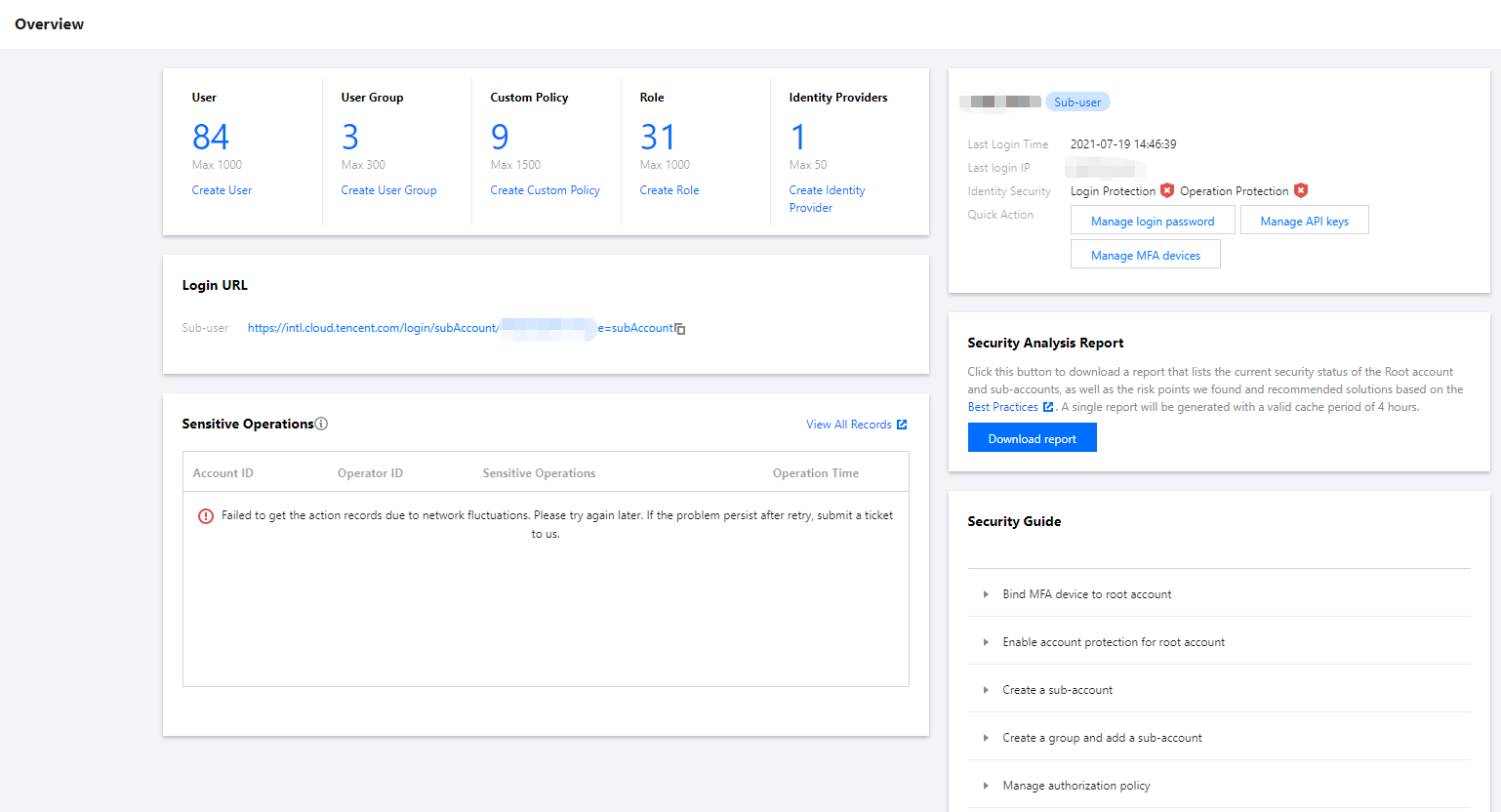
The overview page in the CAM console has six modules: CAM Resources, Login URL, Sensitive Operations, Last Login Info, Security Analysis Report, and Security Guide.
Overview Page Permission
Users associated with the QcloudCamSummaryAccess policy can view the information of all modules when they log in to the console.
Users not associated with the QcloudCamSummaryAccess policy will only see the Login URL and Last Login Info modules.
The root account and the admin user (AdministratorAccess) are associated with this policy by default.
Sub-accounts can contact the root account (on the User List > User Details page) to check whether they have the permission of the QcloudCamSummaryAccess policy.
The root account can associate the QcloudCamSummaryAccess policy with sub-accounts as needed to allow them to view the information on the overview page in the console. For more information on the authorization method, please see Authorization Management.
Overview Page Modules
CAM resources
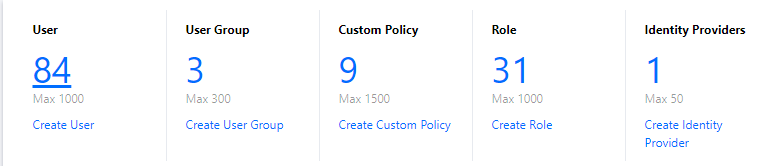
The CAM resources module displays the numbers of users, user groups, custom policies, roles, and identity providers created under the current root account. You can create more resources by clicking the button below each resource quantity.
Login URL
The login URL module displays the login URL for the sub-user. Both the root account and the sub-account can copy the URL by clicking the "Copy" icon on the right of the URL.
Sub-user login URL: applies to sub-users.
Sensitive operations
The sensitive operations module displays the overview information of all sensitive operations under the current root account in the last 3 days (up to 50 entries). The displayed information includes account ID, operator ID, sensitive operation details, and operation time. You can also click View All Records to enter the Cloud Audit console to view more detailed sensitive operation records.
Last login info
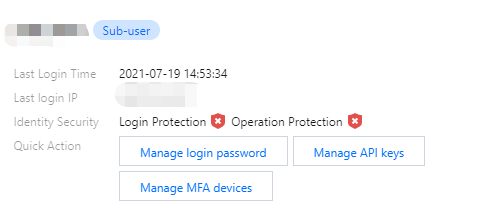
The last login info module displays the last login time, last login IP, identity security status, and shortcuts to manage API keys and manage MFA settings.
Security analysis report
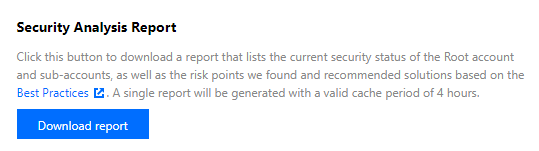
The security analysis report module provides a Download report button. Click this button to get the security status of the current root account and sub-account, security risks discovered based on best practices, and recommended solutions. Each generated report will be cached for 4 hours.
Security guide
Note:
For the security of your accounts and assets in Tencent Cloud, we strongly recommend you complete all the configurations in the security guide.
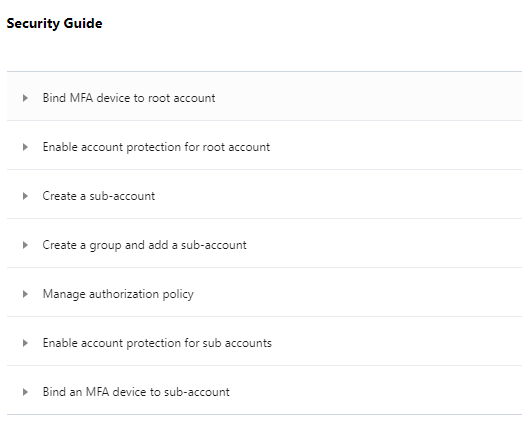
The security guide module provides basic CAM feature descriptions and necessary security operation guidance, such as binding MFA devices to root accounts, enabling account protection for root accounts, creating sub-accounts, and creating groups and adding sub-accounts.
Operation permission: the Bind MFA device to root account and Enable account protection for root account features can be used only by the root account, while the other five features can be used by all authorized users.
Feature status: each feature has two status: Not Completed and Completed. The root account user can view the status of each feature. Sub-accounts cannot view feature status.
Feature link: sub-accounts with permissions can view feature descriptions and links by clicking the triangle icon to the left of each guide item. The following figure shows the security guide module the root account sees.