This document describes how to view collaborator information, such as user groups, message subscriptions, login protection, operation protection, MFA device status, and console access status, and how to search for collaborators by using keywords such as username, account ID, SecretId, mobile number, email, and notes.
You can expand to view collaborator information, which includes user groups, message subscriptions, login protection, operation protection, MFA device status, and console access status.
1. On the user list management page, locate the collaborator that you want to view.
2. Click the details column icon (▶) on the left.
3. View the information of the collaborator in the expanded section.
Using search box to search for collaborator
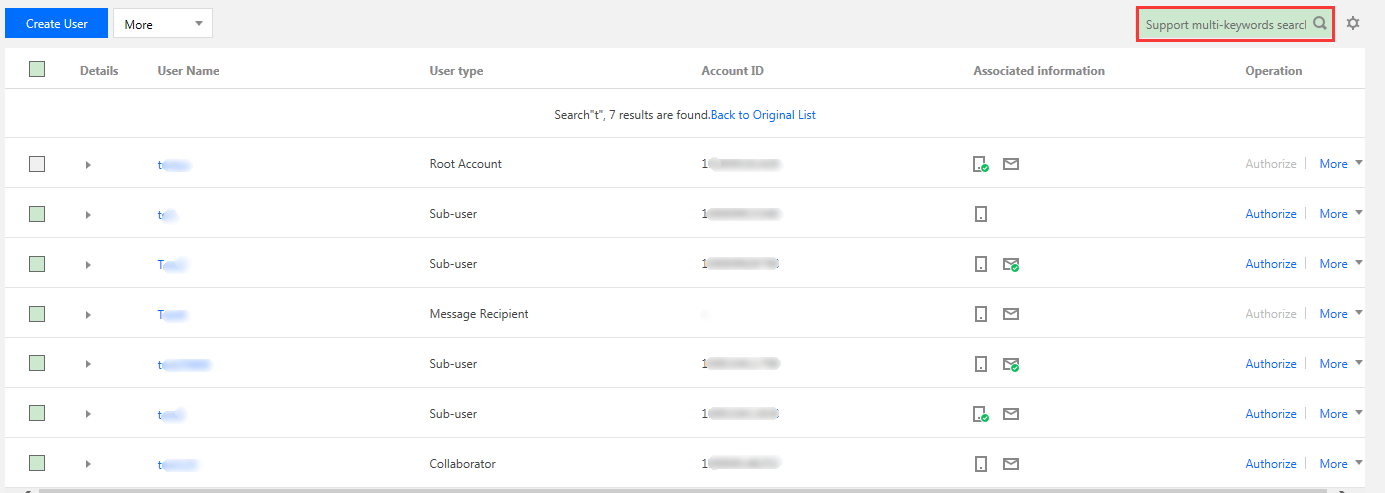
You can search for collaborators by using keywords such as username, account ID, SecretId, mobile phone, email, or notes.
1. On the user list management page, locate the search box in the top-right corner.
2. In the search box, enter the keyword and click the search icon on the right to search for collaborators as shown below: