This document describes how to switch the identity of the root account to which a collaborator belongs to manage the resources under the corresponding root account within the scope of permissions.
Prerequisites
The logged-in account is a collaborator of another root account.
Note:
For more information on how to create a collaborator, please see Creating Collaborator.
Directions
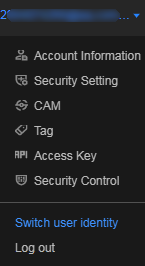
1. Go to the Tencent Cloud console and mouse over the account icon in the top-right corner of the page.
2. In the drop-down list that appears, click Switch user identity as shown below:
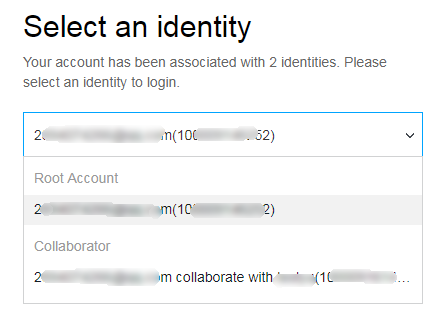
3. On the user identity selection page, click ∨ on the right of the account information. Select the root account identity that needs to be managed as shown below: