LogListener requires key-based authentication to access the CLS server. After initialization, LogListener writes and stores the key in plaintext in its configuration file by default. If you do not want to store the key in plaintext (plaintext storage may pose a leakage risk; proceed with caution), this document describes how to specify whether to encrypt the key during LogListener initialization and how to modify the key storage method after initialization.
Directions
Specifying the Encrypted Storage Key During Initialization
Refer to the LogListener Installation Guide and add the -encryption parameter when initializing LogListener. To encrypt the key, set the parameter to true. To not encrypt the key, set the parameter to false.
Modifying the Key Storage Method After Initialization
Modified to Encrypted Storage
1. Go to the LogListener installation directory.
2. In the LogListener installation directory, run ./bin/encrypt_tool -e {Key ID} to obtain the encrypted key ID.
3. In the LogListener installation directory, run ./bin/encrypt_tool -e {key} to obtain the encrypted key.
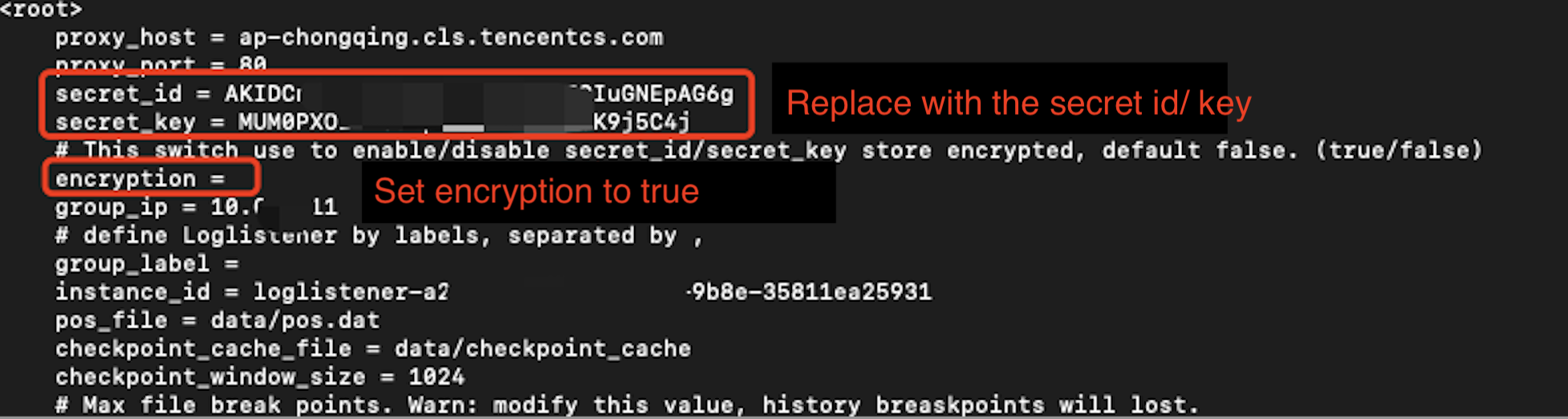
4. In the LogListener installation directory, run vim ./etc/loglistener.conf. Replace secret_id and secret_key in the conf file with the encrypted key ID and encrypted key obtained in Steps 1 and 2, and set encryption to true.
5. Run the following command to restart LogListener:
Executed By Systemd
Not Executed By Systemd
It is applicable to LogListener 2.8.3 and later versions with the operating system having a systemd.
systemctl restart loglistenerd
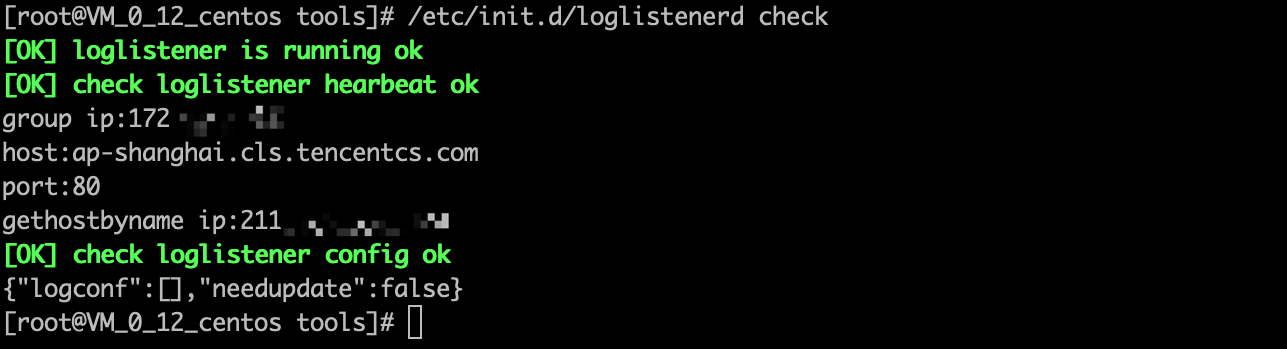
Run /etc/init.d/loglistenerd check to verify whether the startup is successful:
Applicable to LogListener 2.8.3 earlier versions or later versions with the operating system not having a systemd.
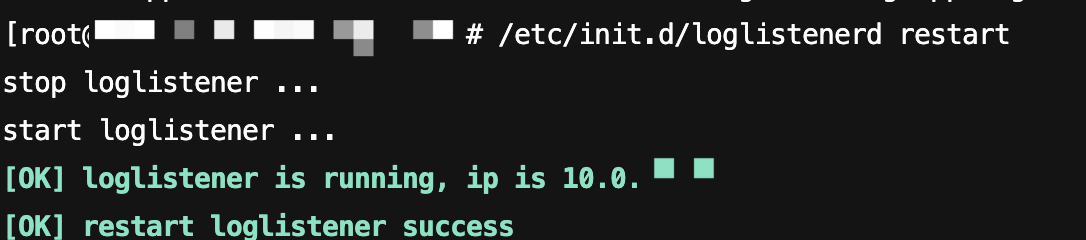
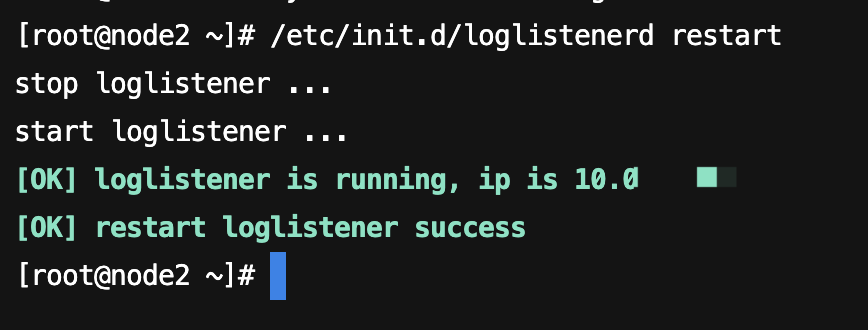
/etc/init.d/loglistenerd restart
Sample output for a successful startup:
Modified to Plaintext Storage
1. Go to the LogListener installation directory.
2. In the LogListener installation directory, run vim ./etc/loglistener.conf to replace secret_id and secret_key in the conf file with plaintext key ID and key, and set encryption to false.
3. Run the following command to restart LogListener:
Executed By Systemd
Not Executed By Systemd
It is applicable to LogListener 2.8.3 and later versions with the operating system having a systemd.
systemctl restart loglistenerd
Run /etc/init.d/loglistenerd check to verify whether the startup is successful:
Applicable to LogListener 2.8.3 earlier versions or later versions with the operating system not having a systemd.