Getting Started
Download
Modo Foco
Tamanho da Fonte
Go to the Enterprise Backend
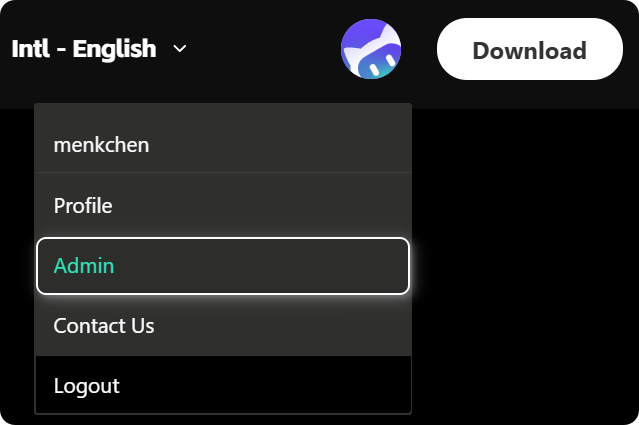
1. After logging in, the webpage automatically redirects to the official website homepage. Hover your mouse over the avatar icon in the upper-right corner, and click to go to the Admin Console.
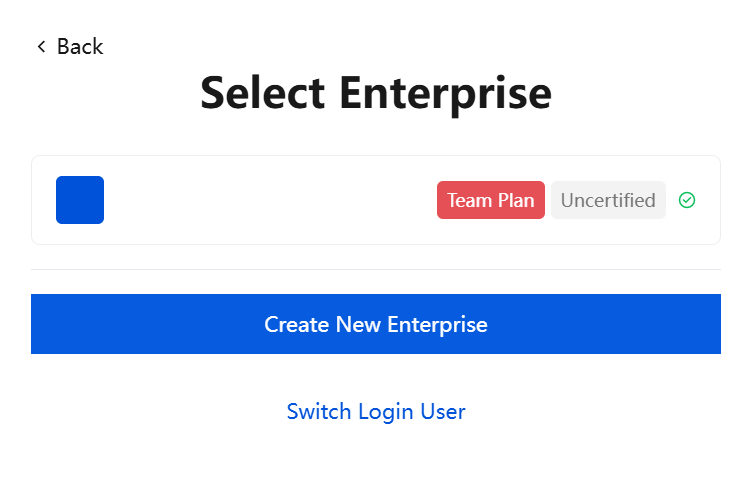
2. Select the target enterprise to go to the admin console.
Adding Enterprise Members
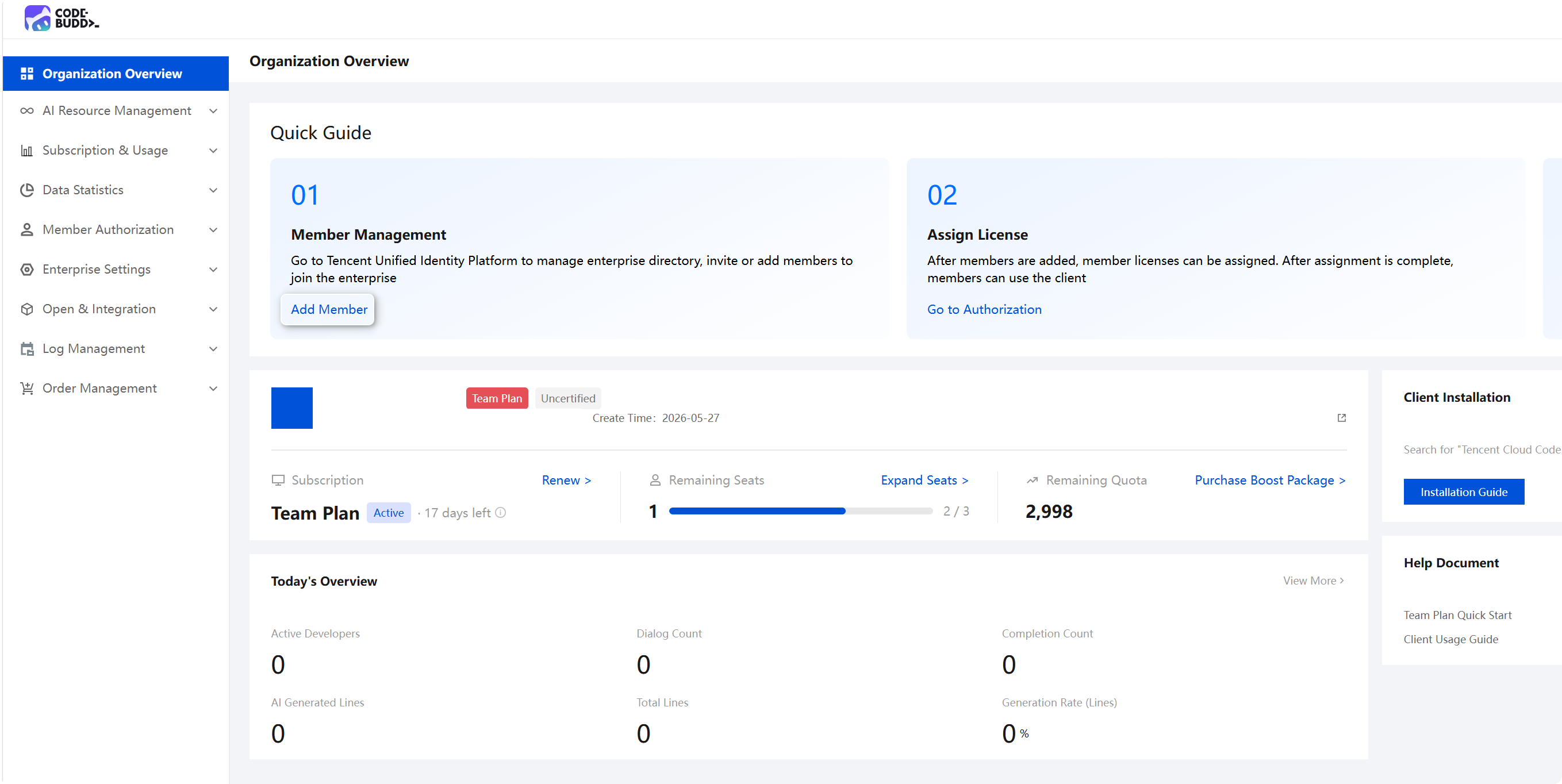
1. The Team Edition uses Tencent Unified Identity for enterprise member management. You can click the Add Member entry in the figure below to quickly jump to the Tencent Unified Identity platform.
2. The member management page for Tencent Unified Identity is shown below. For details on how to add members, see the Tencent Cloud Unified Identity > Member Addition Guide.
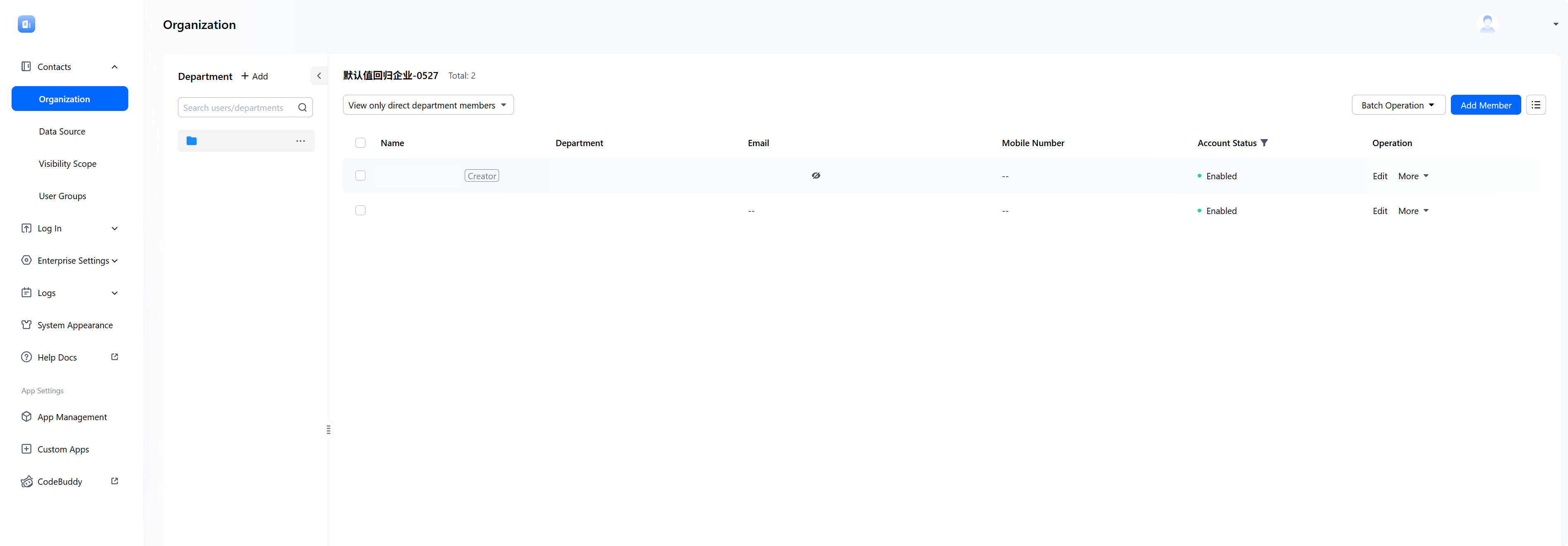
After a member is added, the member is automatically synchronized to the Enterprise Management Console. You can view the member in Member Authorization - Members and Departments.
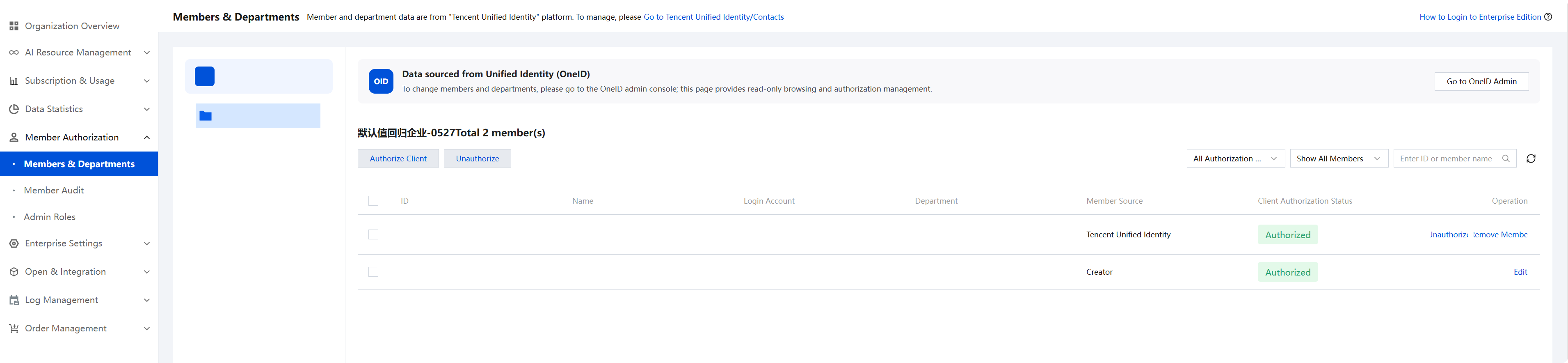
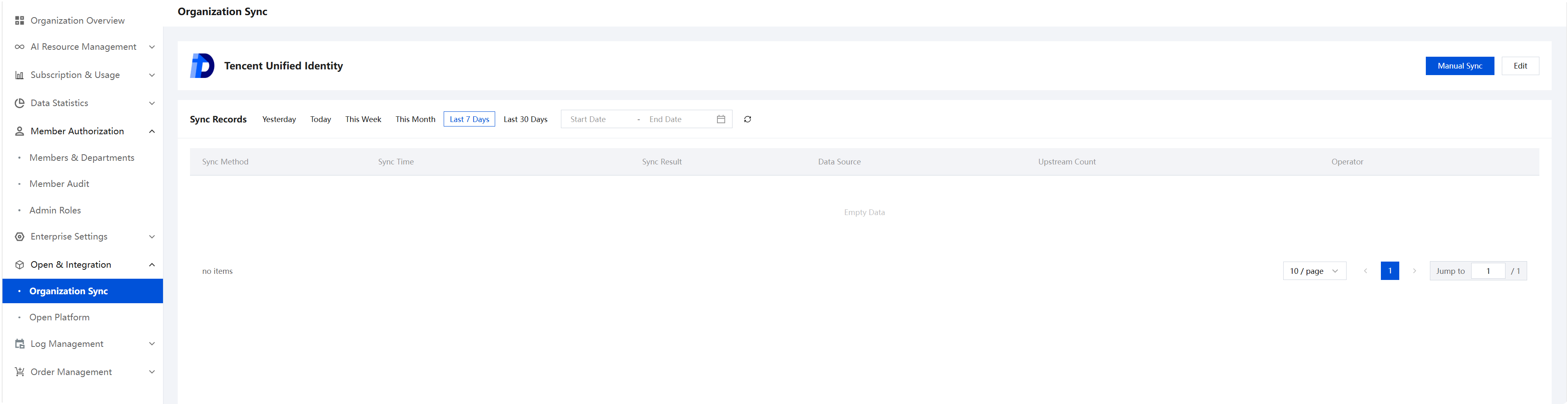
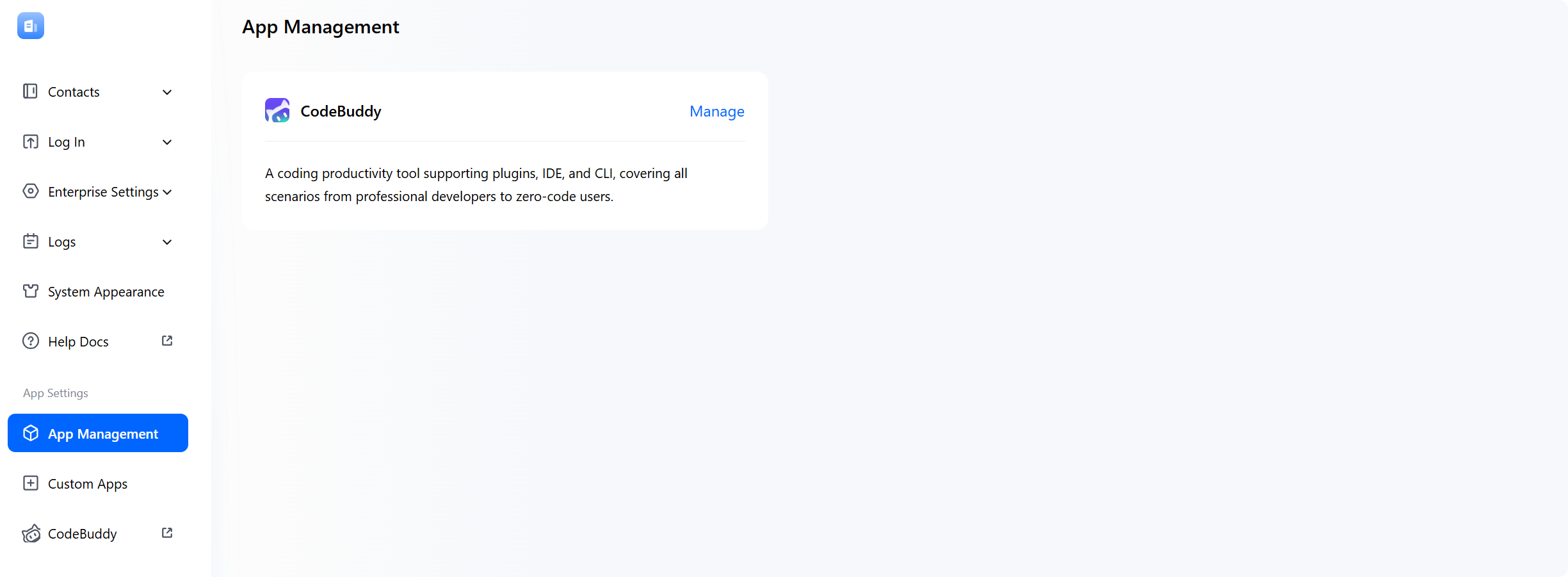
Note: In Enterprise Management Backend > Openness and Integration > Organization Structure Synchronization, you can Manually Synchronize members who have Application Management - Directory Permissions in the Tencent Unified Identity platform.
Member Client Usage
After a member is added in Tencent Unified Identity, the member can log in and use the client. For details, see Login.
Ajuda e Suporte
Esta página foi útil?
Você também pode entrar em contato com a Equipe de vendas ou Enviar um tíquete em caso de ajuda.
comentários