Refund/Invoice/Billing Instructions
Baixar
Modo Foco
Tamanho da Fonte
Refund Policy
If you meet the following conditions, you can apply for a refund:
Product Type | Refund Policy |
Pro (Continuous Monthly) | Refund not supported |
Pro (Continuous Annual) | If the plan credits are unused within 7 calendar days after purchase (including base usage and bonus usage), a refund can be issued (only one refund per order). |
Add-on Package | Refund not supported |
Redemption Code | Refund not supported |
Refund requests that do not meet the above conditions will not be supported.
Refund Process
1. Submit a ticket.
2. Or send an email to
codebuddy_ai@tencent.com with your account information.Invoice Instructions
How to Access
Users can log in to the CodeBuddy official website to view invoices:
1. Log in to the CodeBuddy official website.
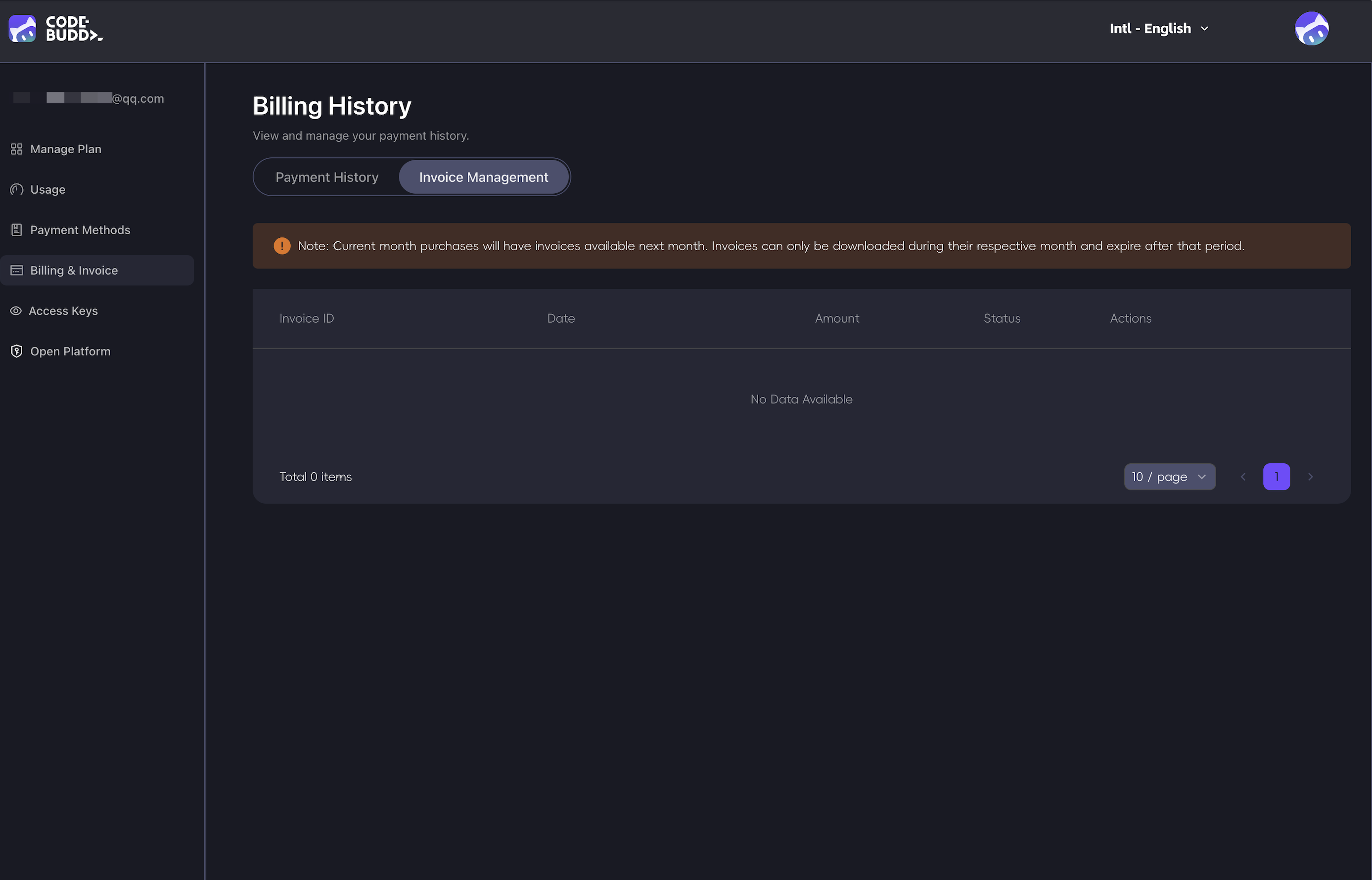
2. Click the avatar in the upper-right corner and go to Personal Homepage > Billing and Invoices.
Needs Correction
Send an email to codebuddy_ai@tencent.com
Email subject format:
Invoice Issue: [Invoice Number]A reply will be provided within 2 business days.
Bills
Supported Payment Methods
Payment method | Description |
Credit card | Visa,Mastercard,American Express |
Debit card | Visa,Mastercard |
WeChat Pay | Supported in some regions |
Prepaid card | Supported in some regions |
You can update or change the payment method on the Personal Homepage > Payment Methods page.
Note:
Only one subscription plan can be active at a time.
How to Access Bills
1. Log in to codebuddy.ai
2. Click the avatar in the upper-right corner and go to Personal Homepage > Billing and Invoices.
Need Help
Issue | Operation |
Payment failed | On the Personal Homepage > Bills and Invoices page, check the card information. |
Unrecognized charge | View the usage page + billing history on the personal homepage. |
Request a refund. |
Ajuda e Suporte
Esta página foi útil?
Você também pode entrar em contato com a Equipe de vendas ou Enviar um tíquete em caso de ajuda.
comentários