Tagging Resources
Baixar
Modo Foco
Tamanho da Fonte
Overview
This document describes how to tag resources in the console so that you can manage your resources centrally and by category.
Prerequisites
Directions
1. Log in to the Tag console.
2. Click Tag List on the left sidebar.
3. Find the key-value pair you created and click Bind Resources in the Operation column.

4. On the Bind Resources page, select a Tencent Cloud service and resource type and choose the resources to tag.
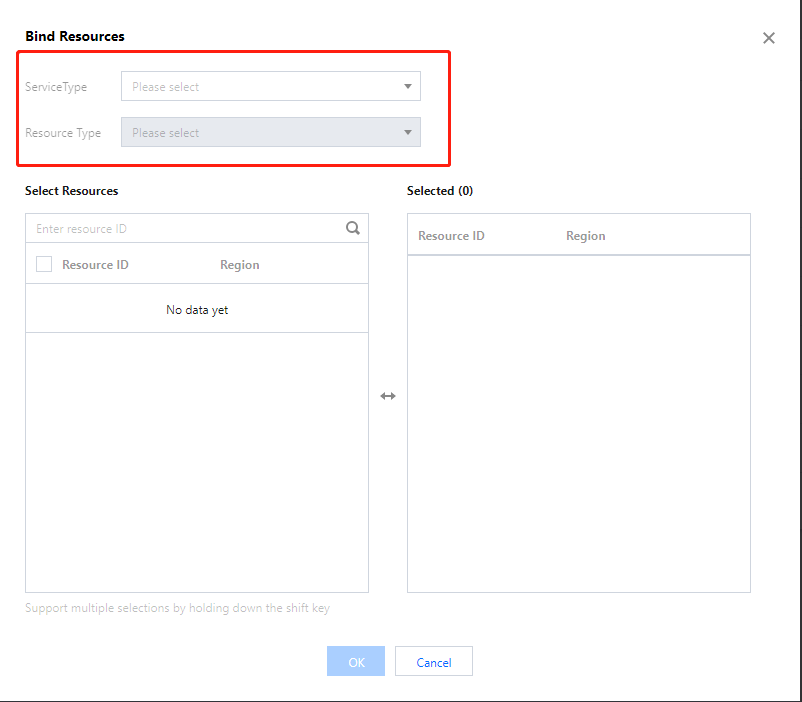
5. Click OK to tag the resources.
Related Operations
Ajuda e Suporte
Esta página foi útil?
Você também pode entrar em contato com a Equipe de vendas ou Enviar um tíquete em caso de ajuda.
comentários