Step 1: Configuring Services and Routes of admin api in the Konga console.
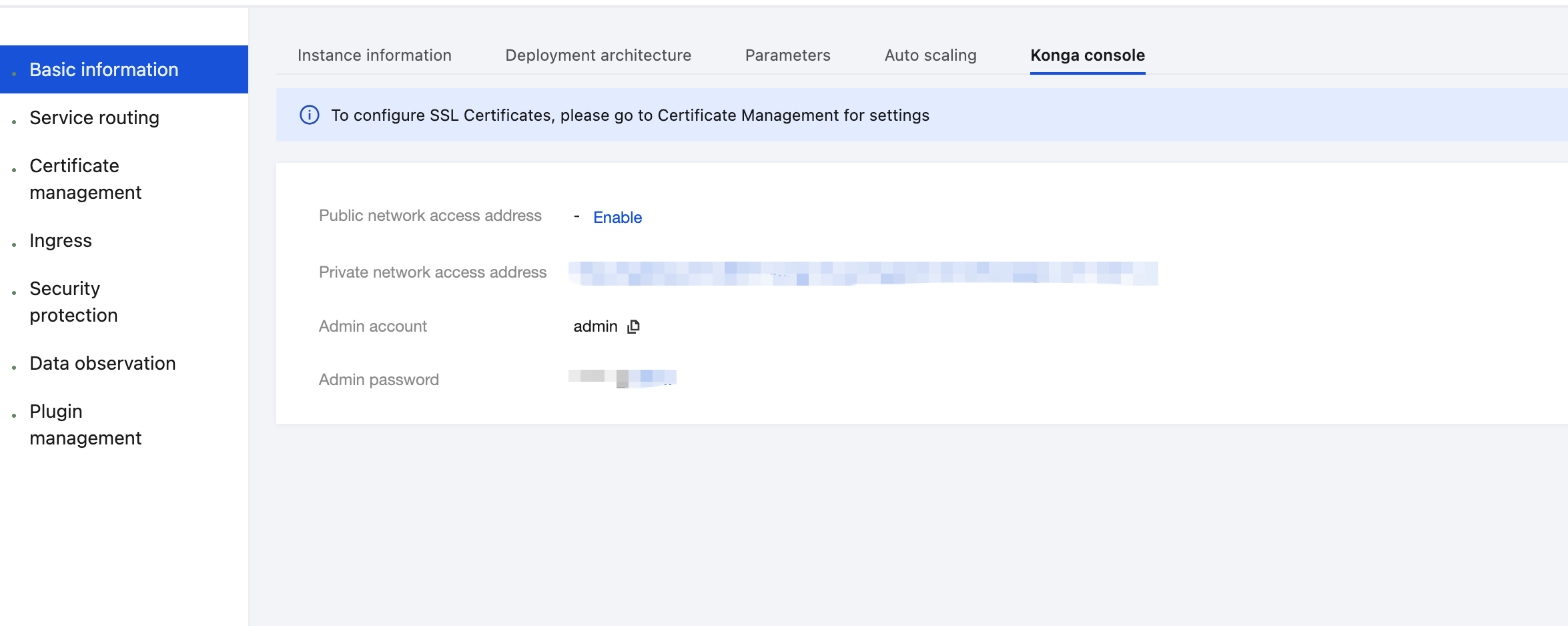
1. Log in to the TSF console, go to the details page of the Cloud Native API Gateway instance for which the basic auth plugin needs to be configured, and view the Konga console login method on the Konga Console tab page.
2. Click the access URL to go to the Konga console homepage, and click SERVICES in the left sidebar to enter the service list.
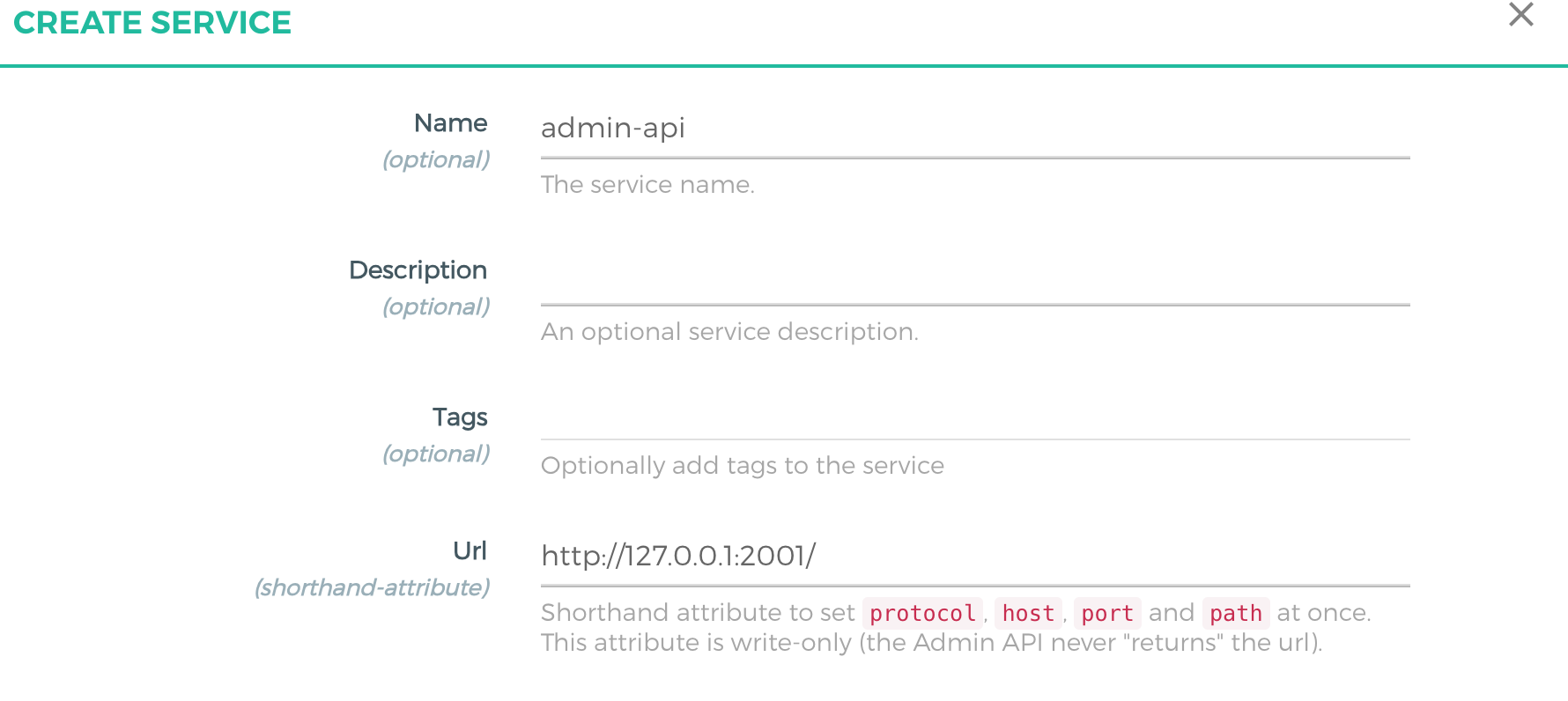
3. Click ADD NEW SERVICE, specify the content in the displayed dialog box, and set the URL content to http://127.0.0.1:2001/ to create a service.
4. After the service is created, click the created service in the service list to go to the service details page, and click Routes in the left sidebar to enter the route list.
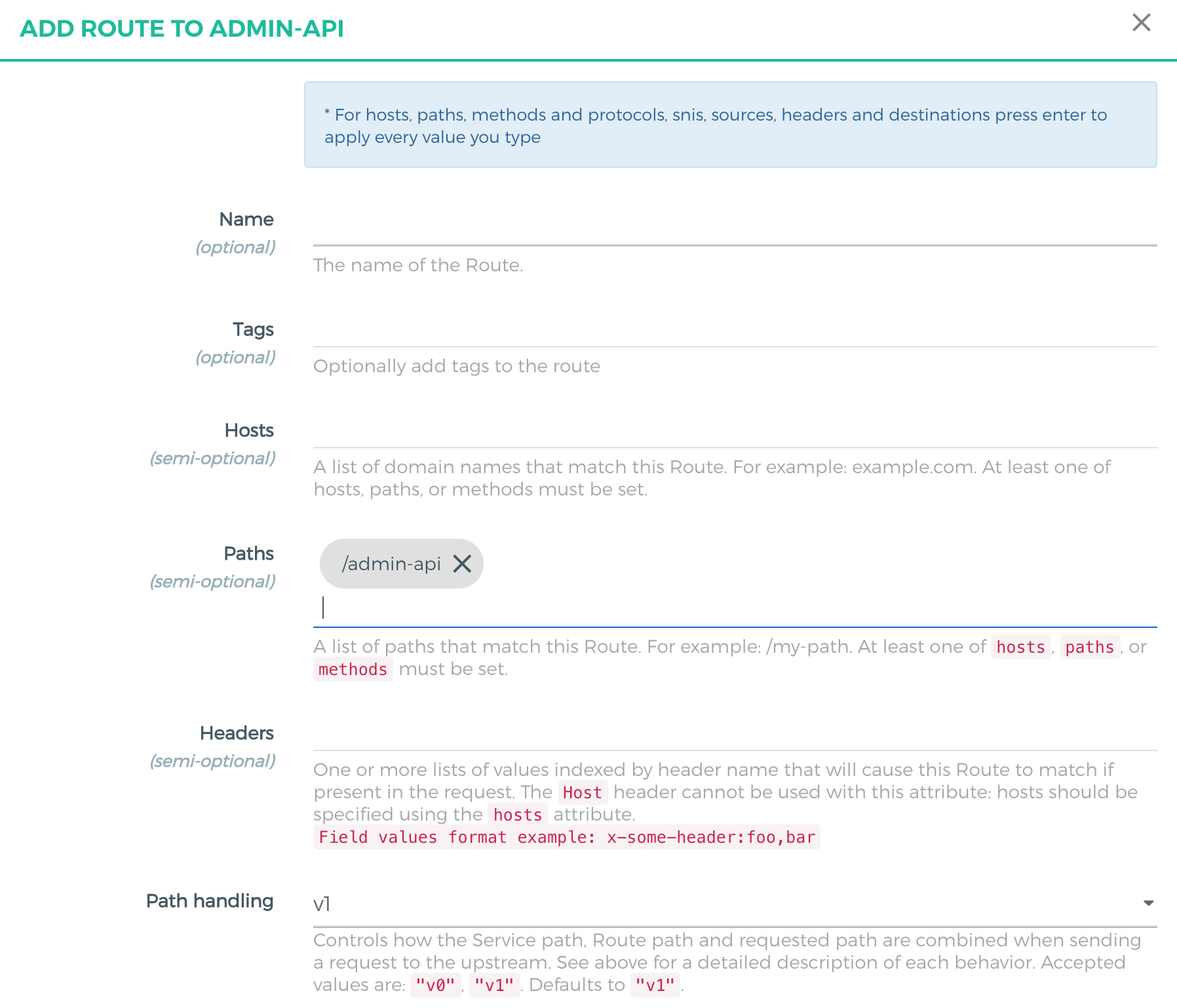
5. Click ADD ROUTE, specify the content in the displayed dialog box, and set Path to /admin-api to create a route.
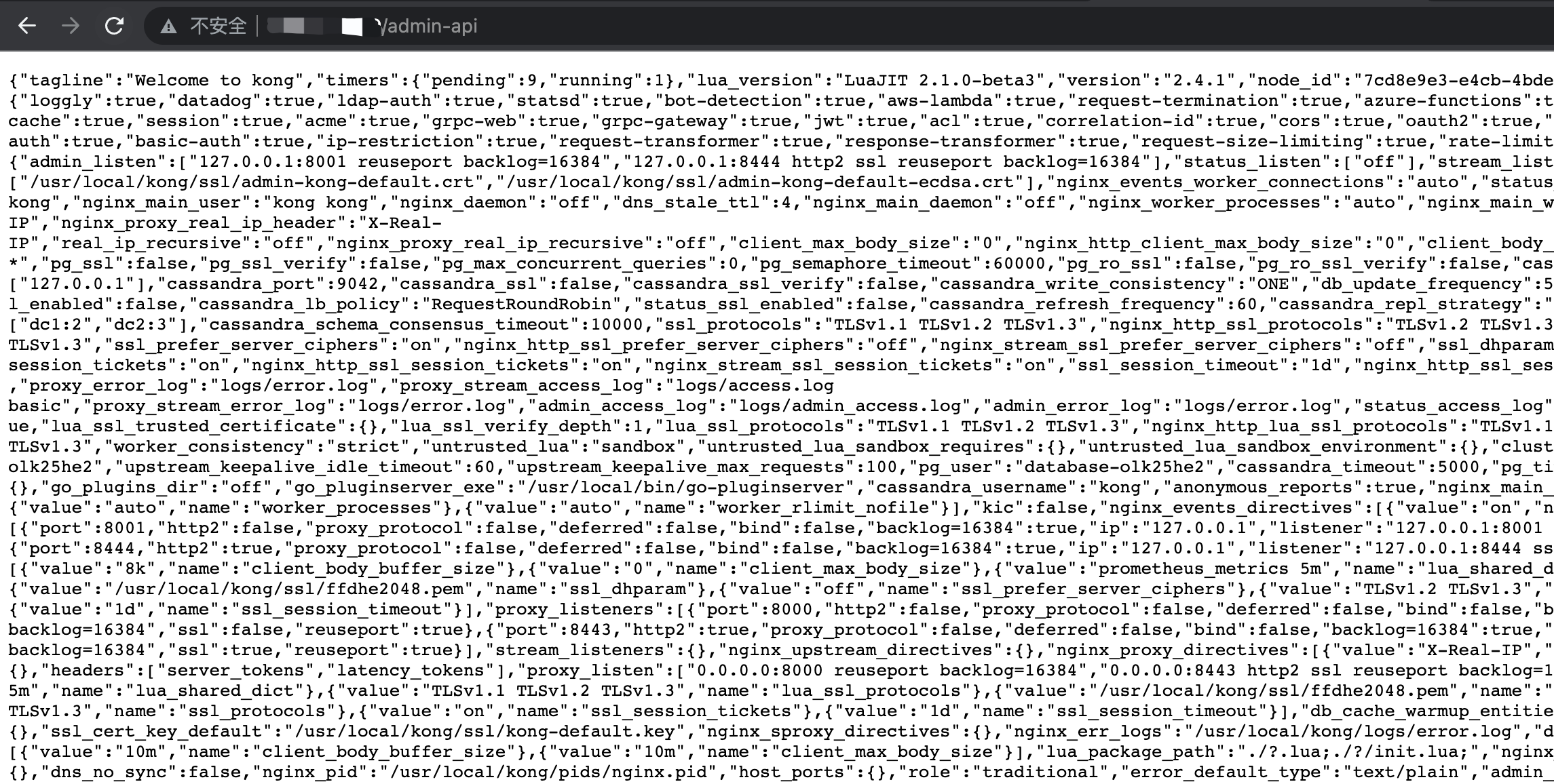
6. Open the browser, access admin api through the public network address, and set uri to /admin-api.
Step 2: Configuring the basic auth Plugin for admin api
1. Log in to the Konga console and click CONSUMERS in the left sidebar to go to the consumer list.
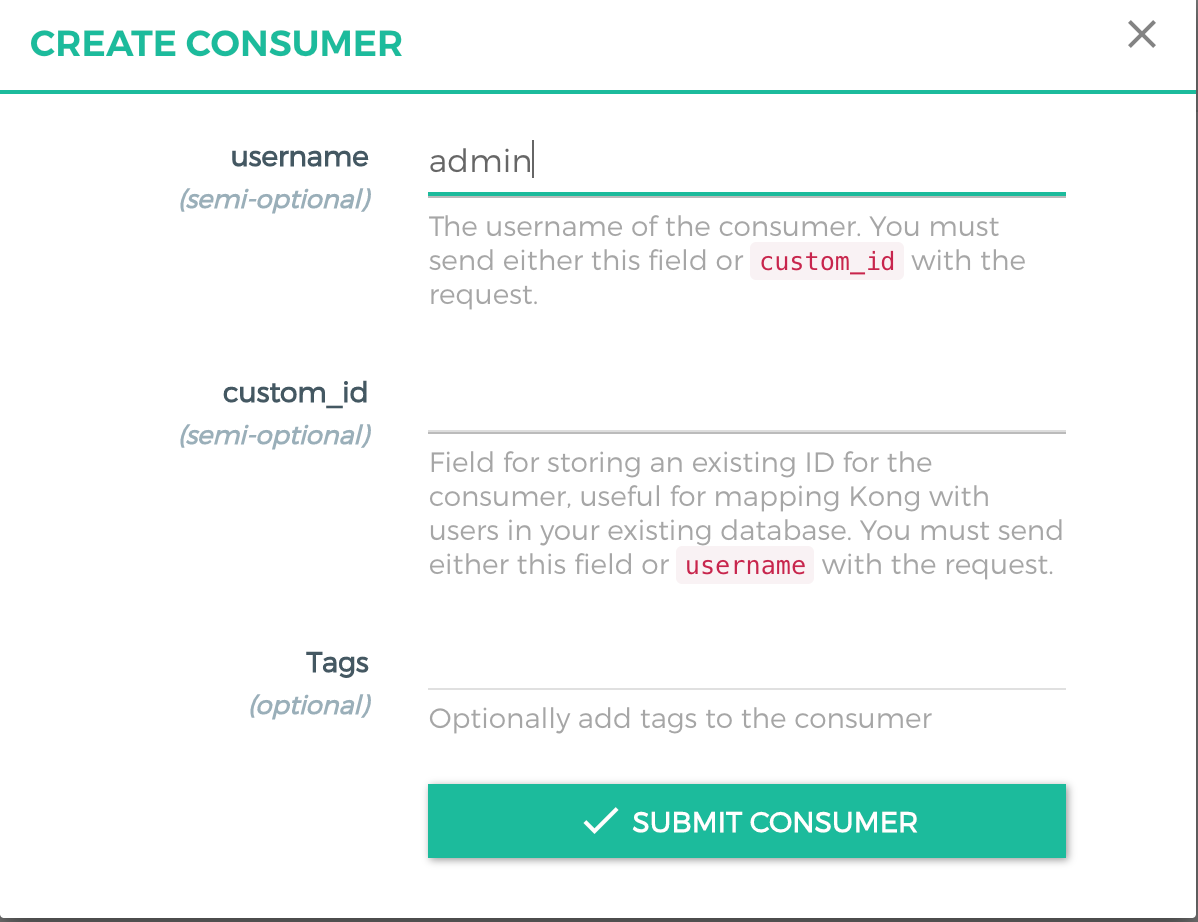
2. Click CREATE CONSUMER, and specify the parameters in the displayed dialog box.
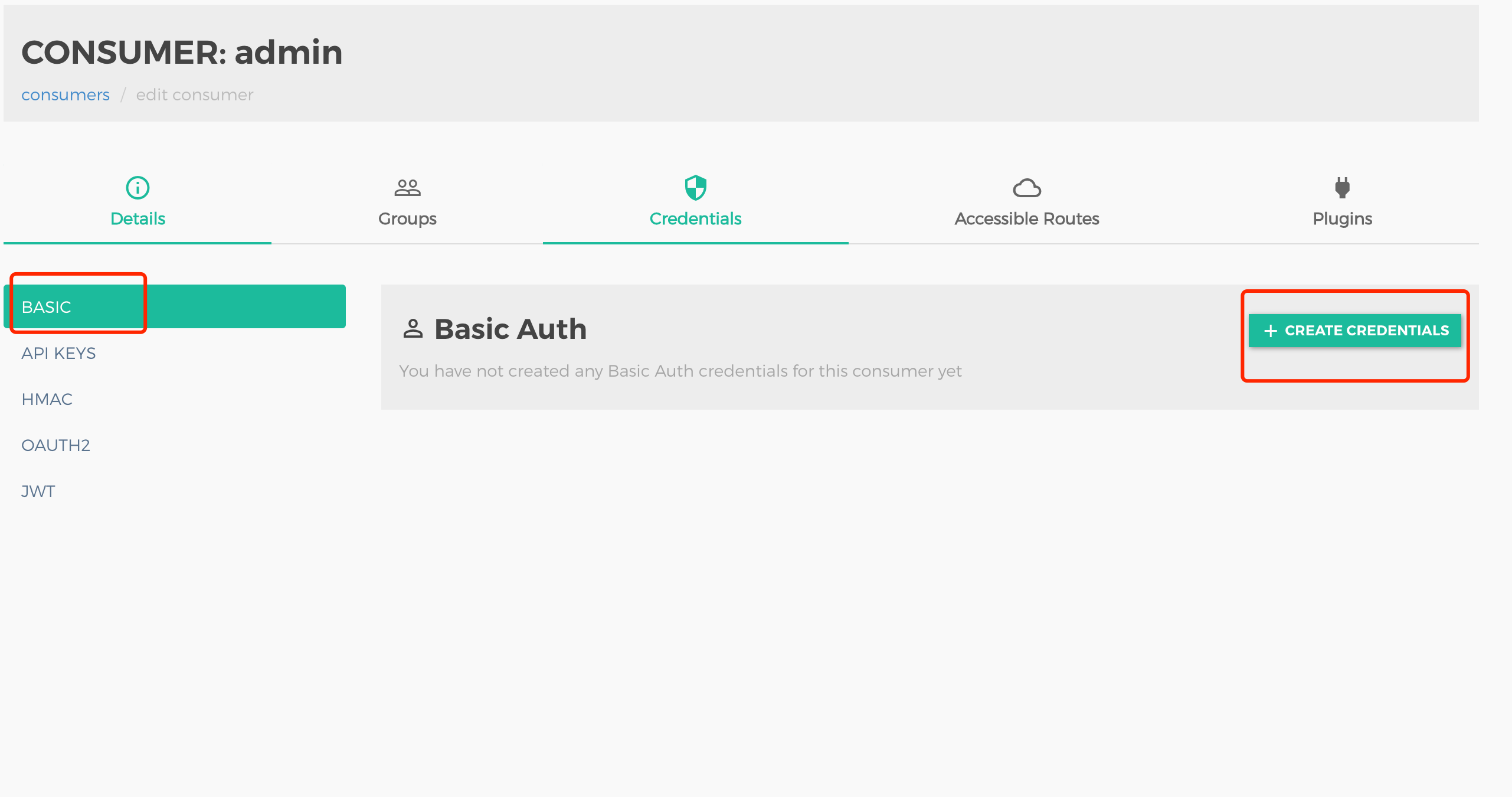
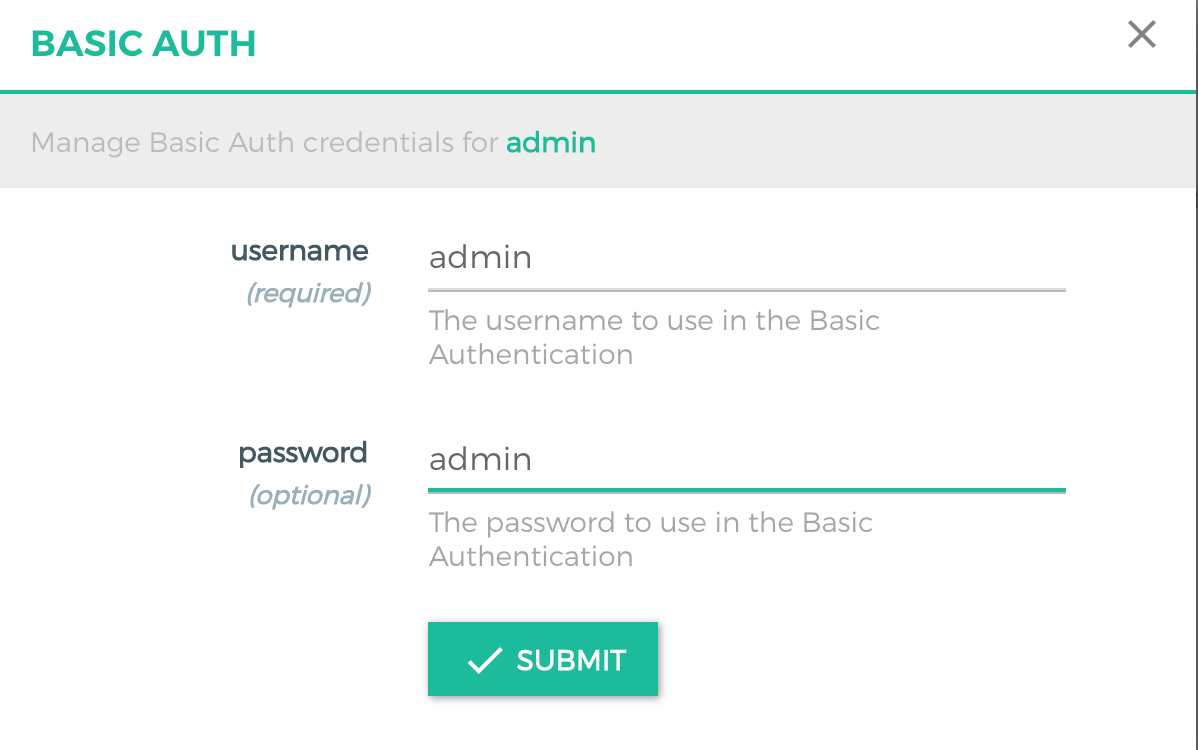
3. On the Credentials tab page, select BASIC from the left sidebar and click CREATE CREDENTIALS.
In the displayed dialog box, specify the parameters to create a consumer.
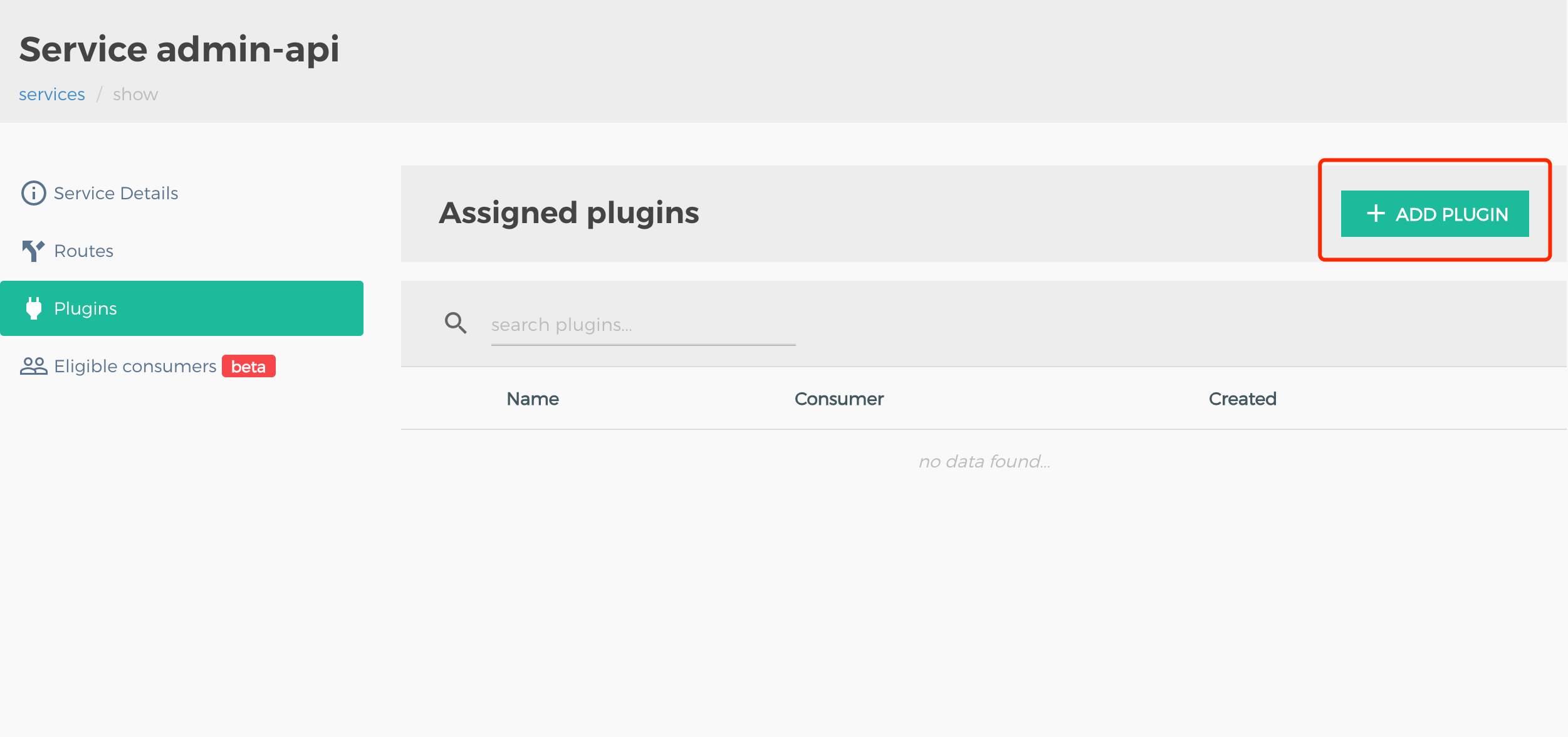
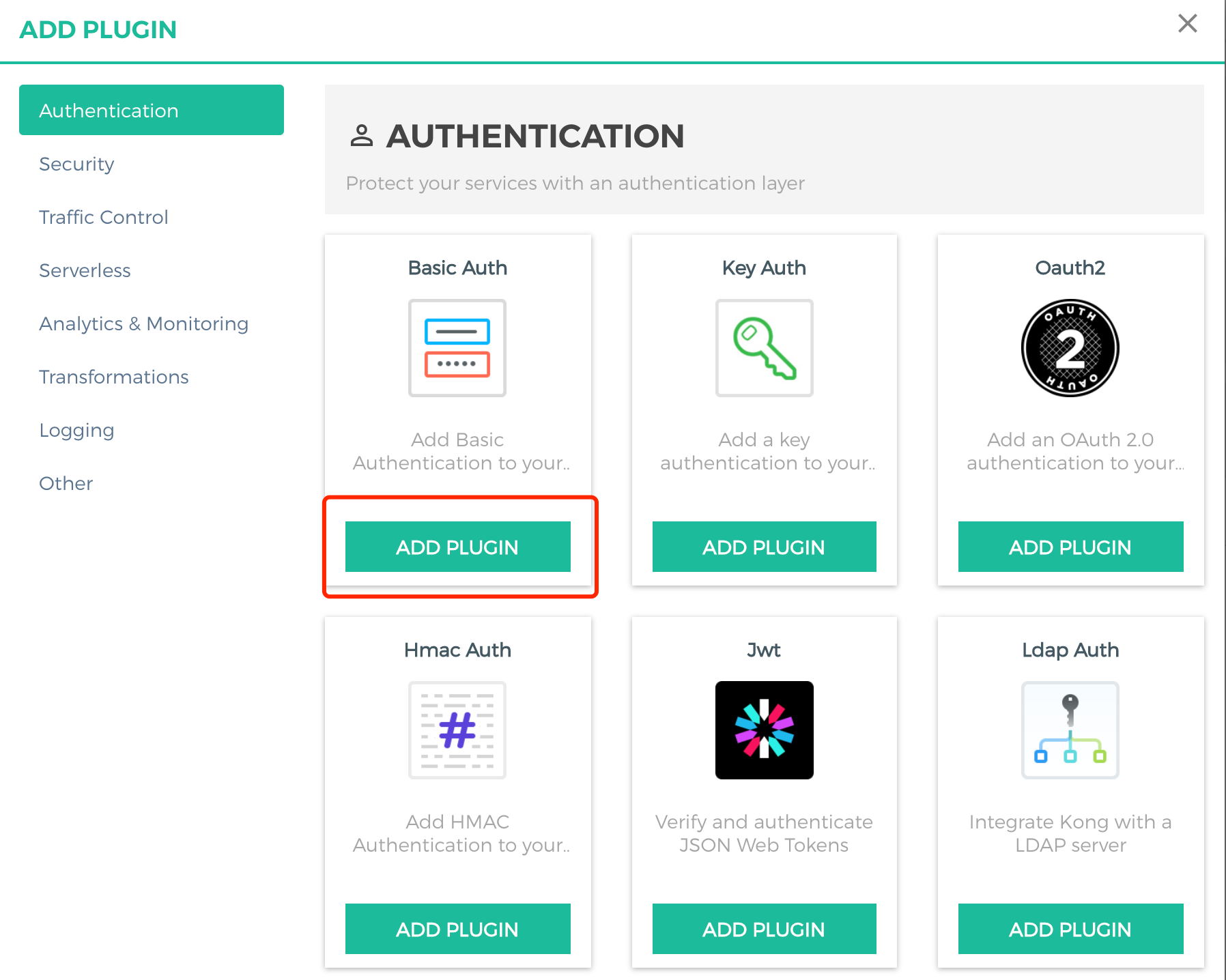
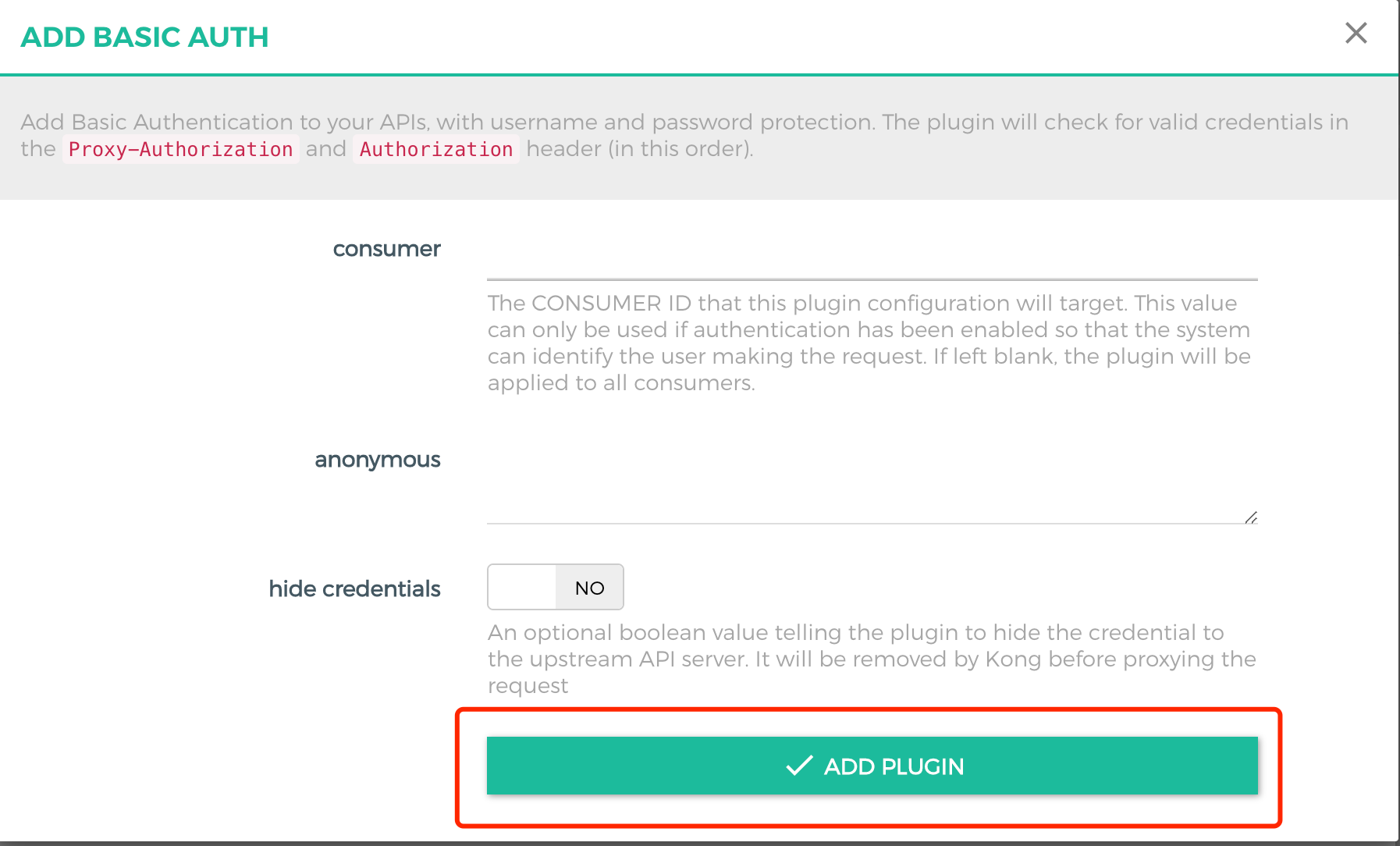
4. In the left sidebar, choose SERVICES > admin api > Plugins, click ADD PLUGIN, and select basic auth to add the plugin.
5. Open the browser and access admin api through the public network address. Set uri to /admin-api, and enter the configured username and password.