When calculating metrics, you can use the cumulative calculation method to quickly obtain cumulative results.
Use case: Calculate the accumulated metric value up to a specific time. For example, calculate the cumulative income for the first 5 months.
Edition support: All editions.
Through this document, you will learn the following:
Total Cumulative
Intra-group Cumulative
Total Cumulative
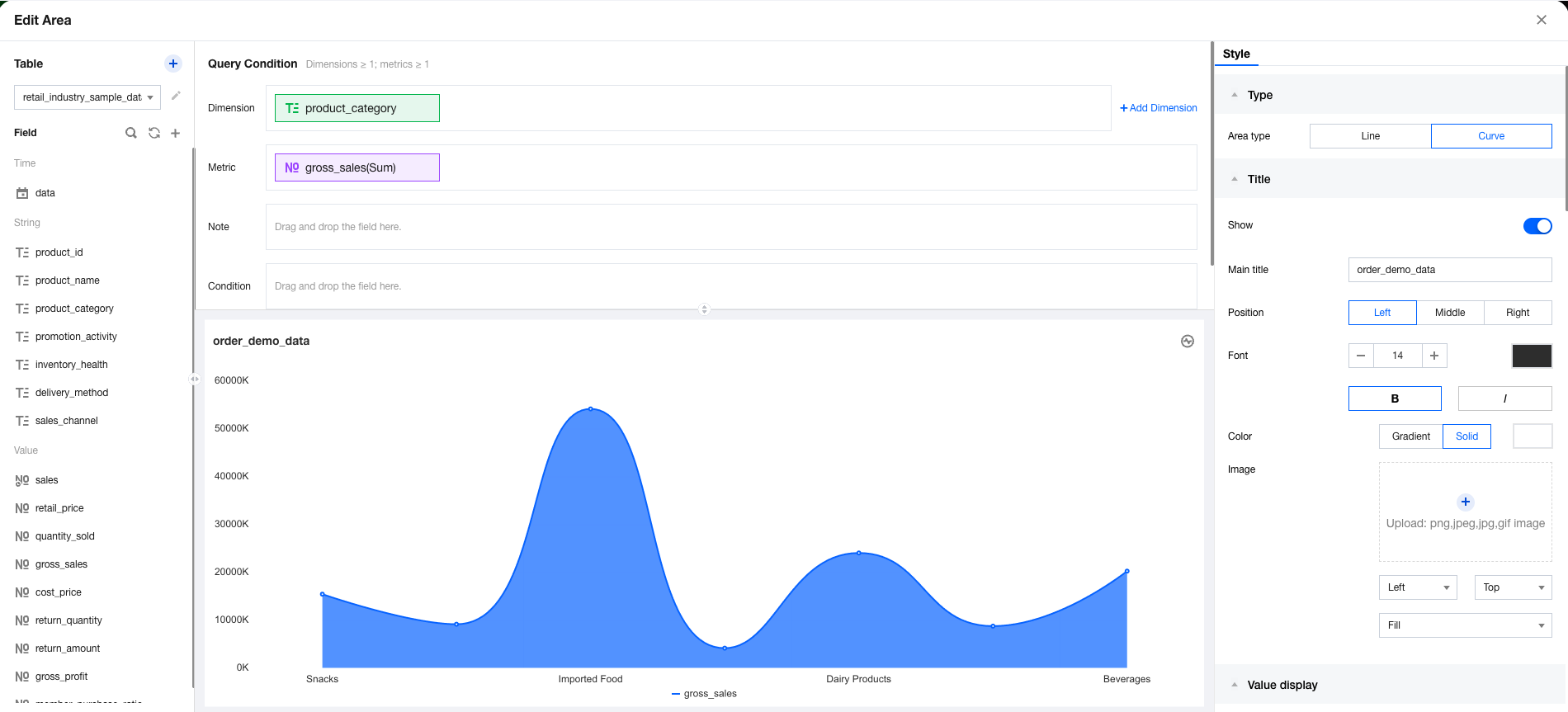
The total cumulative is the sum of the current value and all previous values. The following example illustrates how to use the total cumulative:
1. Enter to the canvas, add an area chart component, then set the dimension and metric. 2. Select Quick Calculation > Cumulative > Total Cumulative in the metric field.
Intra-group Cumulative
The intra-group cumulative calculates the cumulative value of the current dimension value in the current group. The following example illustrates how to use the intra-group cumulative:
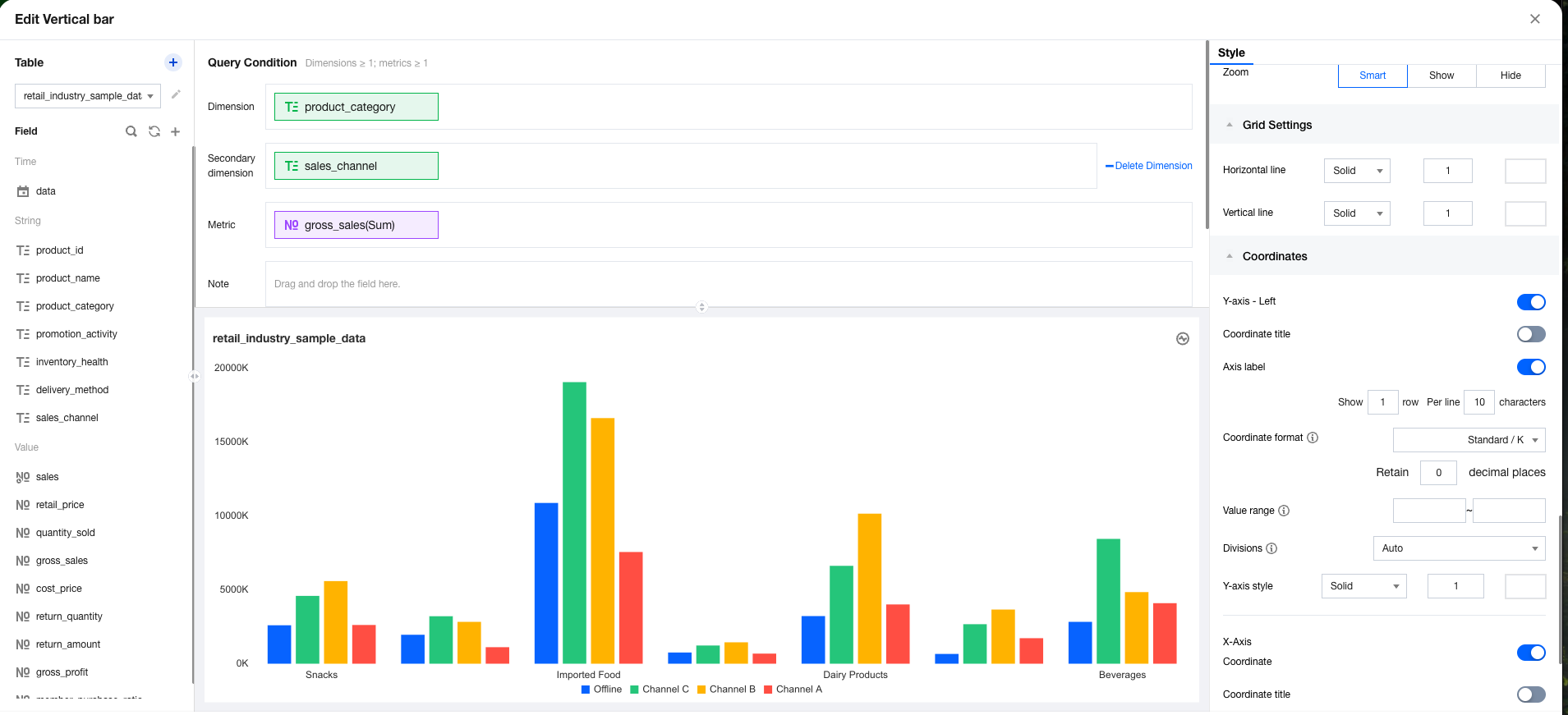
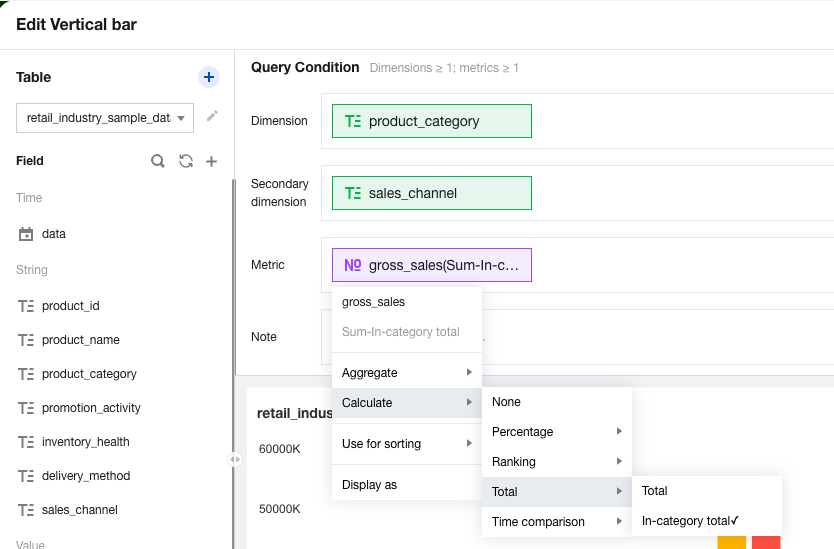
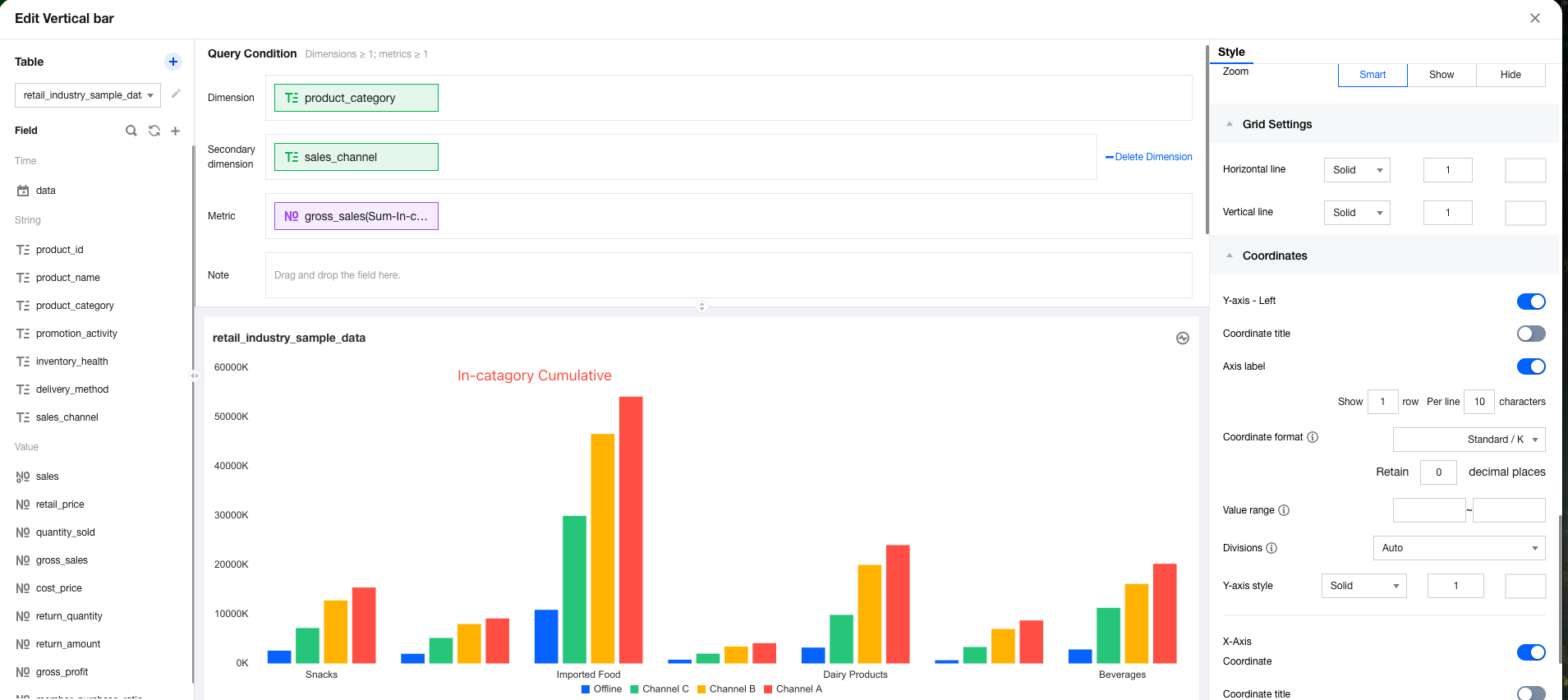
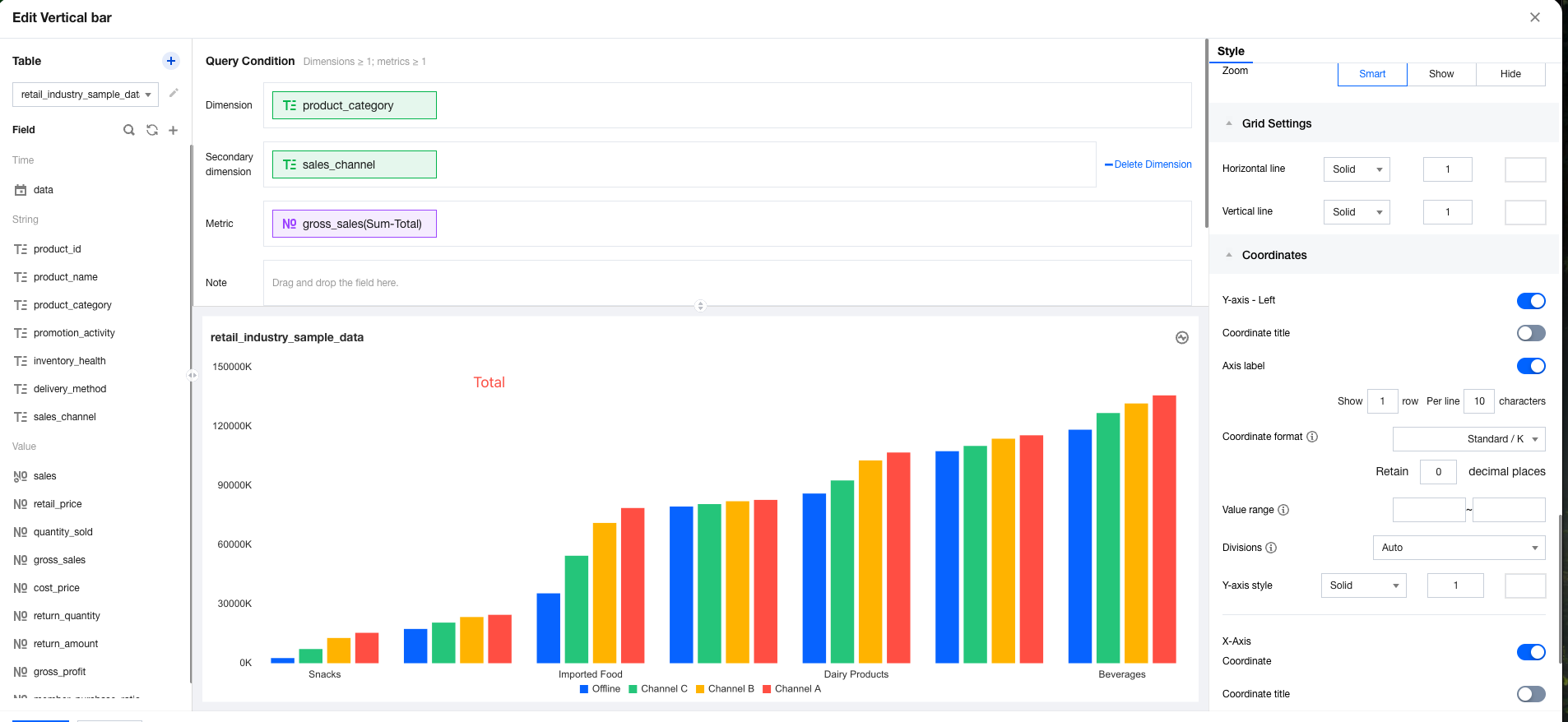
1. Enter the canvas, add a column chart component, then set the dimension, sub-axis, and metric. 2. In the metric field, select Quick Calculation > Cumulative > Intra-group Cumulative sequentially.
Note: When no group is available, you are unable to select "group cumulative".
The difference between the intra-group cumulative and the total cumulative lies in their starting points for accumulation. The intra-group cumulative starts its accumulation from the current group, whereas the total cumulative starts from the first value of all data, as shown in the following two figures: