When calculating metrics, you can use the ranking calculation method to quickly obtain the rank of the current value. Ranking can be arranged in ascending or descending order.
If A has a value of 100, B has a value of 200, and C has a value of 150, then the rank of B in ascending order is 3 (100-150-200) and the rank of B in descending order is 1 (200-150-100).
Use case: Calculate the ranking of the current metric value. For example, calculate the income rank of employee A among all employees.
Edition support: All editions.
Through this document, you will learn the following:
Ranking in Ascending/Descending Order
Intra-group Ranking in Ascending/Descending Order
Ranking in Ascending/Descending Order
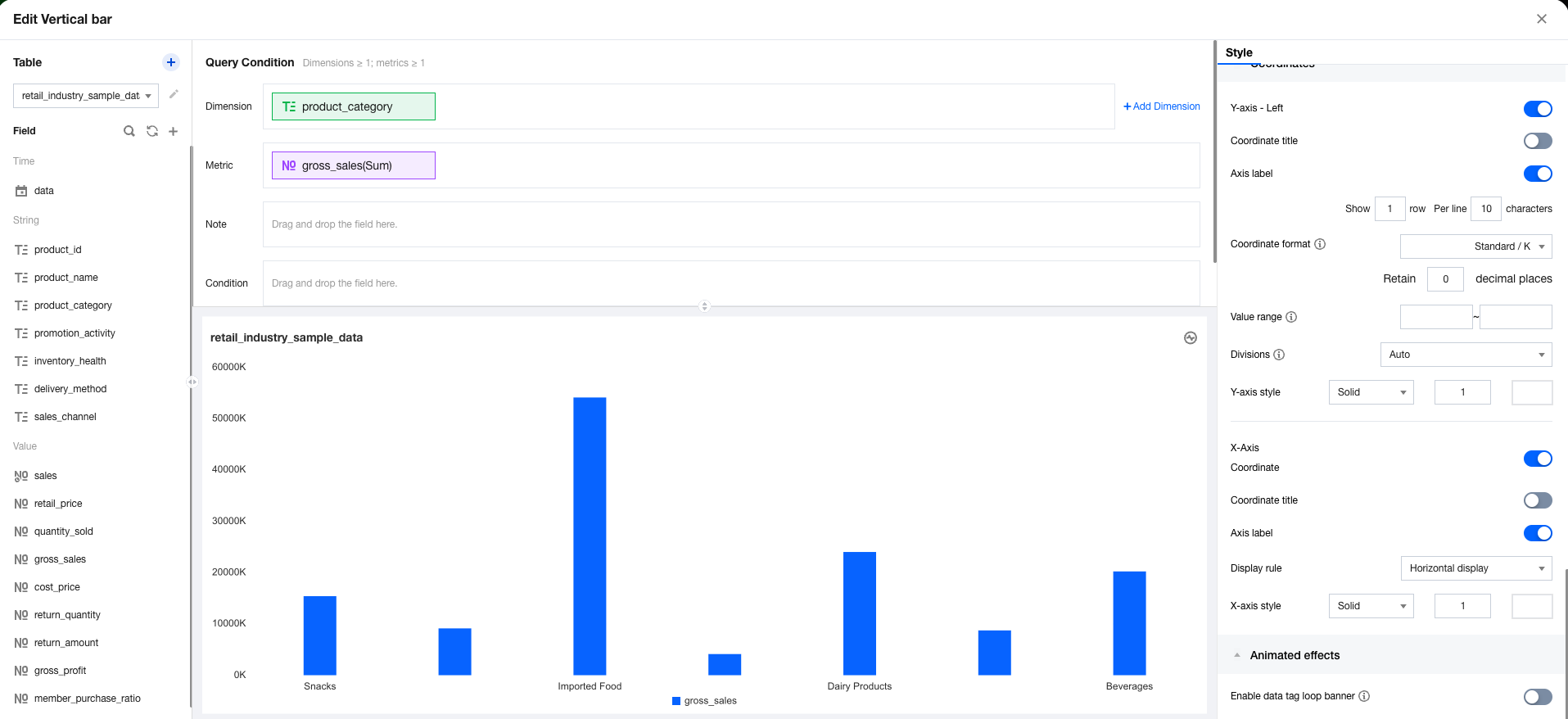
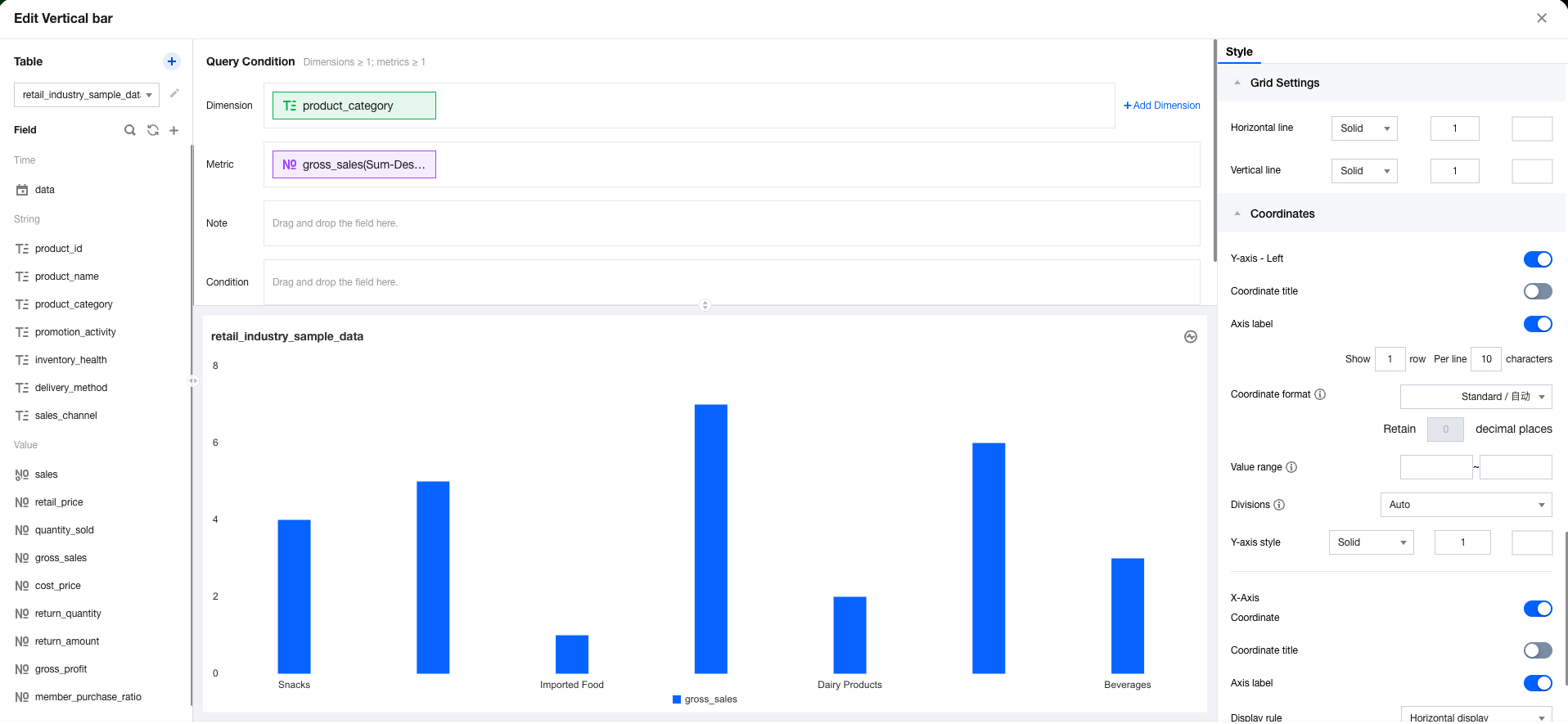
Ranking in ascending/descending order calculates the rank of the current value among all values in ascending/descending order. The following example illustrates how to use ranking in ascending/descending order:
1. Enter the canvas, add a column chart component, then set the dimension and metric. 2. In the metric field, select quick calculation, ranking, and then ascending sequentially.
Intra-group Ranking in Ascending/Descending Order
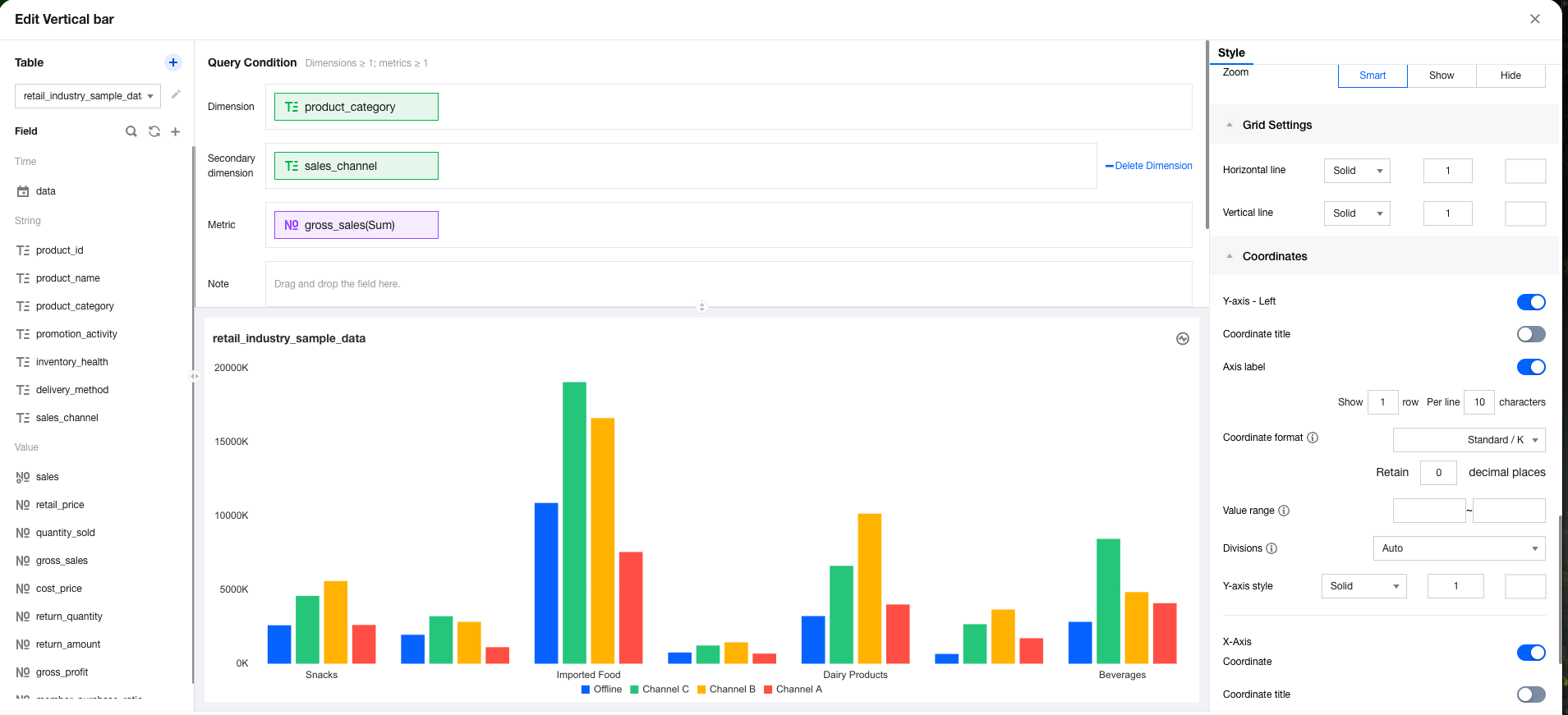
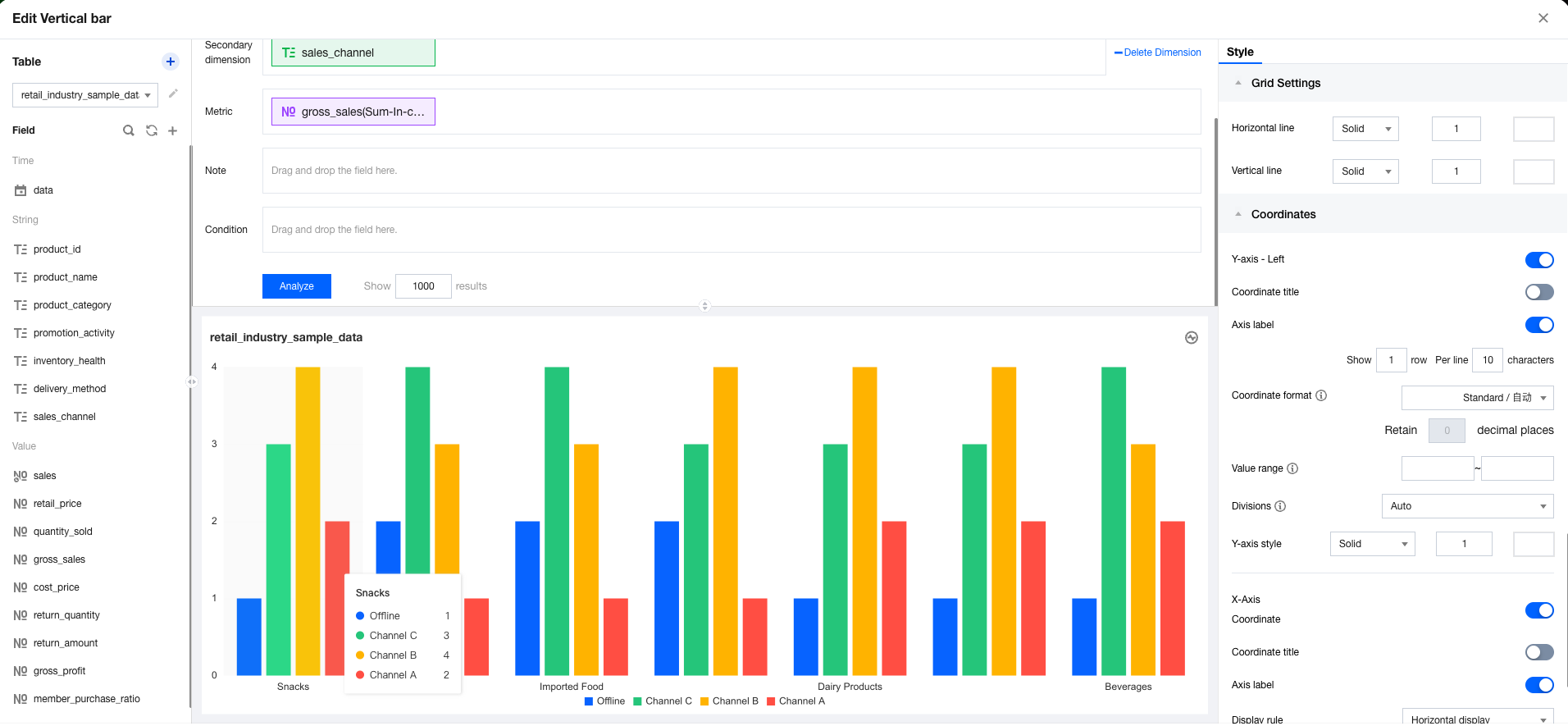
Intra-group ranking in ascending/descending order calculates the rank of the current value within the current group in ascending/descending order. The following example illustrates how to use intra-group ranking in ascending/descending order:
1. Enter the canvas, add a column chart component, then set the dimension, sub-axis, and metric. 2. In the metric field, select quick calculation, ranking, and then ascending within group sequentially.
Note: When no group is available, you are unable to select "group ranking".