tencent cloud

Tencent Real-Time Communication

Release Notes and Announcements
Release Notes
Recent Product Announcement
TRTC Live (TUILiveKit) Product Launch Announcement
TRTC Conference Official Editions Launched
The commercial version of Conference is coming soon
Terms and Conditions Applicable to $9.9 Starter Package
Rules for the "First Subscription $100 Discount" Promotion
Announcement on the Start of Beta Testing for Multi-person Audio and Video Conference
TRTC Call Official Editions Launched
License Required for Video Playback in New Version of LiteAV SDK
TRTC to Offer Monthly Packages
Product Introduction
Overview
Concepts
Features
Strengths
Use Cases
Performance Statistics
Tencent RTC Quickplay: Experience Ultimate Real-Time Audio and Video Interaction!
Purchase Guide
Billing Overview
Free Minutes
Monthly subscription
Pay-as-you-go
TRTC Overdue and Suspension Policy
FAQs
Refund Instructions
User Tutorial
Free Demo
Call
Overview
Activate the Service
Run Demo
Integration
Offline Call Push
Conversational Chat
On-Cloud Recording
AI Noise Reduction
UI Customization
Calls integration to Chat
Additional Features
No UI Integration
Server APIs
Client APIs
Solution
ErrorCode
Release Notes
FAQs
Conference
Overview(TUIRoomKit)
Activate the Service (TUIRoomKit)
Run Demo(TUIRoomKit)
Integration(TUIRoomKit)
Screen Sharing (TUIRoomKit)
Schedule a meeting (TUIRoomKit)
In-meeting Call (TUIRoomKit)
UI Customization(TUIRoomKit)
Virtual Background (TUIRoomKit)
Conference Control (TUIRoomKit)
Cloud Recording (TUIRoomKit)
AI Noise Reduction (TUIRoomKit)
In-Conference Chat (TUIRoomKit)
Robot Streaming (TUIRoomKit)
Enhanced Features (TUIRoomKit)
Client APIs (TUIRoomKit)
Server APIs (TUIRoomKit)
FAQs (TUIRoomKit)
Error Code (TUIRoomKit)
SDK Update Log (TUIRoomKit)
Live
Billing of Video Live Component
Overview
Activating the Service (TUILiveKit)
Run Demo
No UI Integration
UI Customization
Live Broadcast Monitoring
Video Live Streaming
Voice Chat Room
Advanced Features
Client APIs
Server APIs
Error Codes
Release Notes
FAQs
RTC Engine
Activate Service
SDK Download
API Examples
Usage Guidelines
API Reference Manual
Advanced Features
AI Integration
Overview
Configure MCP Server
Install Skills
Integration Guide
FAQ
RTC RESTFUL API
History
Introduction
API Category
Room Management APIs
Stream mixing and relay APIs
On-cloud recording APIs
Data Monitoring APIs
Pull stream Relay Related interface
Web Record APIs
AI Service APIs
Cloud Slicing APIs
Cloud Moderation APIs
Making API Requests
Call Quality Monitoring APIs
Usage Statistics APIs
Data Types
Appendix
Error Codes
Console Guide
Application Management
Package Management
Usage Statistics
Monitoring Dashboard
Development Assistance
Solution
Real-Time Chorus
FAQs
Migration Guide
Billing
Features
UserSig
Firewall Restrictions
How to Downsize Installation Package
Android and iOS
Web
Flutter
Electron
TRTCCalling for Web
Audio and Video Quality
Others
Legacy Documentation
RTC RoomEngine SDK(Old)
Integrating TUIRoom (Web)
Integrating TUIRoom (Android)
Integrating TUIRoom (iOS)
Integrating TUIRoom (Flutter)
Integrating TUIRoom (Electron)
TUIRoom APIs
On-Cloud Recording and Playback (Old)
RTC Analytics Monthly Packages (Previous Version)
Protocols and Policies
Compliance
Security White Paper
Notes on Information Security
Service Level Agreement
Apple Privacy Policy: PrivacyInfo.xcprivacy
TRTC Policy
Privacy Policy
Data Processing And Security Agreement
Glossary

Electron

PDF
포커스 모드
폰트 크기
마지막 업데이트 시간: 2024-10-15 17:23:26
This article will detail how to customize the TUIRoomkit user interface. TUIRoomkit offers two customization methods: one is through the simple use of Custom UI API, and the other is by replacing existing UI components. We will introduce these methods in detail below.

Scheme 1: Interface Fine-tuning

TUIRoomkit provides a series of API, allowing for easy customization of the UI. The table below lists some of the main APIs and their functions:
API
Description
Set the interface language.
setTheme
Set the interface topic.
Enable the text watermark feature in the application. For details, see: Text Watermark.
Disable the text messaging feature in the application. After invoking this function, users will not be able to send or receive text messages.
Disable the screen sharing feature in the application. After invoking this function, users will not be able to share their screen with others.
Hide specific feature buttons in the application. By invoking this function and passing in the appropriate FeatureButton enumerated values, the corresponding buttons will be hidden from the user interface.

Scheme 2: UIKit Source Code Export and Modification

You can directly modify the UI source code we provide to adjust the TUIRoomKit user interface according to your needs. Execute the following node script to automatically copy the TUIRoomKit interface source code into your project (default path ./src/components/TUIRoom).
Note: After exporting the source code, you need to manually change the reference of the TUIRoom component from the npm package address to the relative path address of the TUIRoom source code.
Vue3
Vue2
node ./node_modules/@tencentcloud/roomkit-electron-vue3/scripts/eject.js
node ./node_modules/@tencentcloud/roomkit-electron-vue2.7/scripts/eject.js

1. Replace Icons

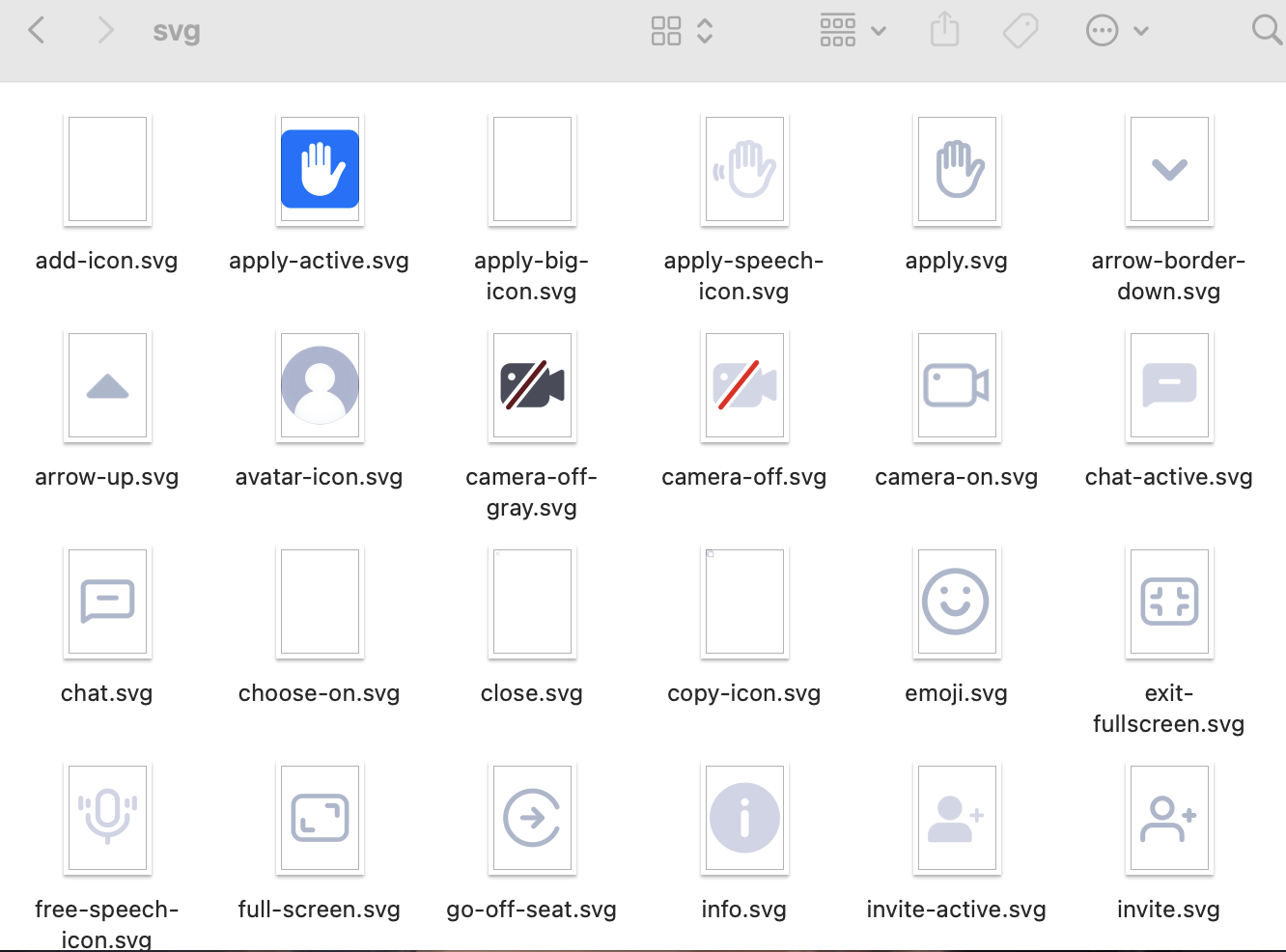
You can directly modify the icon components in the /TUIRoom/assets/icons/svg folder, to ensure the icon color and style are consistent throughout the app. Please keep the icon file names unchanged while replacing them.


2. Adjust UI Layout

You can adjust the UI layout of the multi-person video conference interface by modifying different components in the /TUIRoom/components/ folder
- components/
- Chat Chat
- common Public Icon Components
- ManageMember Member Management
- RoomContent Room Video
- RoomFooter Room Page Footer
- RoomHeader Room Page Header
- RoomHome Home Page
- RoomInvite Invite Members
- RoomLogin Login Page
- RoomMore More
- RoomSetting Settings
- RoomSidebar Drawer Components

Solution 3: Implement Your Own UI

The overall feature of TUIRoomKit is based on the TUIRoomEngine, a UI-less SDK. You can fully implement your own UI interface based on TUIRoomEngine. For more details, see:
도움말 및 지원

문제 해결에 도움이 되었나요?

피드백