Managing Tag
下载
聚焦模式
字号
Overview
You can set tags for each migration task. If there are many tasks, you can filter tasks in the same category by tag to manage them easily.
Editing and Adding Tag
1. Log in to the DTS console, select Data Migration on the left sidebar, select the target migration task, and click Edit Tag at the top of the page.
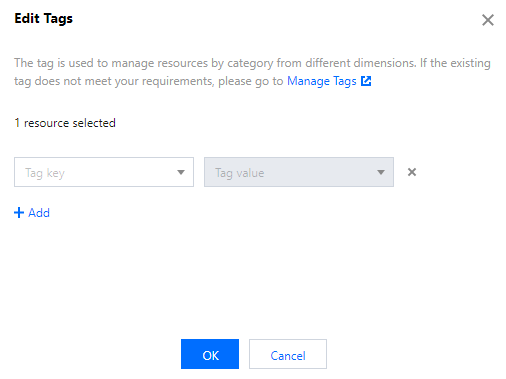
2. In the pop-up window, select a tag. If you want to add a tag, click Add.
Deleting Tag
1. Log in to the DTS console, select Data Migration on the left sidebar, select the target migration task, and click Edit Tag at the top of the page.
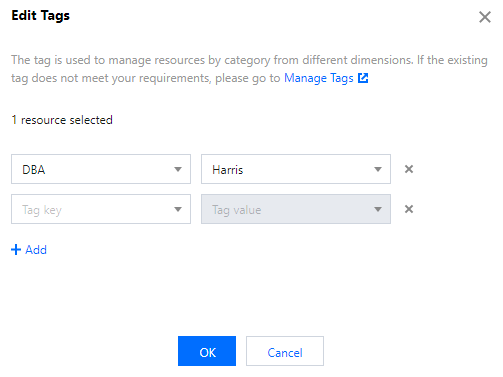
2. In the pop-up window, click the "x" icon after a tag to delete it.
文档反馈