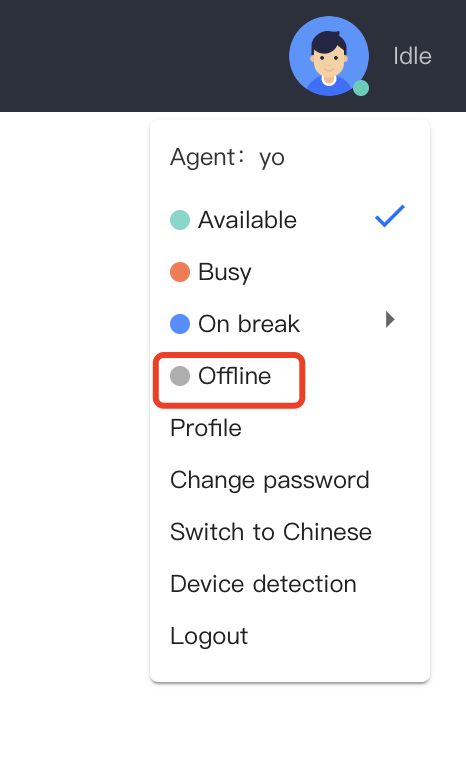
To go offline, click the profile icon in the upper right corner of the agent workstation, and then click "Offline," as shown below.
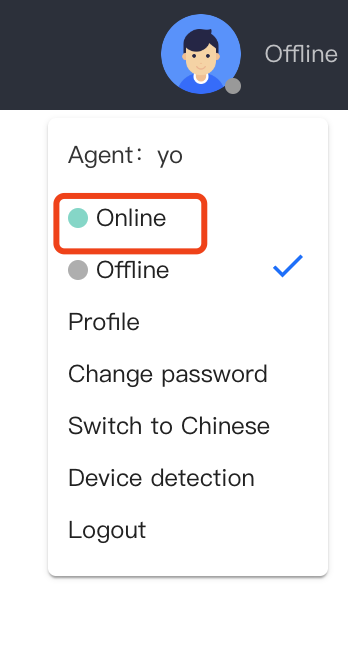
After going offline, your status will be set to "Offline." The system will not assign you any new sessions. You can click "Online" to resume active status.
Logout
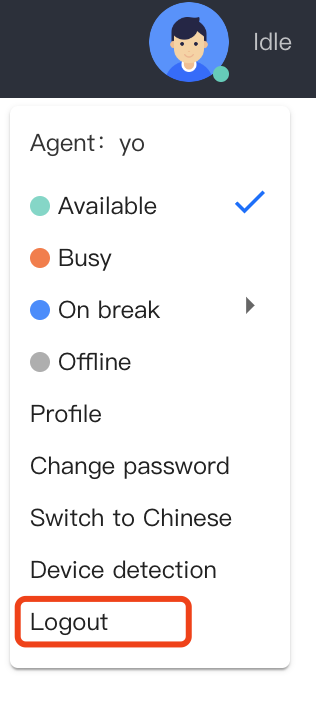
Click on the profile picture button at the top right corner of the service desk, and click on Logout as shown below.