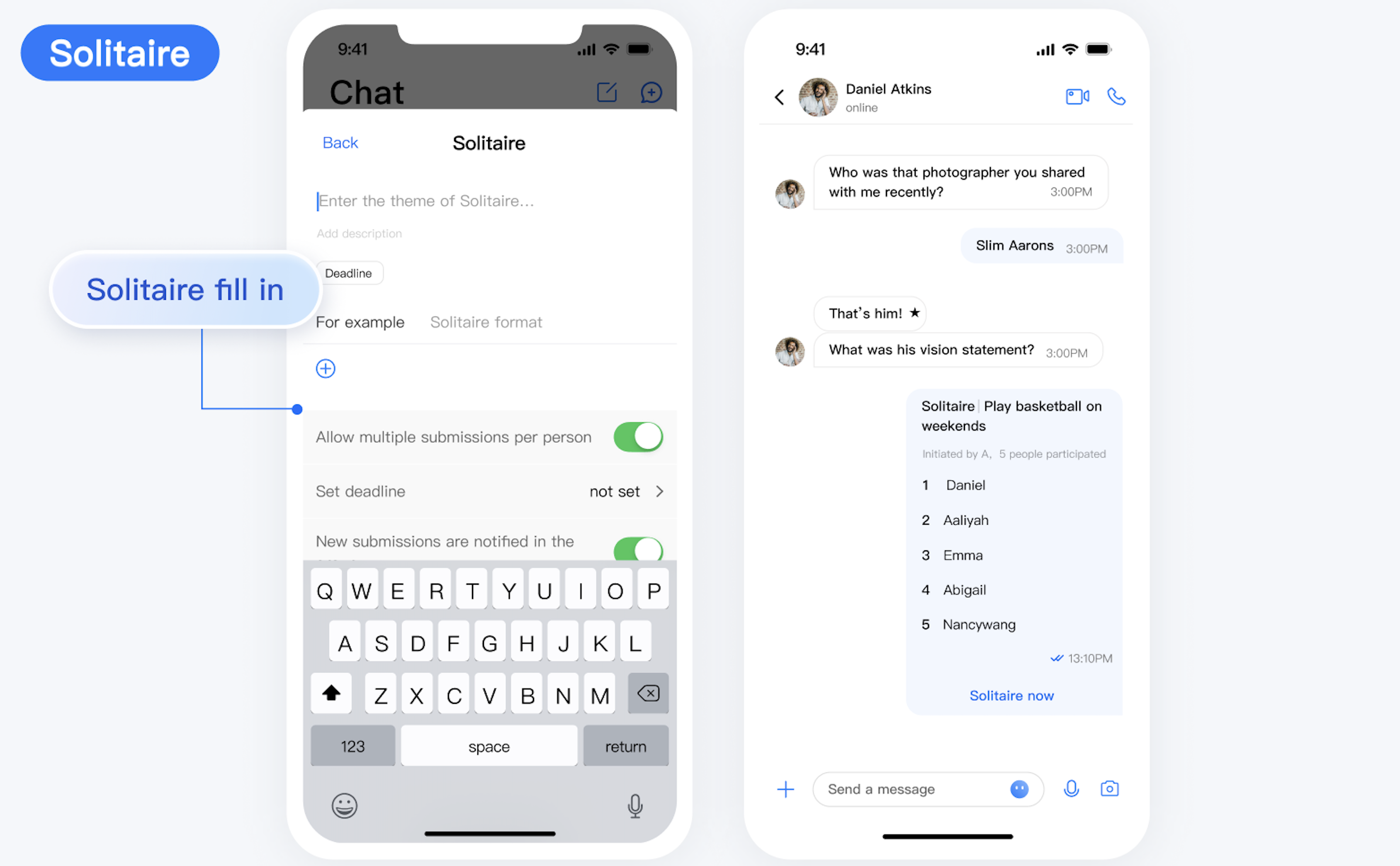
After the TUIGroupNotePlugin is integrated, the group solitaire plugin entry will automatically appear in the + menu of the TUIChat input bar. The initiator can click Solitaire and then fill in the topic, description, deadline, and example of the solitaire, and set solitaire features in the solitaire creation interface, as shown in the figure below:
<P3>### Solitaire of Participants
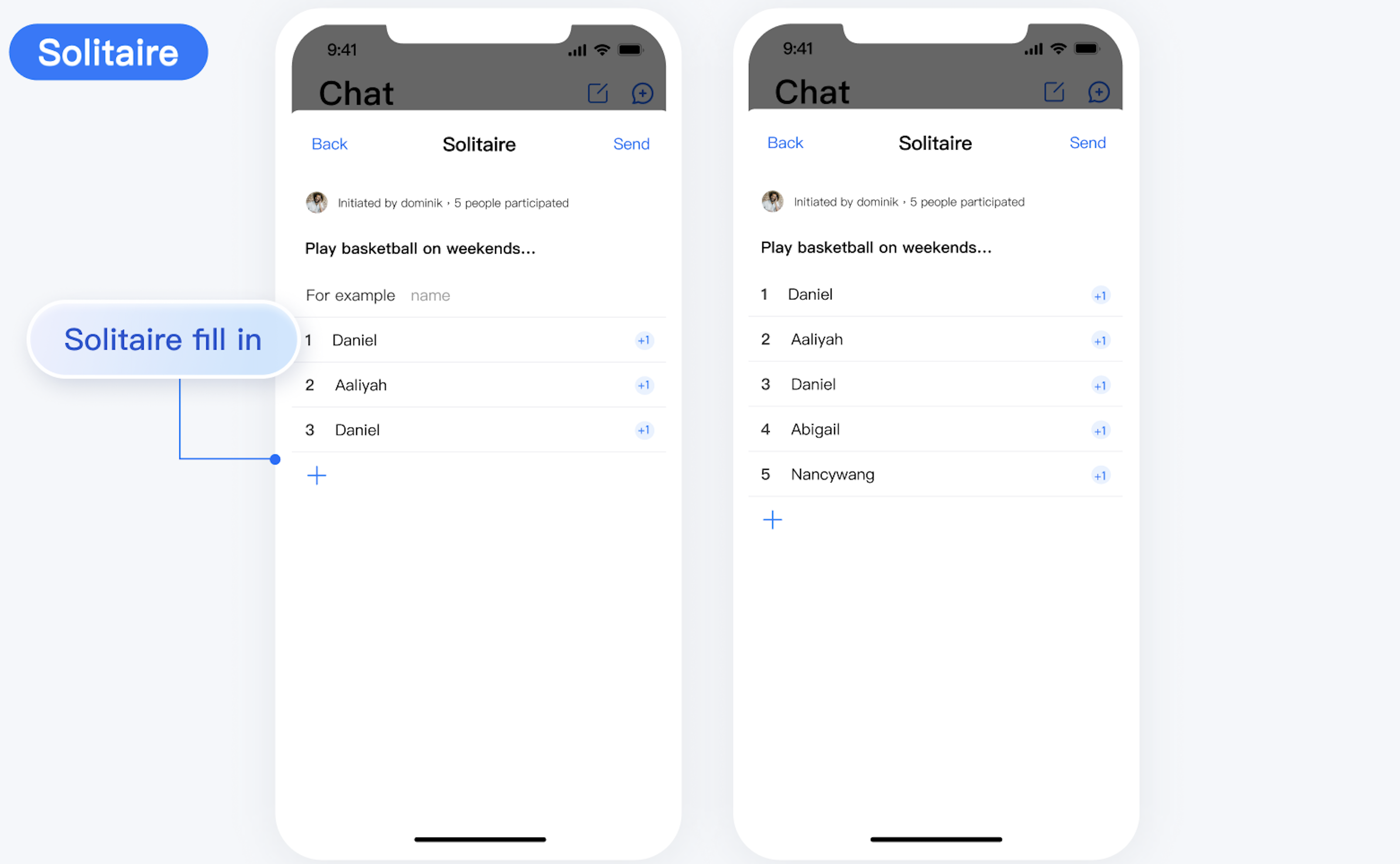
After the initiator successfully creates a solitaire, the solitaire message will automatically appear in the TUIChat message list. Other members in the group can participate in the solitaire upon receiving the solitaire message.
Solitaire of Initiators
The initiator can also participate in the solitaire, as shown in the figure below:
Solitaire Settings
To meet different solitaire needs, TUIGroupNotePlugin offers several settings. For example:
allow multiple submissions per person. If it is enabled, a participant can solitaire multiple times.
deadline. No one can participate in the solitaire anymore after the deadline.
send notification in the group when there is a new submission. If it is enabled, a notification will be sent in the group when someone adds a new solitaire entry.
Note:
The initiator can modify the settings after initiating the solitaire.