The Asset Center allows users to organize and view cloud assets from two dimensions: Network Structure and Tags. This helps users quickly grasp the organizational information of their current assets from different perspectives, facilitating the formulation of asset management and security protection policies.
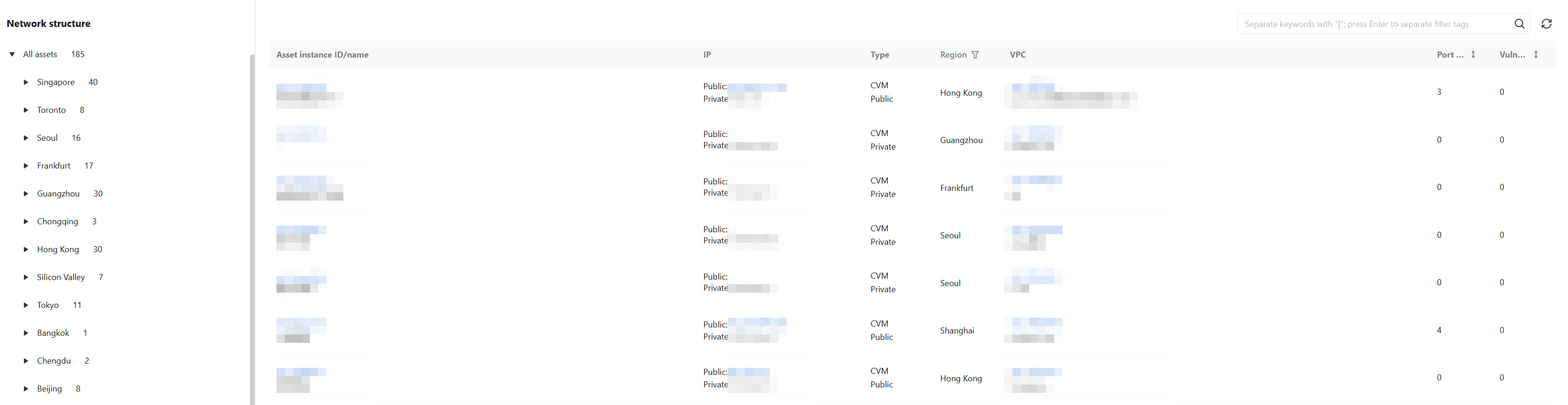
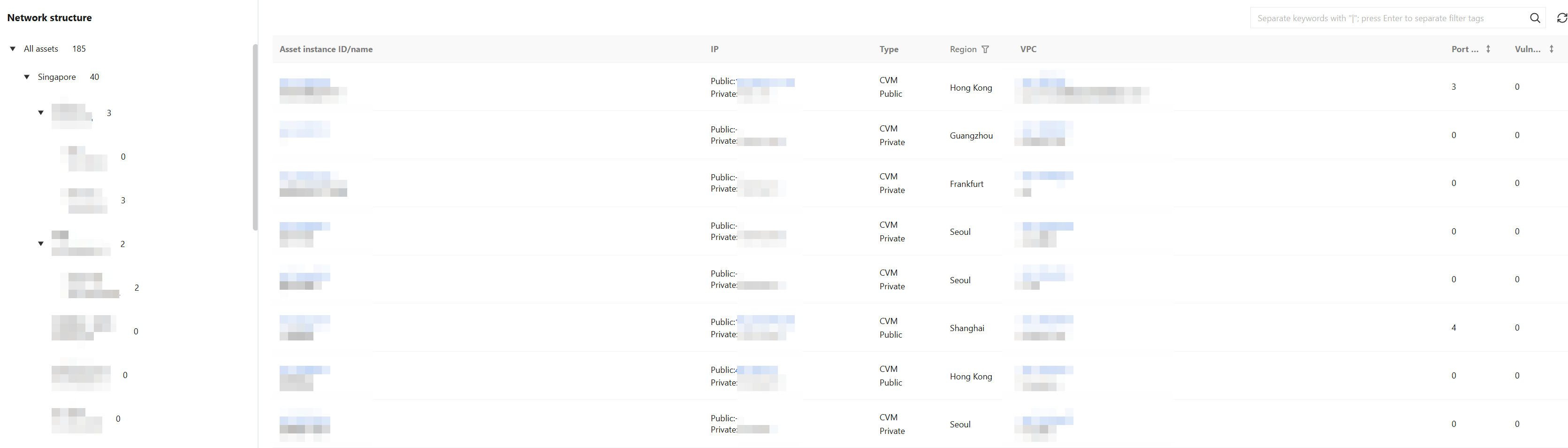
Network Structure: Assets are organized in a hierarchy of region → VPC. This allows you to view the VPC distribution across all domestic regions and some overseas regions, as well as the asset details within each VPC, helping you clearly understand the network affiliation of your assets.
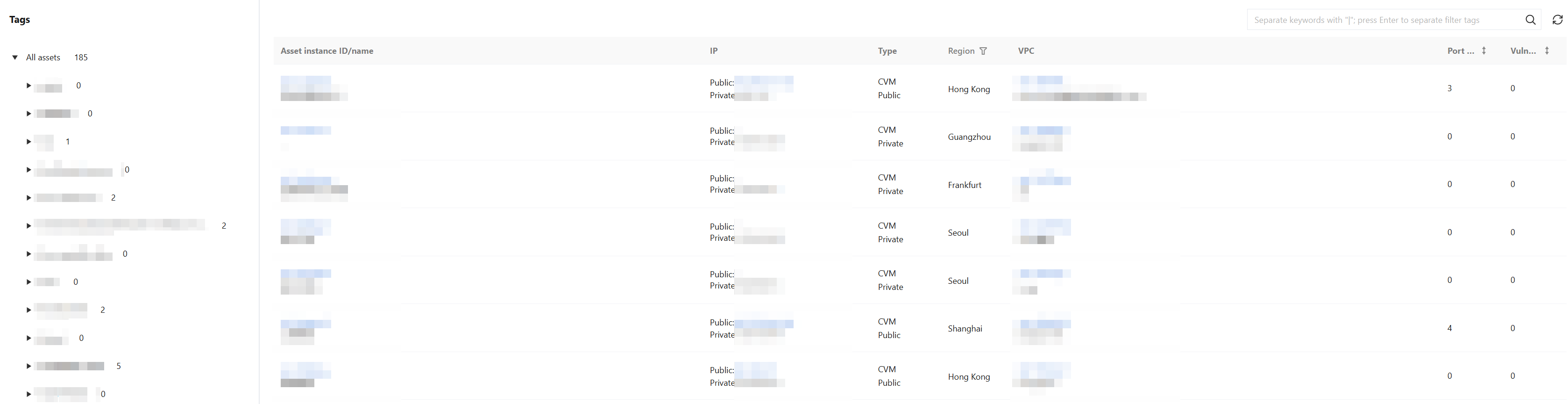
Tags: Assets are organized in a hierarchy of tag key → tag value. This allows users to flexibly categorize and manage assets using custom tags, and edit tags at any time on the asset details page.
Network structure
The Network Structure page allows users to view assets across different regions. Currently supported regions include all domestic regions and some overseas regions.
1. On the Asset Center > By assets > Network structure page, click the region list on the left to view all asset information in that region.
2. Click the
icon to the left of a single region to display all VPC information for that region. The number of assets in each VPC is shown next to the VPC. Click the Asset Instance ID/name to view the asset details for that VPC.
Tags
The asset tag bar supports asset management via tags.
1. On the Asset Center > By assets > Tags page, click the tag list on the left to view all asset information under that tag.
2. Click the
icon to the left of a single tag key to display all tag value information under that key. The number of assets for each tag value is shown next to the value. Click a tag value to view the asset details under that value.
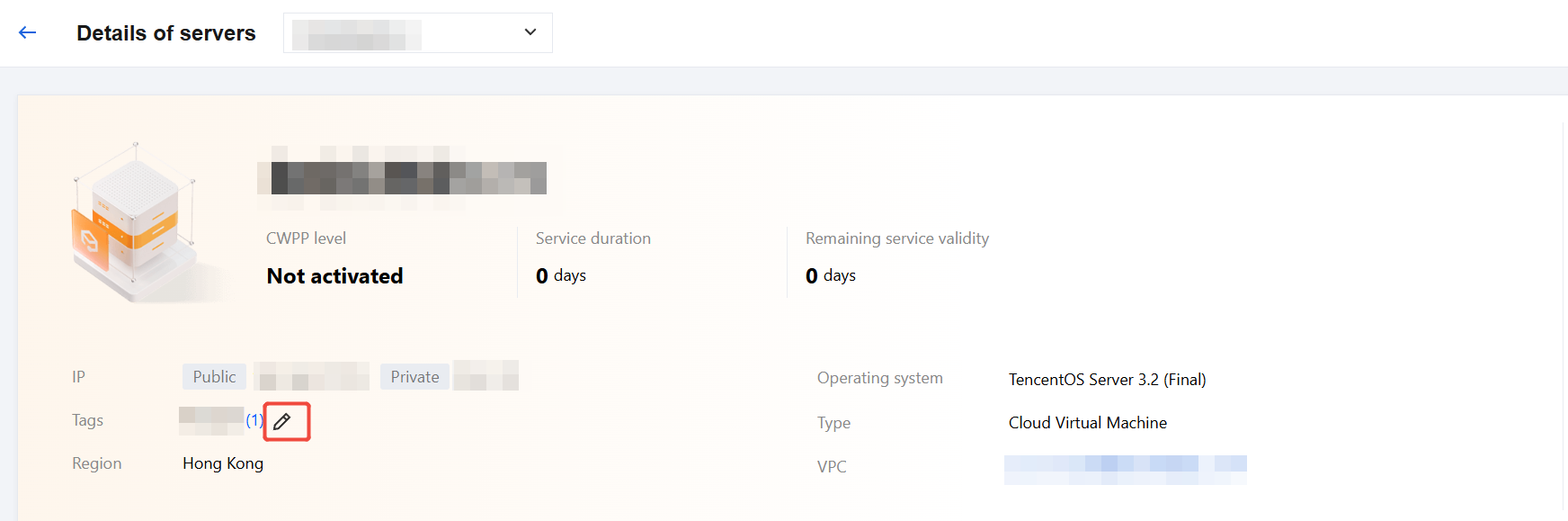
3. Click the asset name to navigate to the asset details page. Then, click the
icon for the asset tag to edit the asset's tag information.
Filtering and Viewing Target Assets
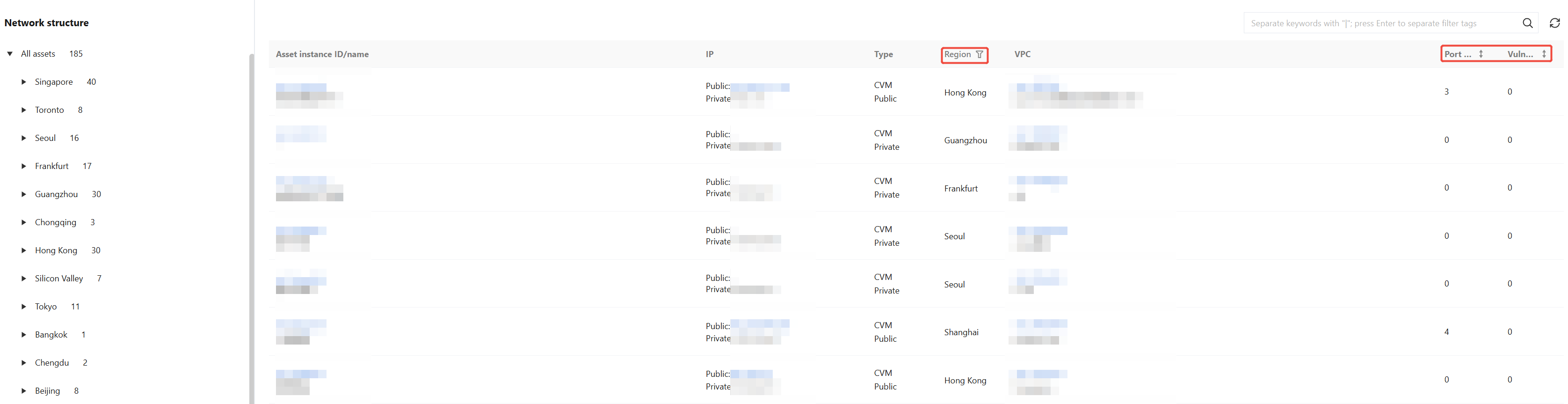
1. Users can filter assets by region based on their business needs by clicking Region in the asset grouping instance list.
2. Click Port risks or Vulnerabilities to sort assets in ascending or descending order.
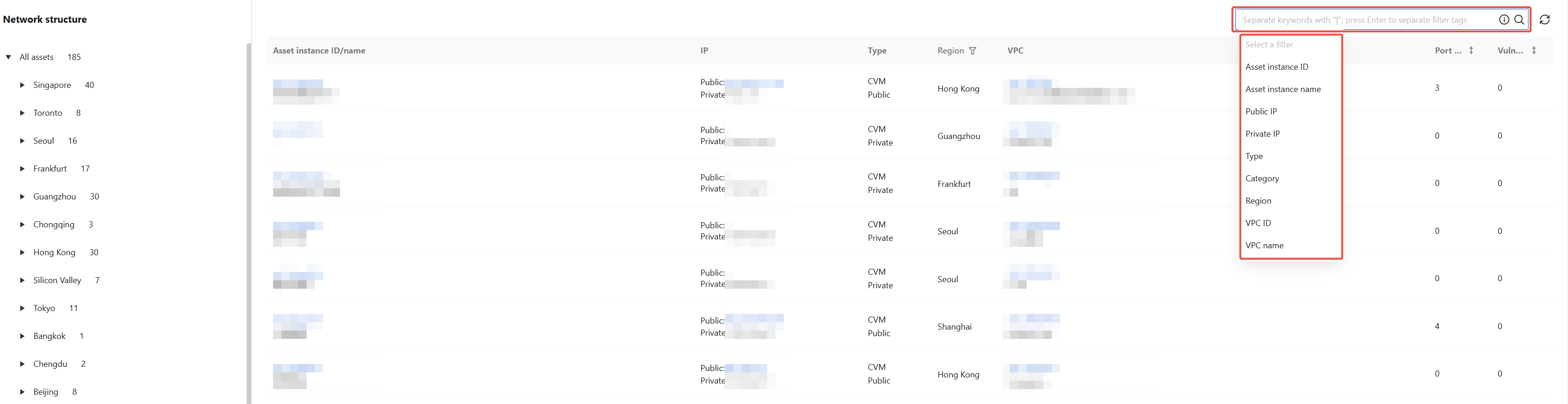
3. Click the search box to search for assets by keyword.