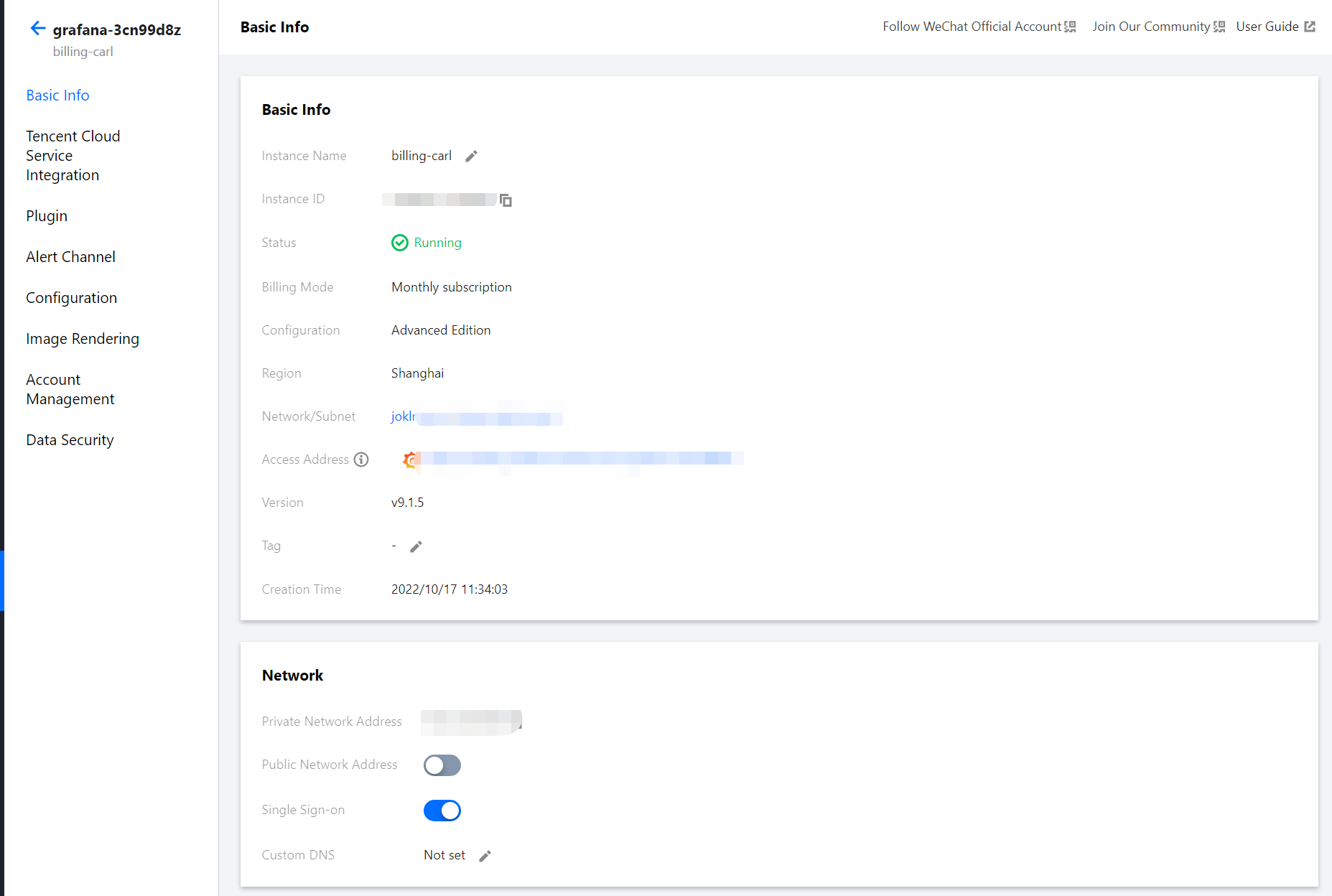
2. In the instance list, find the target instance and click its instance ID or Management on the right to view its basic information.
3. You can perform the following operations on the basic information page:
Rename the instance.
Edit instance tags.
Enable public network access.
Configure a public IP allowlist to enhance security.
Enable SSO. SSO is a unified authentication and authorization mechanism. After it is enabled, you can log in to Grafana with your Tencent Cloud account.
Customize your private DNS as needed to allow Grafana to resolve and access domain names through it.
Notes on SSO
1. SSO supports tags. You can configure tags for your instance, and sub-accounts that have permissions of the tag will automatically get the login permission.
2. The account permission for SSO login is Admin. Grafana itself doesn't support getting the Server Admin permission through SSO. You can log in with your password and configure the Server Admin permission for SSO.