2. Find the target instance and click Instance ID.
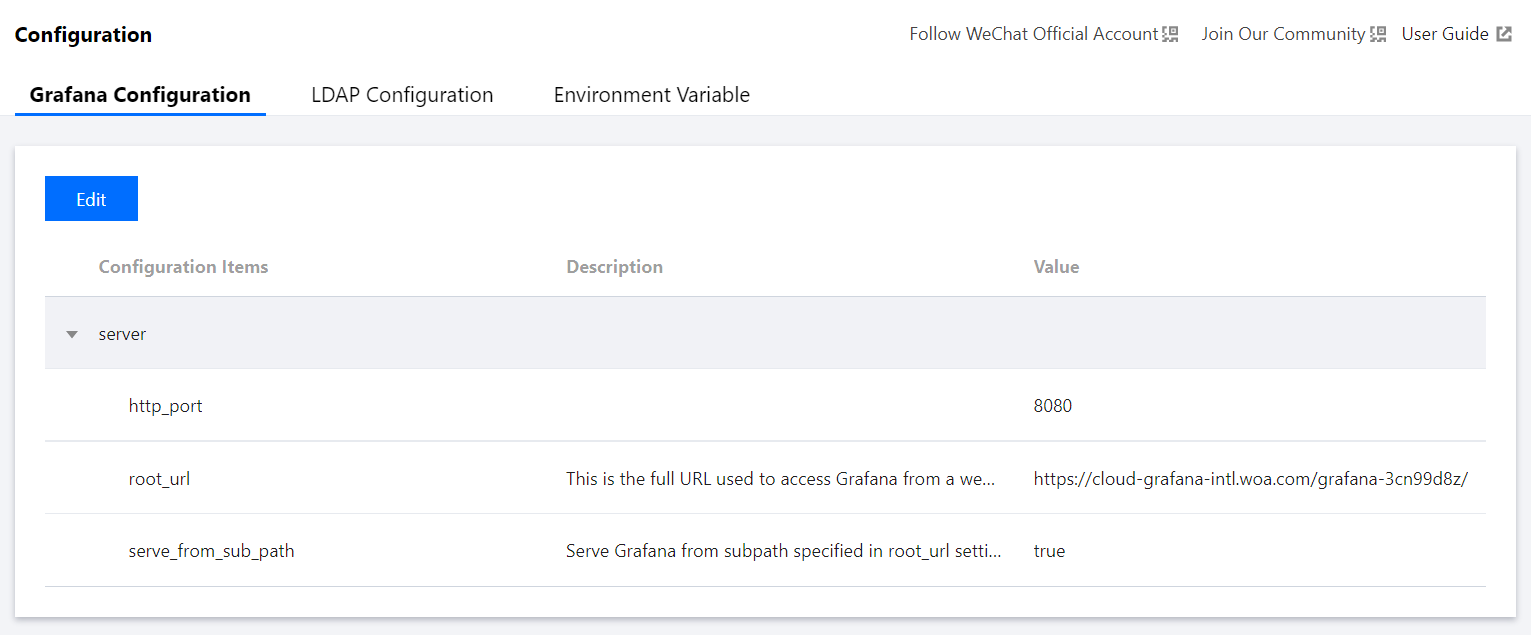
Grafana Configuration
1. Enter the instance details page and click Configuration in the list on the left.
2. On the Configuration management page, click Create in the top-left corner.
3. In the pop-up window, enter the custom configuration file content in INI format, click Save, and the instance will be rebooted. For more information, see Configuration.
LDAP Configuration
1. Enter the instance details page and click Configuration in the list on the left.
2. On the Configuration management page, switch to the LDAP Configuration tab and click Modify in the top-left corner.
3. Enter the custom LDAP configuration content in INI format as instructed in LDAP Authentication, click Save, and the instance will be rebooted.
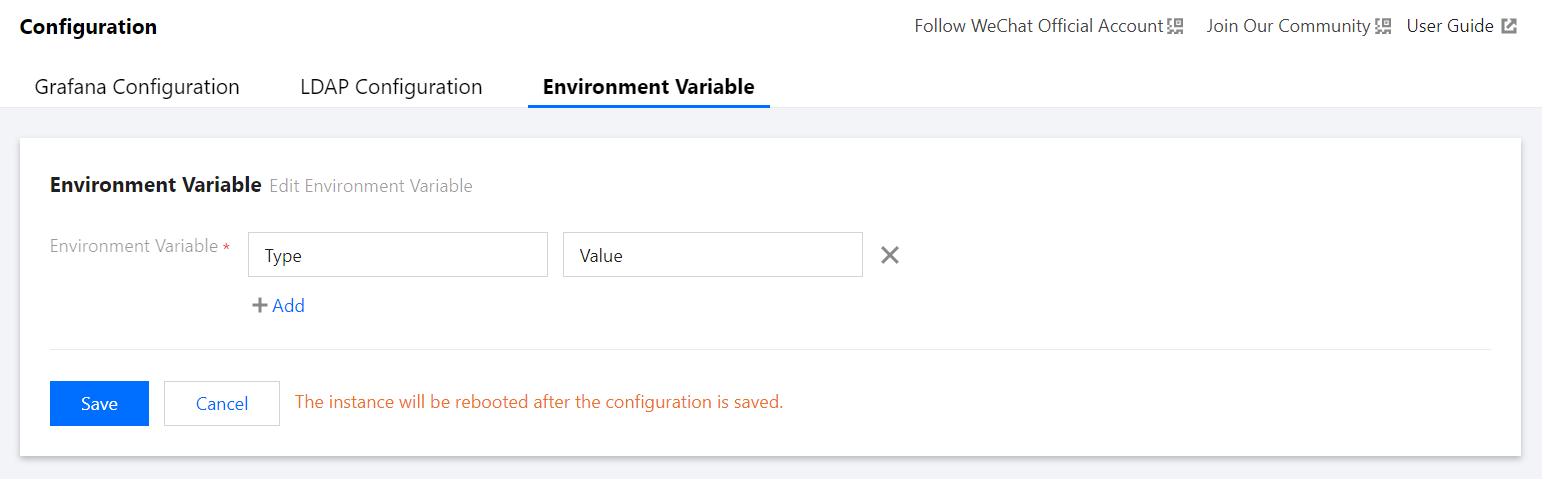
Environment Variable
1. Enter the instance details page and click Configuration in the list on the left.
2. Switch to the Environment Variable tab and click Modify in the top-left corner.
3. Configure the environment variable as needed, click Save, and the instance will be rebooted.
Notes
1. Currently, you cannot configure credentials for LDAP.
2. The environment variable name must start with a letter or underscore and can contain only letters, underscores, and digits.