Accessing Instance Without Authentication
Download
Modo Foco
Tamanho da Fonte
Overview
Auth-free access allows you to access your TencentDB instance quickly and efficiently, but it also exposes your instance to security threats. We recommend that you enable this feature only in test or maintenance scenarios and disable it during routine business operations.
Version Description
Note:
For supported version information of auth-free access, see Major Version Feature Details.
Instances with auth-free access enabled cannot have public network access enabled.
Note
Note:
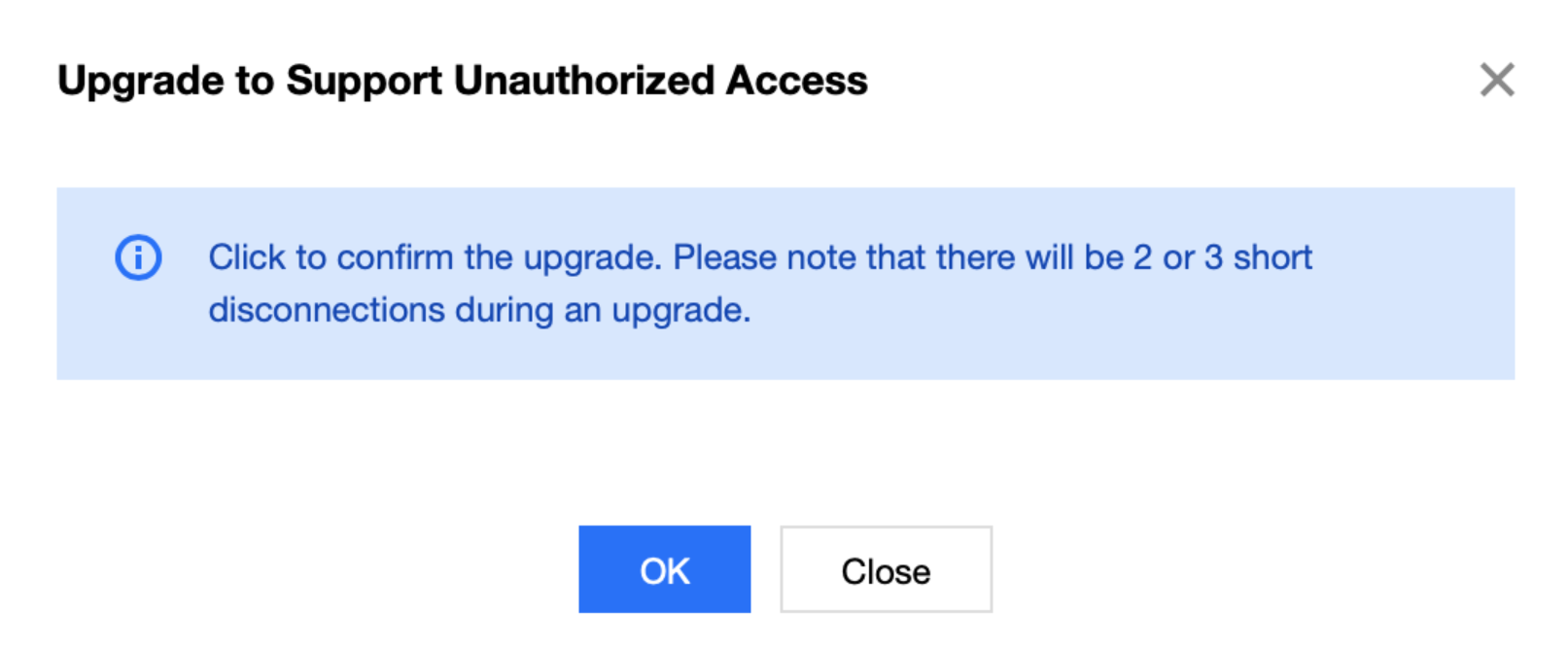
Upgrading to the auth-free access version involves kernel upgrade and momentary disconnections.
Enabling auth-free access will restart the instance. Proceed during off-peak hours.
Prerequisites
The TencentDB for MongoDB instance is in Running status.
On the Instance Details page, the status of Auth-Free Access is Not enabled yet.
Enabling Auth-Free Access
1. Log in to the TencentDB for MongoDB console.
2. In the MongoDB drop-down list on the left sidebar, select Replica Set Instance or Sharded Cluster Instance. The directions for replica set instances and sharded cluster instances are similar.
3. Above the
4. In the instance list, find the target instance.
5. Click the instance ID to go to the Instance Details page.
6. On the Instance Details page, click Enable next to Auth-Free Access.
7. In the Enable Auth-Free Access pop-up window, confirm the impact of enabling this feature and click OK.
8. On the Instance Details page, wait for the instance status to become Running, then you can connect to the database without username and password by configuring the private IPv4 address and port.
Disabling Auth-Free Access
On the Instance Details page, click Disable next to Auth-Free Access to disable this feature.
Relevant Operations
You can access TencentDB for MongoDB databases using MongoDB shell or drivers in various programming languages as instructed in Connecting to TencentDB for MongoDB Instance.
Ajuda e Suporte
Esta página foi útil?
Você também pode entrar em contato com a Equipe de vendas ou Enviar um tíquete em caso de ajuda.
comentários