Enable CreatedBy
Baixar
Modo Foco
Tamanho da Fonte
Overview
After the createdBy tag feature is enabled, when a user creates resources (limited to cloud resources that support the createdBy tag feature), the tag system will automatically bind createdBy tags to the user's resources.
Note:
The tag policy is currently in grayscale. If you want to use this service or have any product suggestions, feel free to provide feedback by submitting an Online Ticket for a trial.
Directions
1. Log in to the Tag console.
2. In the left sidebar, click CreatedBy to enter the createdBy page.
3. Click Enable CreatedBy.
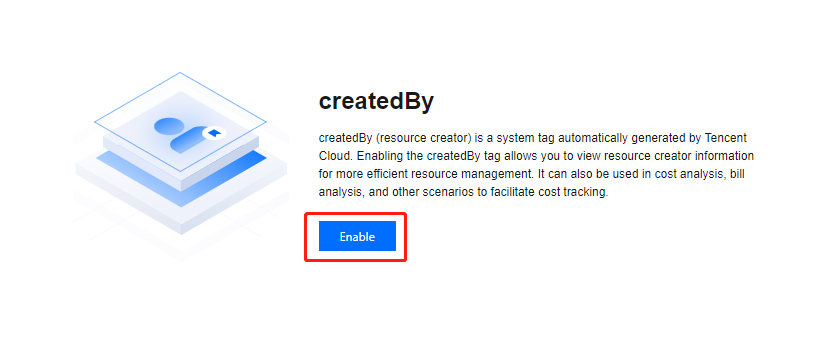
4. In the pop-up, click OK.
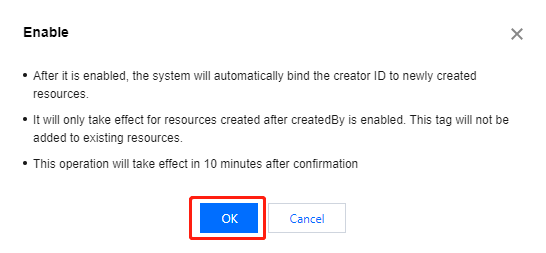
5. The page shows Current Status: Enabled. The status will be effective after 10 minutes and it will indicate that the createdBy feature be enabled.

Ajuda e Suporte
Esta página foi útil?
Você também pode entrar em contato com a Equipe de vendas ou Enviar um tíquete em caso de ajuda.
comentários