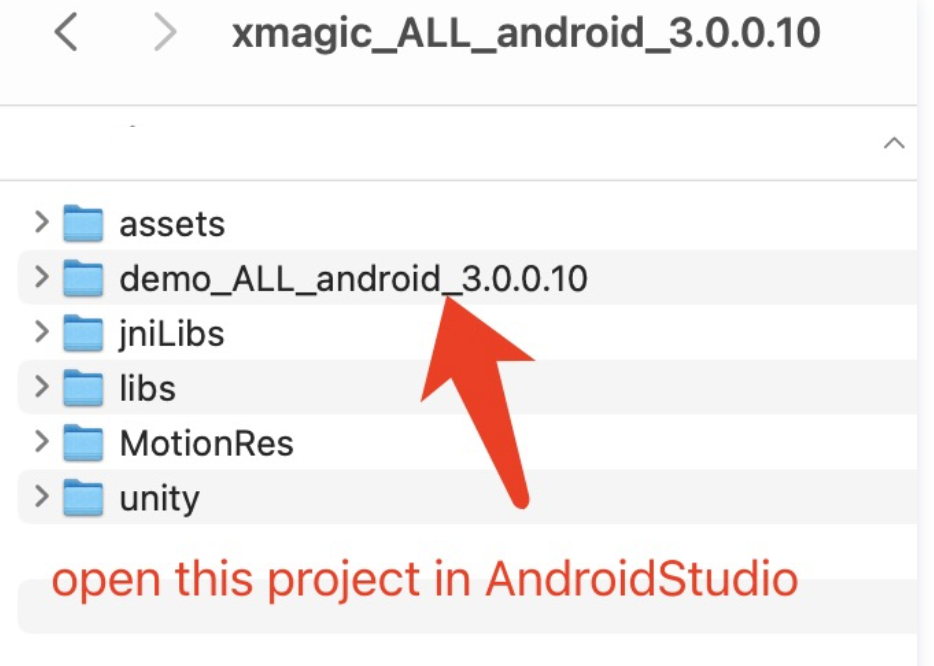
2. Set your own license information in the com.tencent.demo.constant.LicenseConstant.java class of the project.
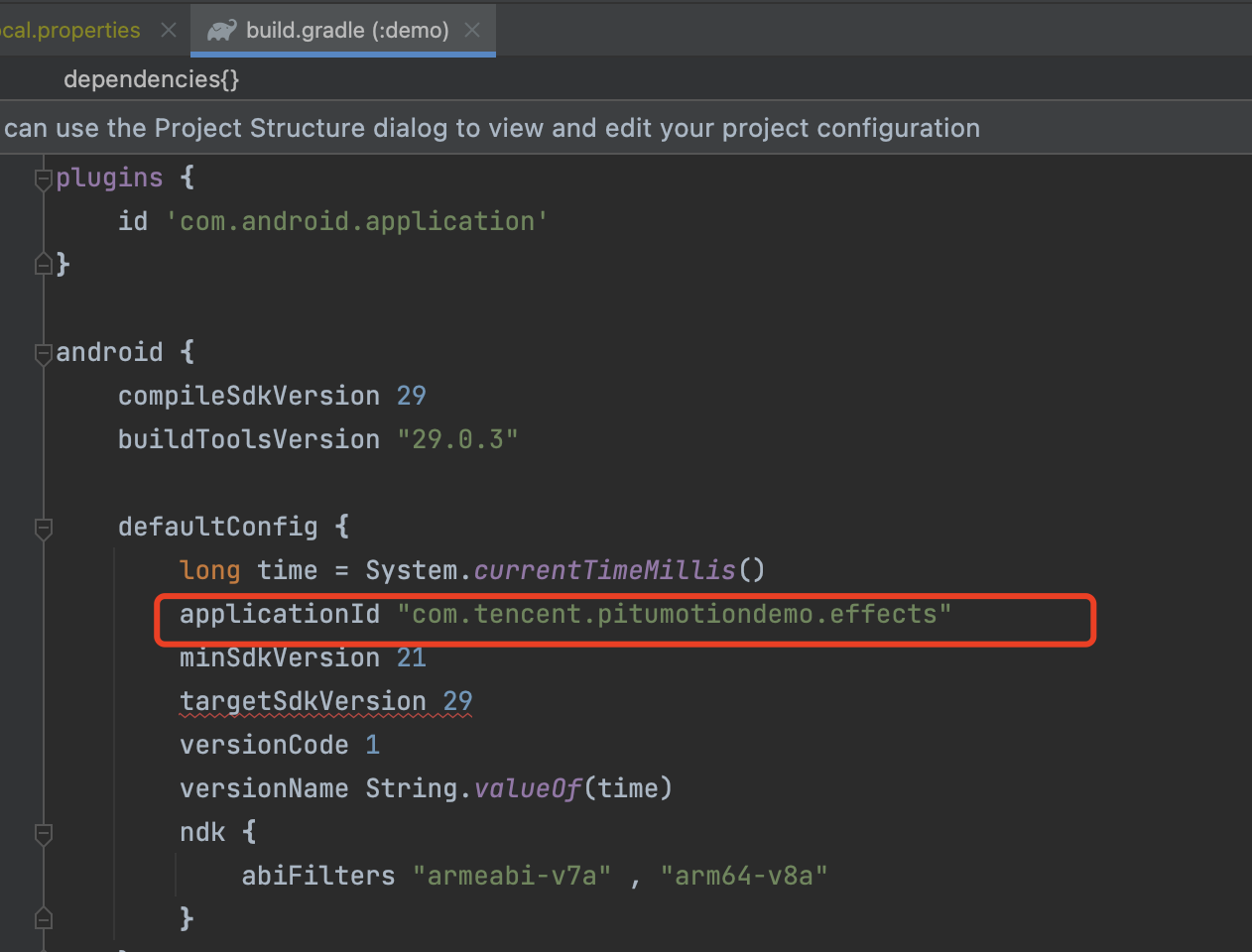
3. Modify the package name to your own package name in the build.gradle file under the project.
4. Replace the authorized materials: Some Avatar materials in the demo project (the three materials circled in red in the figure below) require authorization to use. Please contact us to obtain authorized materials.