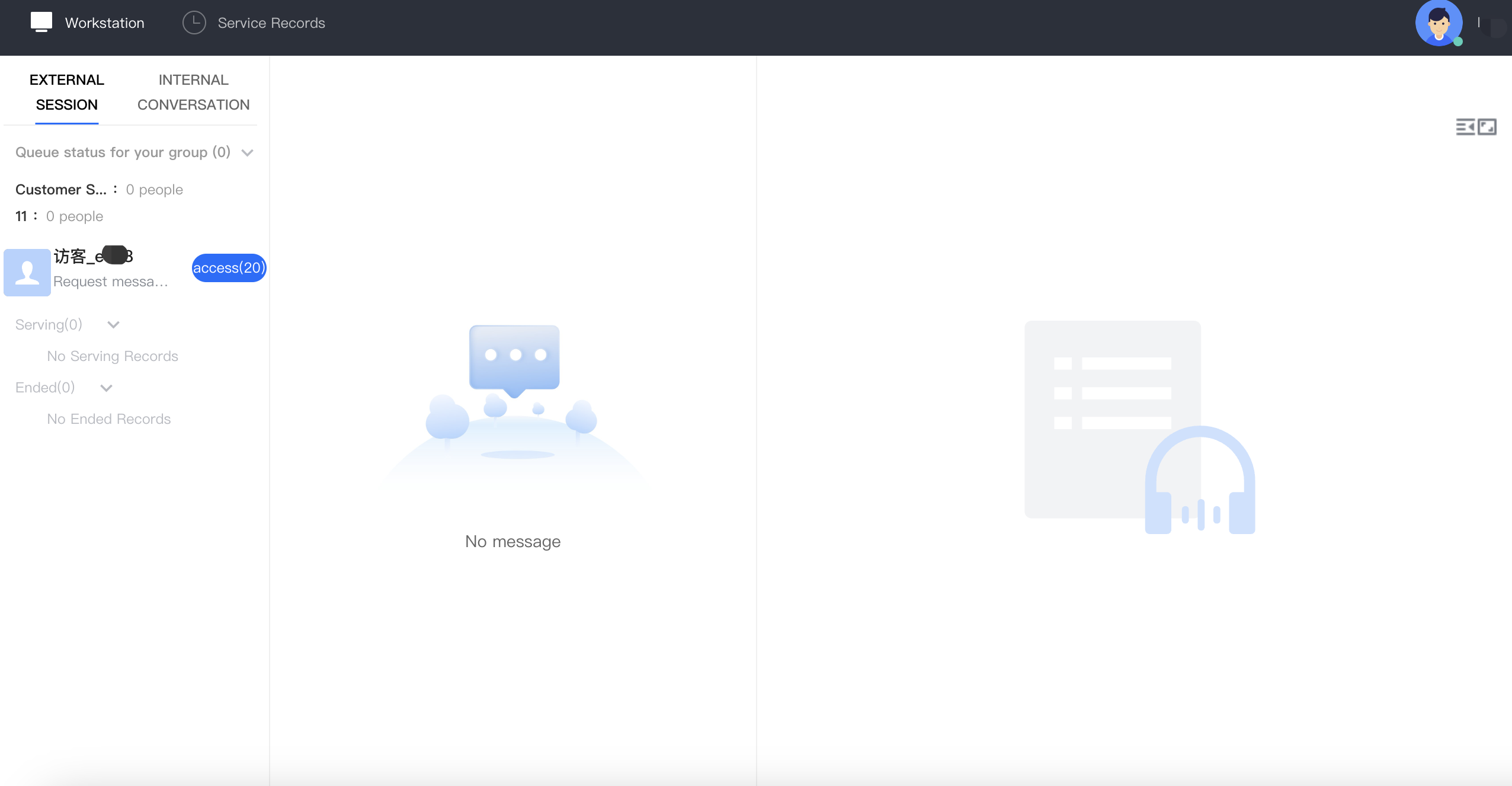
When a conversation is assigned to an agent, the agent workstation will display a notification bar and play a ringtone to alert the agent to the new session. The agent can click the blue button to accept the session.
Note
The notification bar will display a countdown timer. If the agent does not accept the session before the timer expires, the session will be transferred to another agent.
Automated Service of Conversations
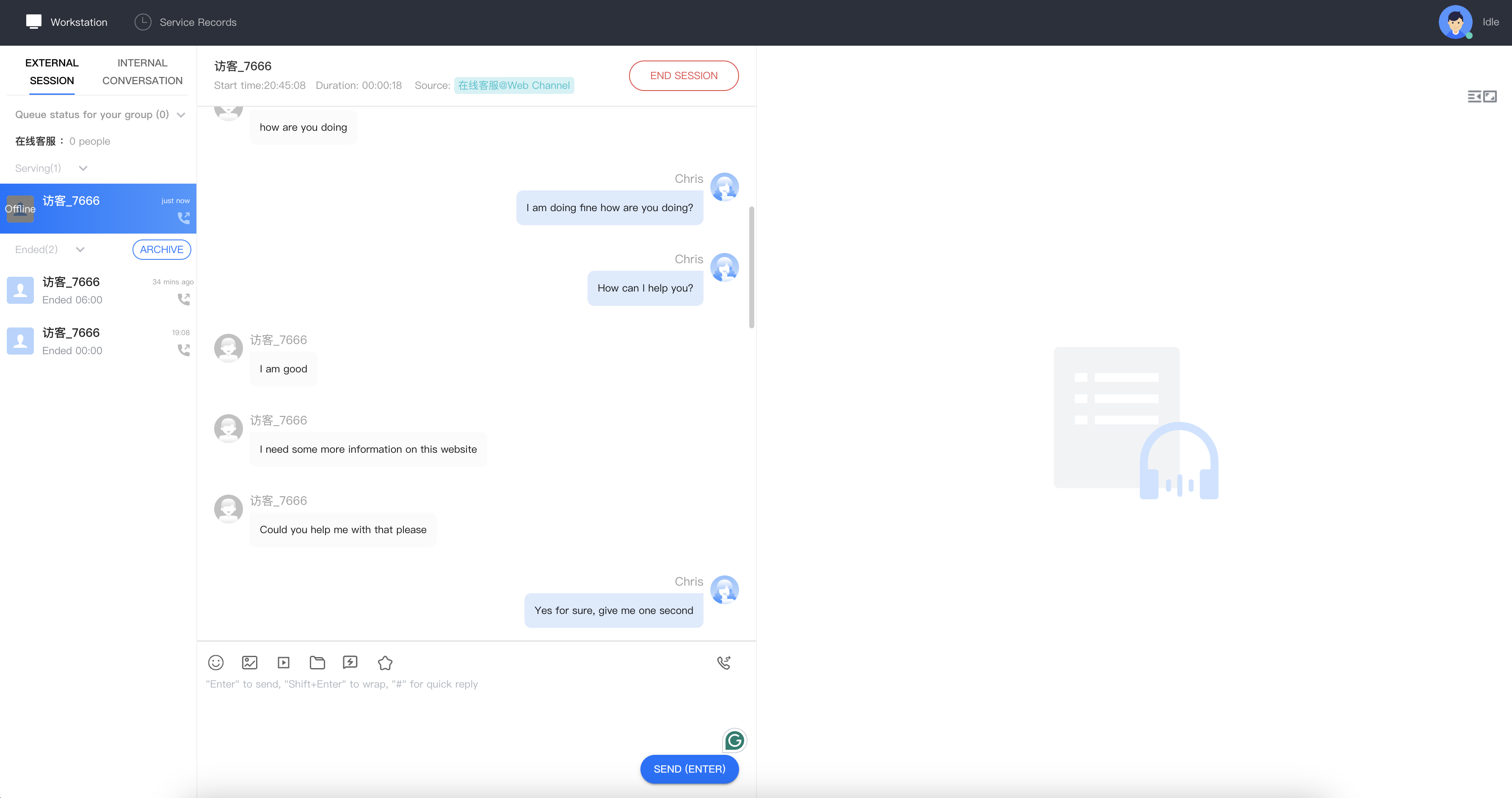
If the administrator has enabled automatic service, when a conversation is assigned to an agent, the workstation will automatically start servicing without displaying a notification bar.
Manual Ending a Conversation
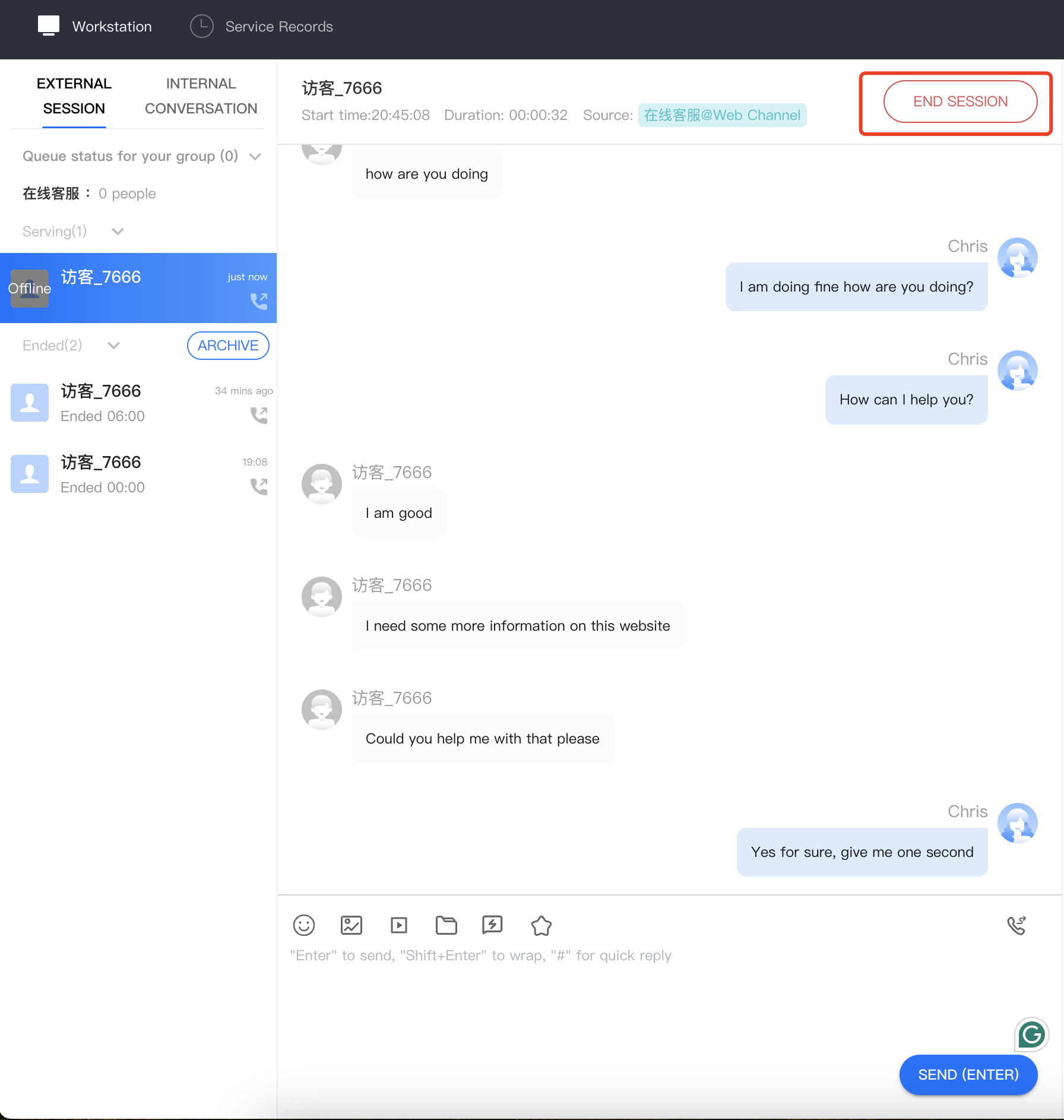
Agents can manually end a conversation with a user by clicking the "End Session" button located in the upper right corner of the conversation window.
Automated Closure of Conversations
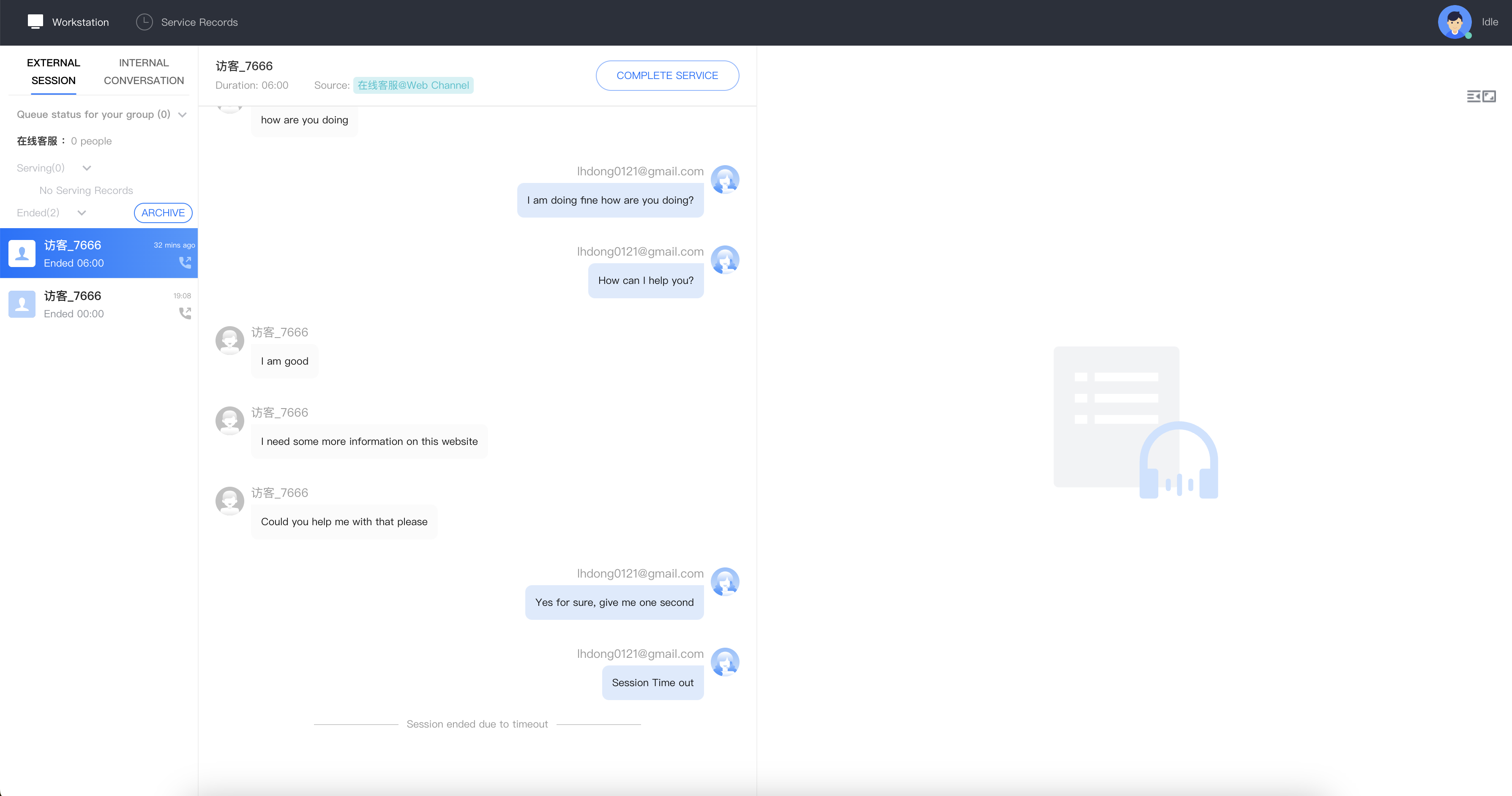
If an agent sends a message to a user and the user does not respond within the administrator-specified time, the system will automatically end the conversation. The agent does not need to manually end it; the conversation will automatically close and send an automatic closure message to the user.