Enable or Disable Data Security Audit
Baixar
Modo Foco
Tamanho da Fonte
This document describes how to enable/disable Data Security Audit in the console.
Prerequisites
Operation Steps
Enabling Data Security Audit
1. Log in to the TencentDB for SQL Server console.
2. Select DSAudit in the left sidebar.
3. Locate the target instance in the instance list, and click Enable Security Audit in its Operation column.

Note:
You can also click Enable Security Audit on the Instance Details page > Data Security > CDS for an instance for which CDS is not enabled.
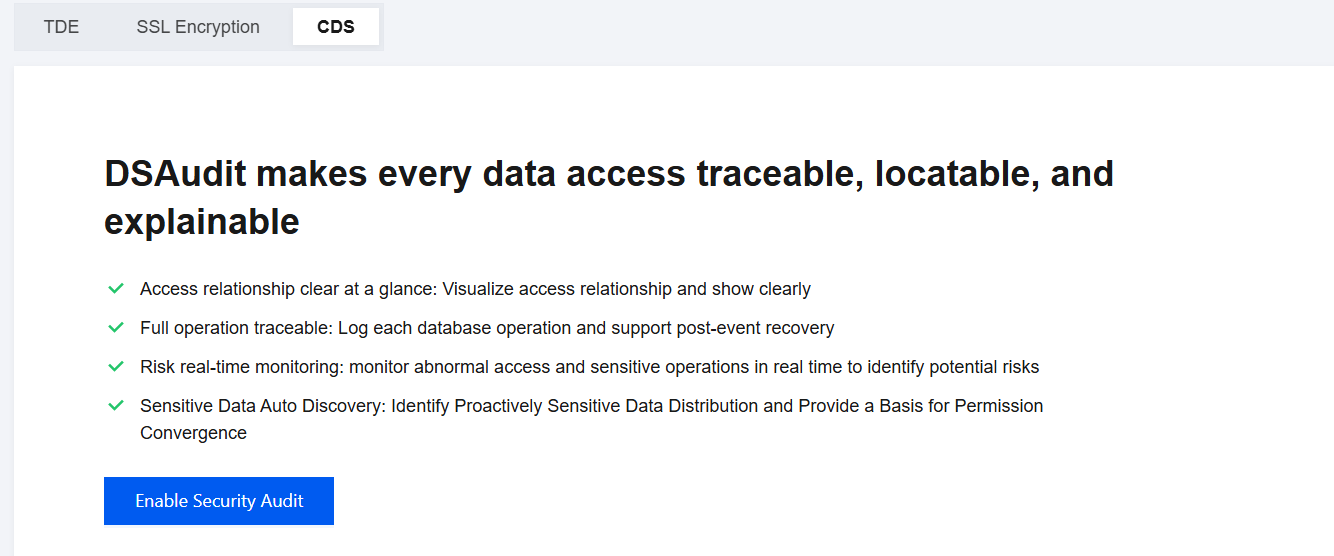
4. In the pop-up window, confirm the ID/name, region, and private network address of the instance to be enabled, as well as the consumed quota and available quota, and then click Confirm.
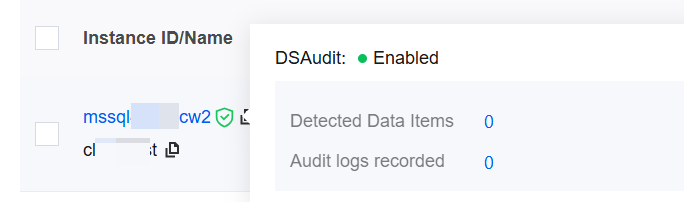
5. After CDS is enabled, a CDS icon is displayed after the instance ID in the instance list. You can use this icon to check whether CDS is enabled for the instance.
Disabling Data Security Audit
1. Log in to the TencentDB for SQL Server console.
2. Select DSAudit in the left sidebar.
3. Locate the target instance in the instance list, and click Disable under the Security Audit Status field.

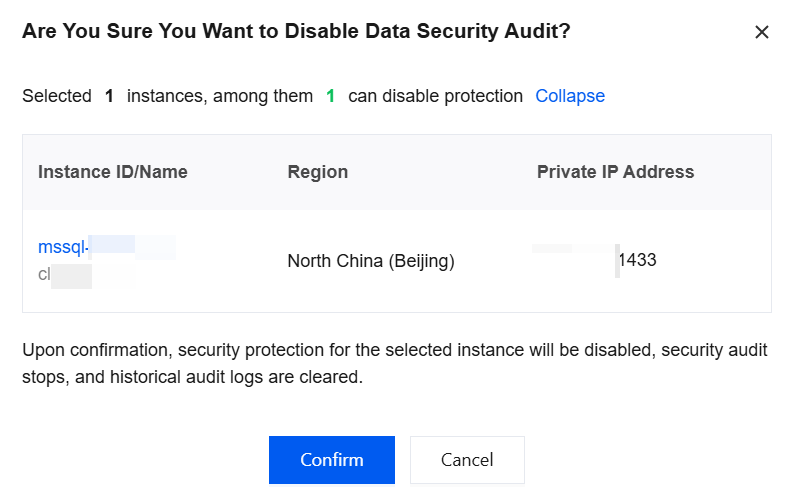
4. In the pop-up window, confirm the ID/name, region, and private network address of the instance to be disabled, and then click Confirm.
Note:
After you click OK, security protection will be disabled for the selected instance, security audit will be stopped, and historical audit logs will be cleared.
Ajuda e Suporte
Esta página foi útil?
Você também pode entrar em contato com a Equipe de vendas ou Enviar um tíquete em caso de ajuda.
comentários