, enter gpedit.msc, and press Enter to open the Local Group Policy Editor.
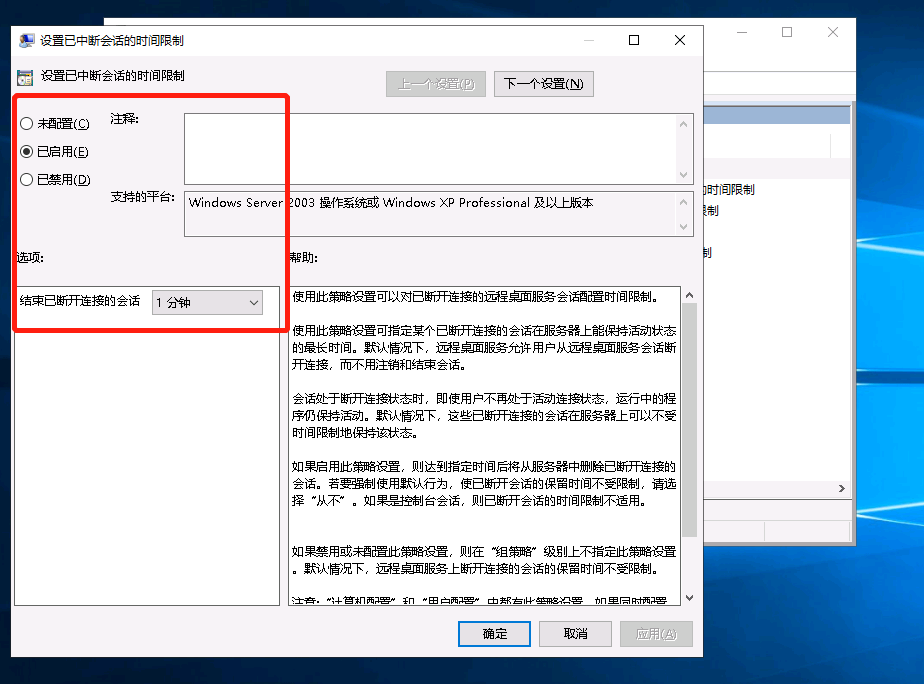
3. Go to Run > gpedit.msc > Computer Configuration > Administrative Templates > Windows Components > Remote Desktop Services > Remote Desktop Session Host > Session Time Limit, locate "Set the time limit for interrupted sessions," enable it, and set End disconnected sessions to 1 minute.
4. Add the user to the Remote Desktop Users group.