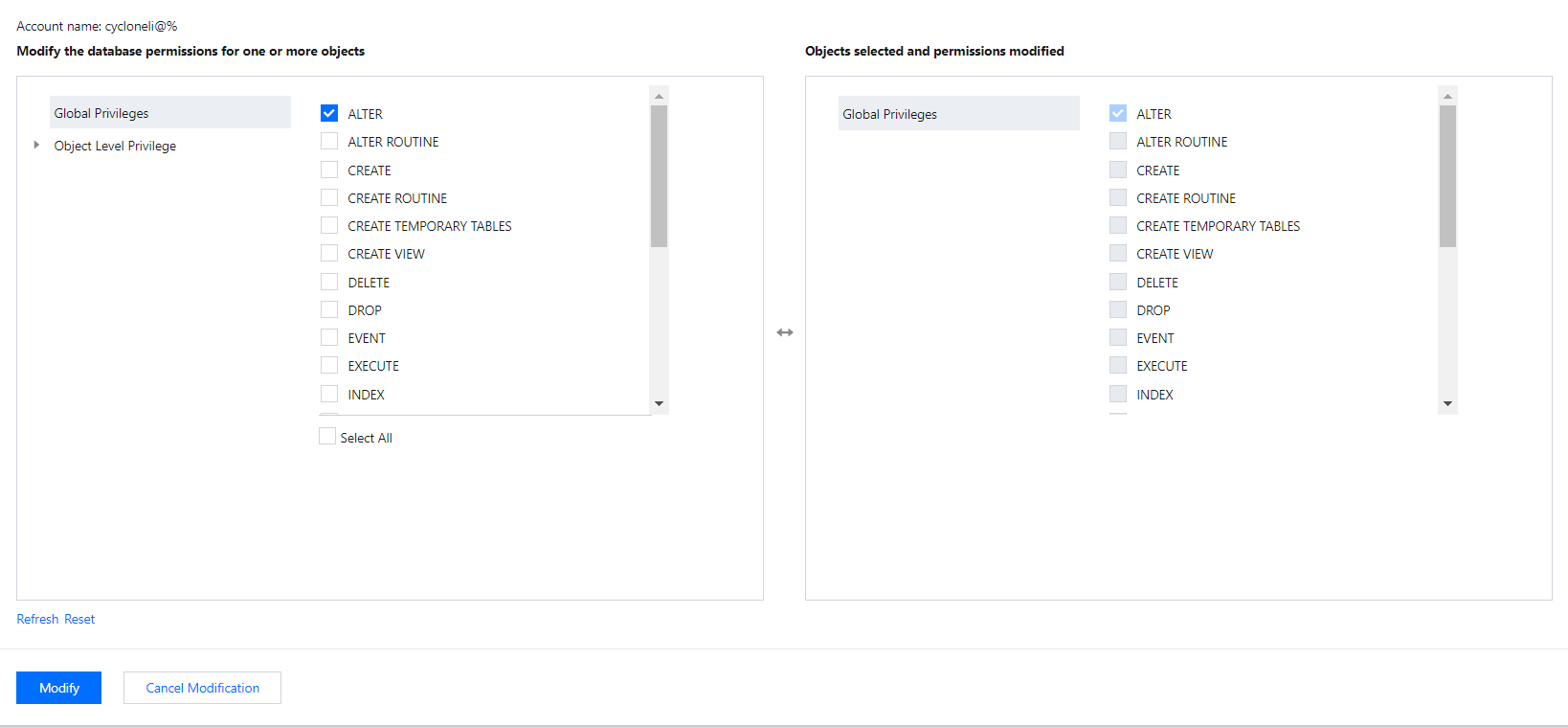
You can grant global/object-level privileges for TencentDB for MariaDB accounts in the console.
Directions
1. Log in to the TencentDB for MariaDB console. In the instance list, click an instance ID or Manage in the Operation column to enter the instance management page.
2. On the instance management page, select the Account Management tab, find the account for which to modify the permission, and click Modify Permissions.
3. In the pop-up dialog box, select or deselect permissions and click OK to complete the modification.
Global Privileges: Grant permissions to all databases in the instance.
Object-Level Privileges: Grant permissions to certain databases in the instance.