Getting Started
Unduh
Mode fokus
Ukuran font
Tencent eSign is a one-stop electronic envelope signing platform. It supports online document upload, signing area configuration, envelope sending, and electronic signing, helping individuals and enterprises complete the envelope signing process efficiently and securely. If you are using Tencent eSign for the first time, follow the steps below to experience its core features.
Step 1: Registering a Tencent eSign Account
Register an account on the Tencent eSign page by following the on-screen prompts. For detailed steps, see Account Rigistration. If you already have a Tencent eSign account, skip this step.
Step 2: Logging In to the Tencent eSign System
Step 3: Sending a Envelope
After logging in to your Tencent eSign account, go to the Home. The platform supports sending envelopes in the following two ways. For details, see Envelope Sending.
Send an envelope using your own file:
Send an envelope by clicking the Upload File area on the Home page.

Send an envelope by clicking the Send Envelope on the Envelopes page.
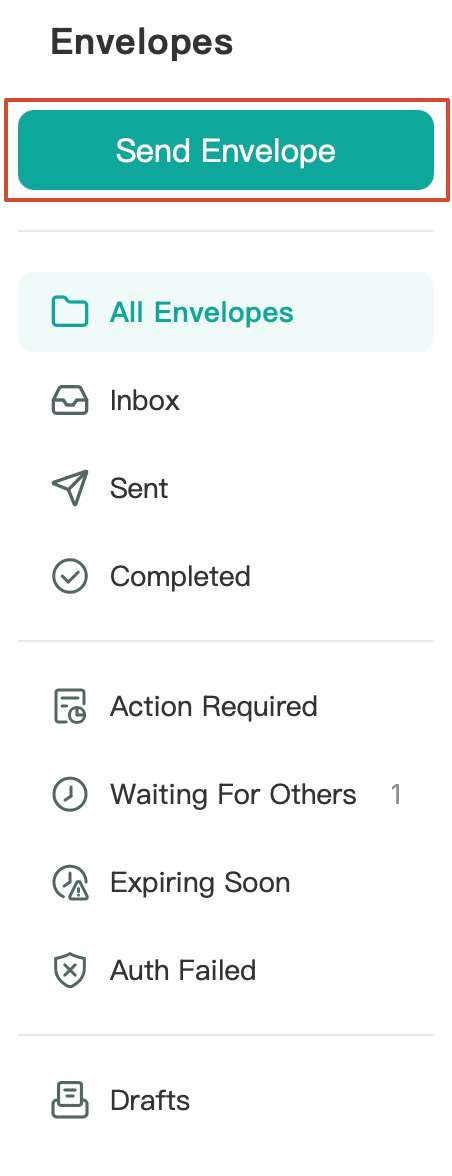
Send an envelope using an template: Click the Starter Envelopes area on the Home page to start the process.

Step 4: Receiving an Envelope
If another individual/enterprise sends you an envelope you will be notified via email and can then view and sign it.
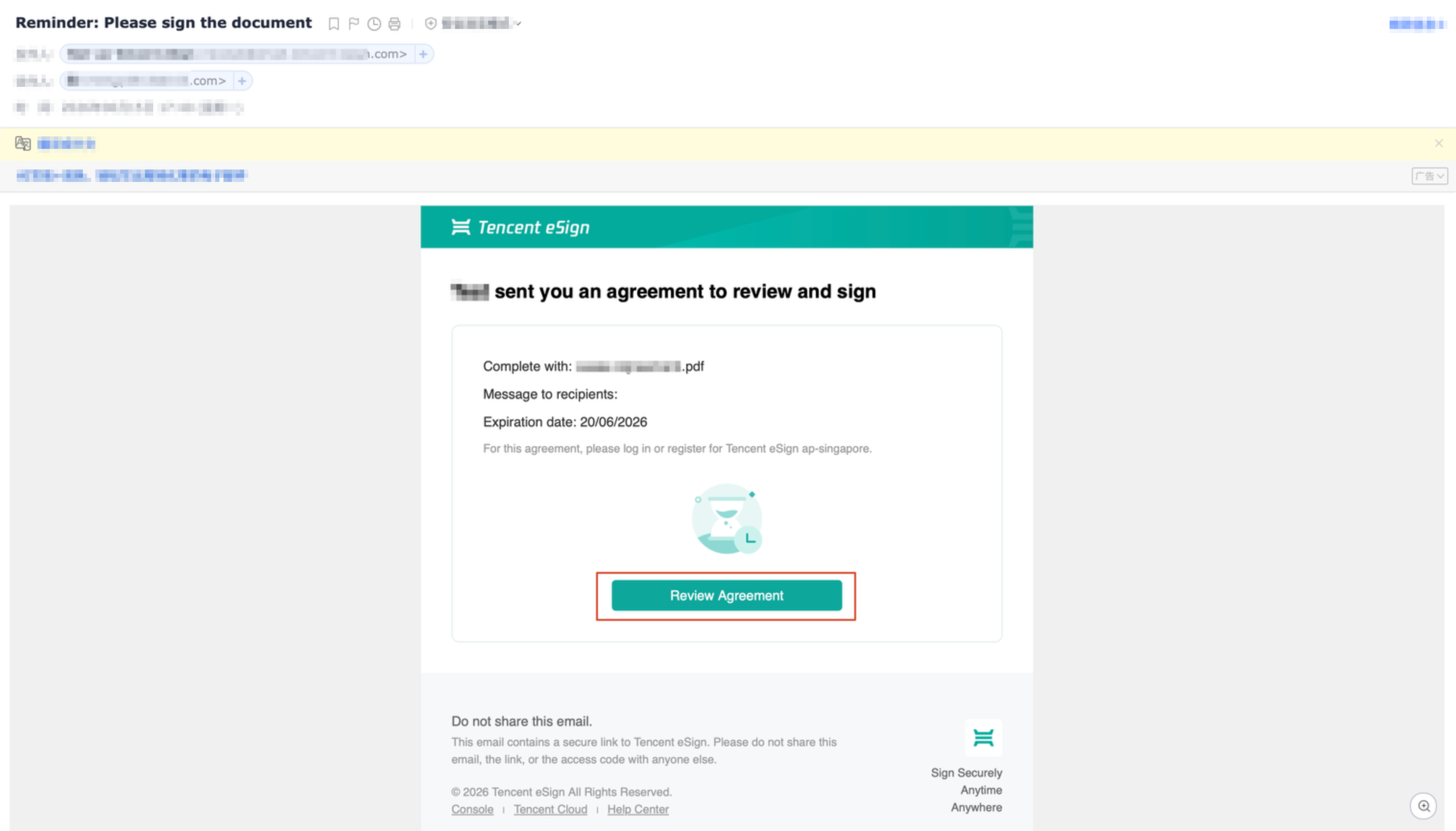
You can also go to the Envelope List page and locate and view envelopes pending signature in the Inbox or Action Required category.
Step 5: Signing a Envelope
The following describes the in-console signing process. For more detailed steps, see Envelope Signing.
1. Click Sign for the target envelope to go to the envelope signing page.

2. Complete the signing operation in the signature area marked as Sign Here in the document.

3. Follow the on-page instructions to complete operations for Stamp, Text, and other controls.
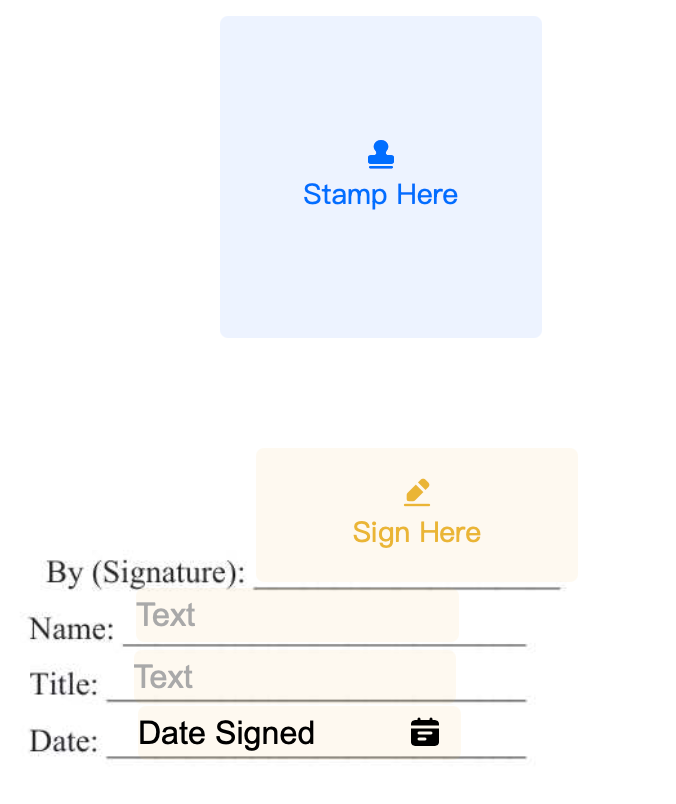
4. After verifying that all signing information is correct, click Finish in the upper-right corner to finish the signing process.
Bantuan dan Dukungan
Apakah halaman ini membantu?
Anda juga dapat Menghubungi Penjualan atau Mengirimkan Tiket untuk meminta bantuan.
masukan