效果展示
下载
聚焦模式
字号
标记会话
集成
TUIConversationMarkPlugin 成功后,在 TUIConversation 会话列表界面左滑 Cell 就能标记一个会话,当会话被标记后,会在会话列表上方展示“标记”分组栏,如下图所示:标记会话 | “标记”分组 |
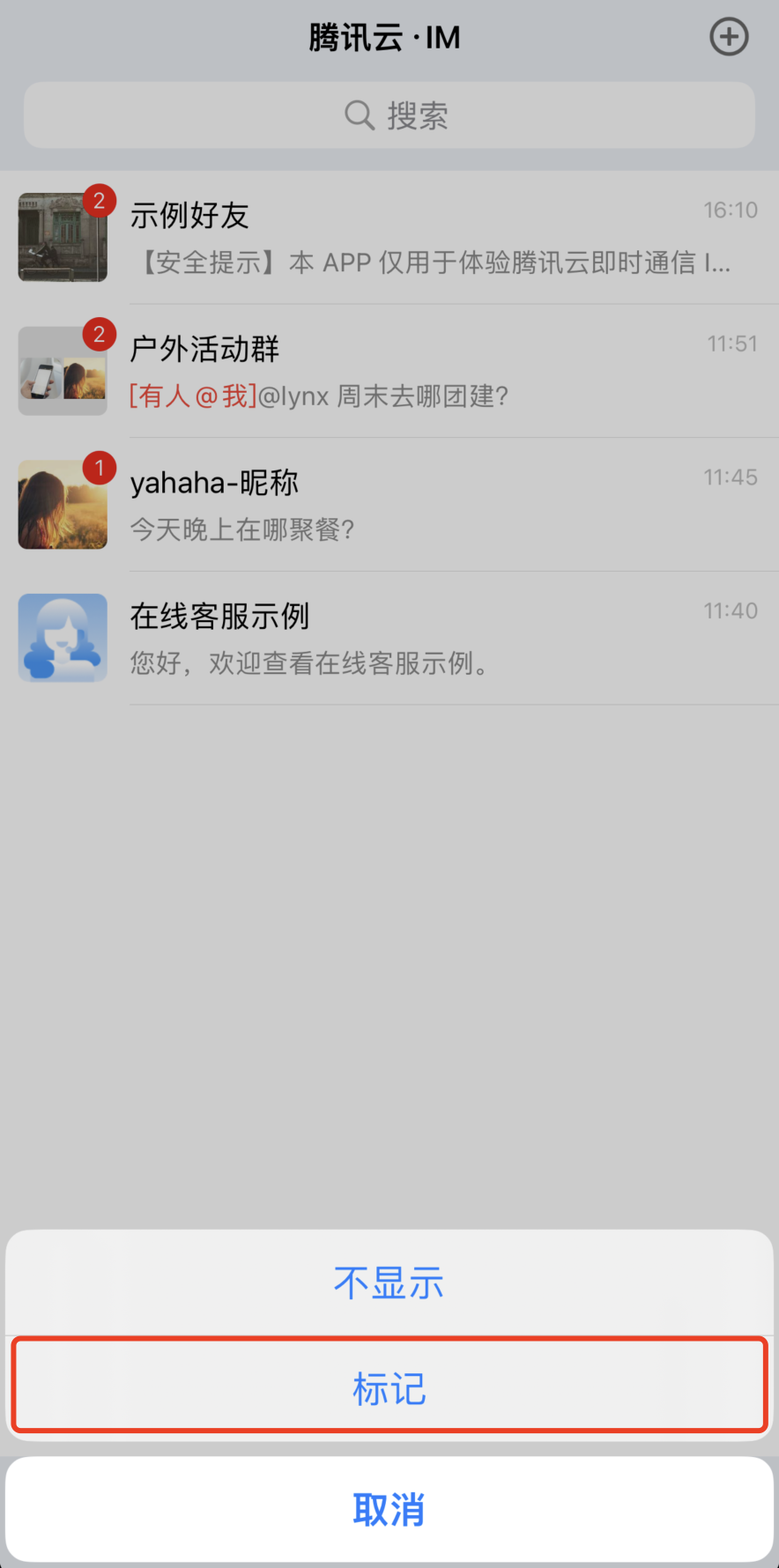 | 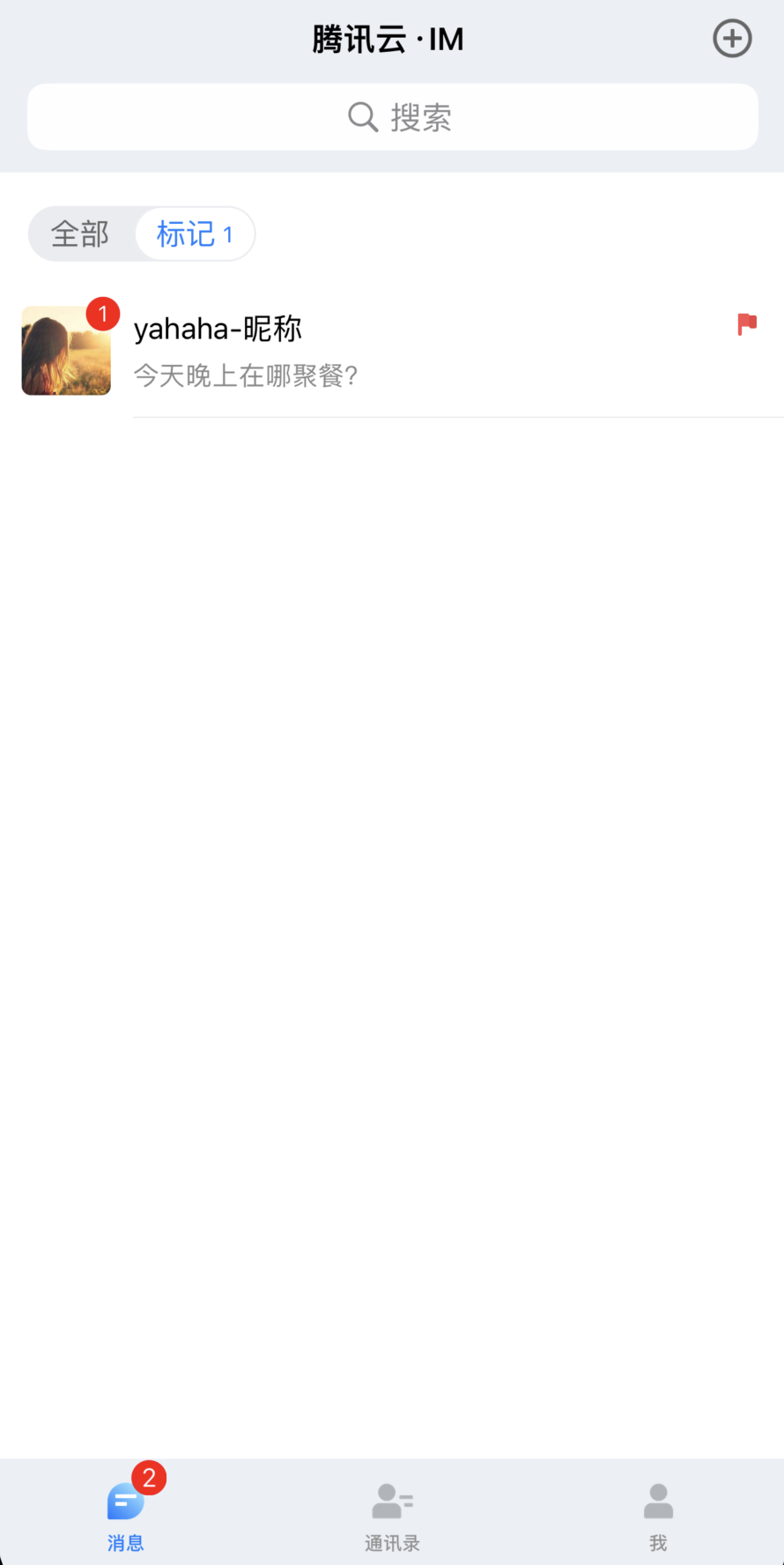 |
取消标记会话
如果一个会话已经被标记,当对该会话 Cell 左滑时,可以取消标记会话。
注意:
如果从来没有标记过会话,“标记”分组默认不展示,如果标记过会话,即使该会话已经被取消标记,“标记”分组也会一直展示。
文档反馈