Modifying Storage Period
Download
Focus Mode
Font Size
TMP allows you to modify the data storage period after creating an instance. The longer the storage period, the higher the unit price of the instance. For billing details, see Pay-as-You-Go.
Directions
1. Log in to the TMP console.
2. In the instance list, find the target TMP instance and click More > Instance Configuration > Modify Storage Period on the right.

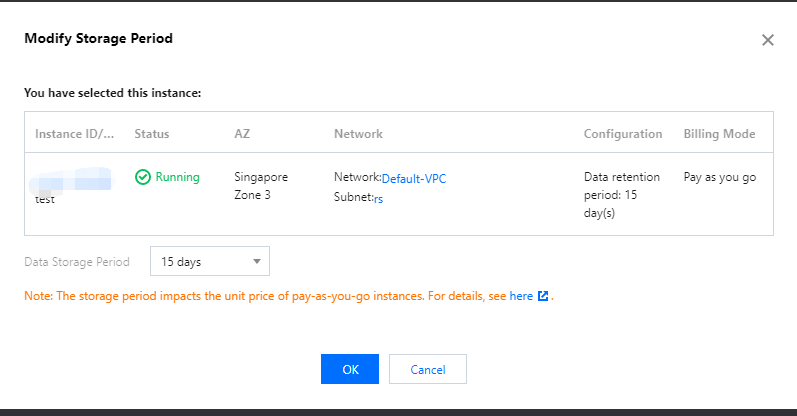
3. In the pop-up window, select the target storage period and click OK.
Note:
After the modification, newly collected data will be billed based on the new storage period and unit price from 0:00 AM the next day.
Historical data is still stored based on the storage period configured before the modification.
Help and Support
Was this page helpful?
You can also Contact sales or Submit a Ticket for help.
Help us improve! Rate your documentation experience in 5 mins.
Feedback